
The method applies to:
VXDIAG multi tool Benz & BMW
Allscanner VXDIAG Benz
Xentry/DAS registration steps:
Install the computer driver
Then register Mercedes software
(two MB software is registered in the same way)
Open local disk C:
Open KEY application
Click on the lock icon
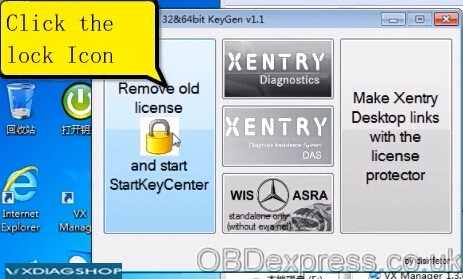
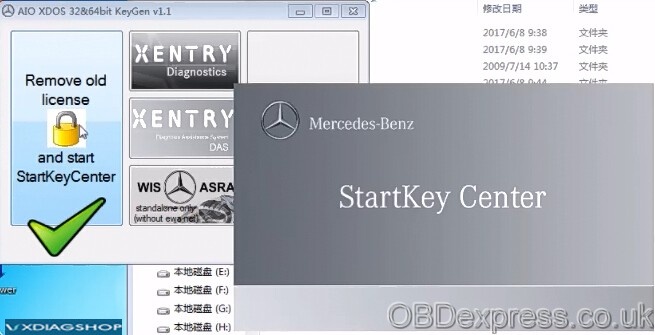
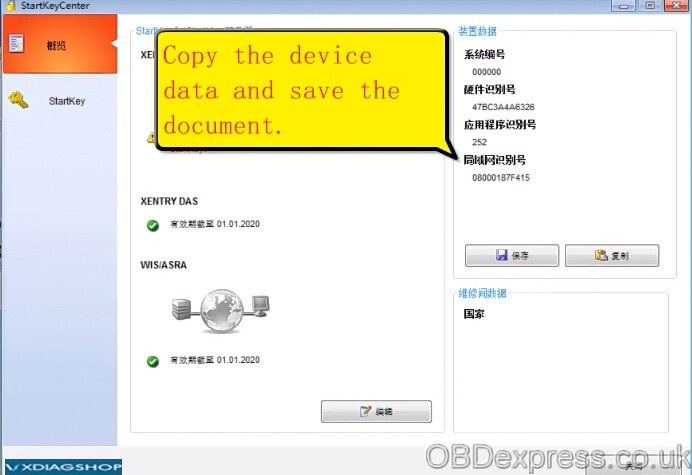
Copy the device data and save data in a new .txt
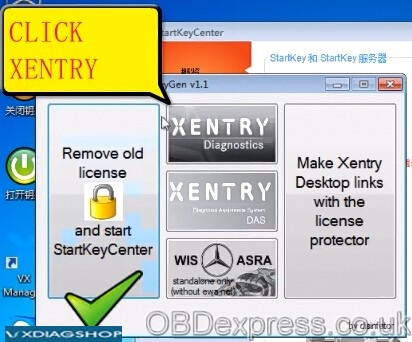
Click on XENTRY Diagnostics
Copy the hardware id to register software
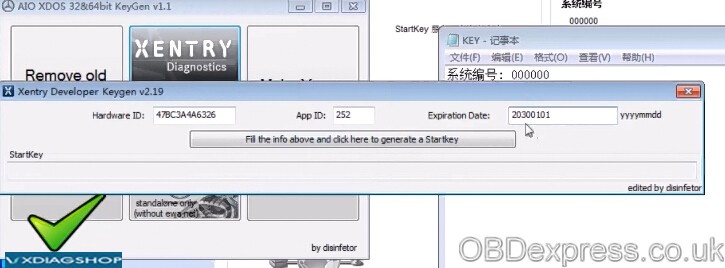
Change the expiration date to 2030

Click on “Fill the info above and click here to generate a starkey”
Copy the starkey and save data
Go to Starkey center
Enter Starkey and save it
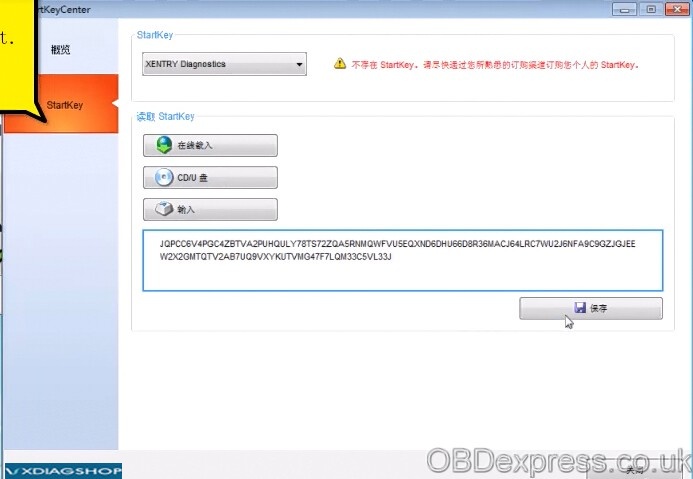
Close Starkey center
Open local disk C:
Open KEY saved application, then ok

Open VX Manager
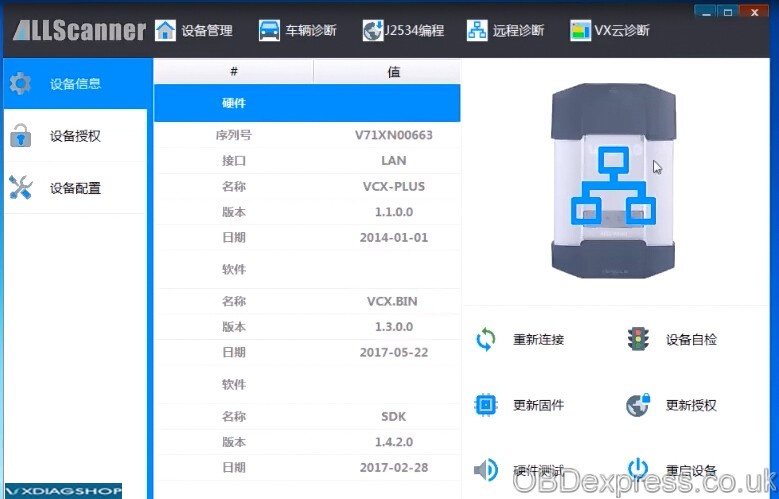
Open Mercedes Pass Thur (Xentry diagnostics)

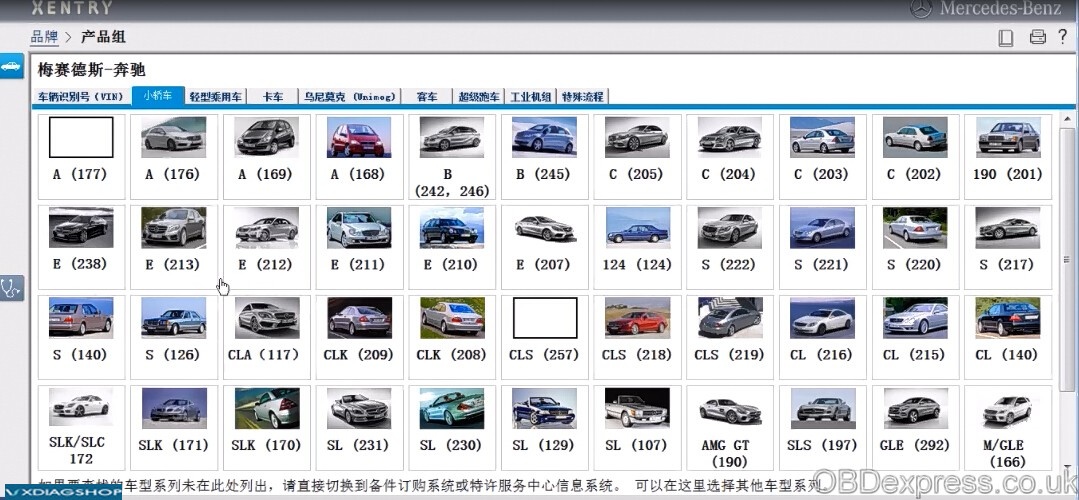
Now you can select a model to have a diagnostic test or do coding/programming
vxdiagshop.com

No comments:
Post a Comment