
In detail...
Insert the Honda Diagnostic System installation CD and double click to run
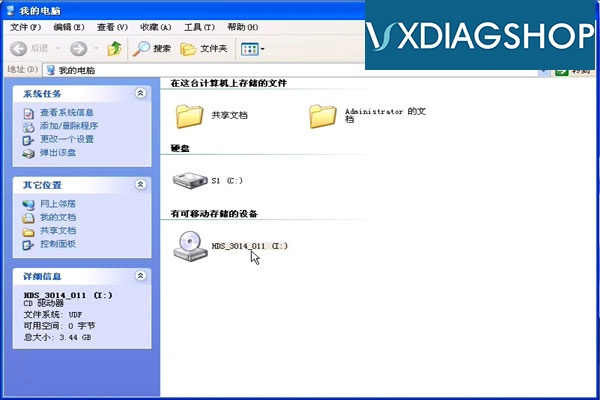
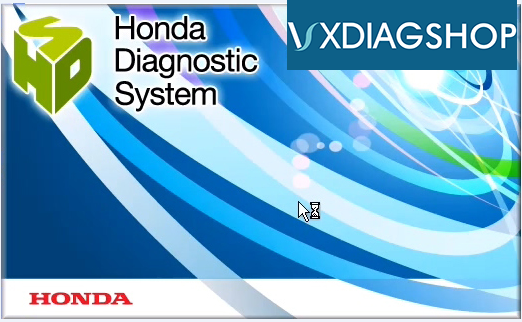
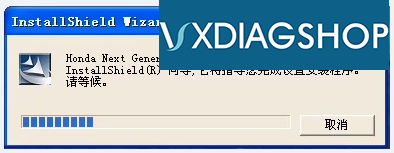
Click [Next]
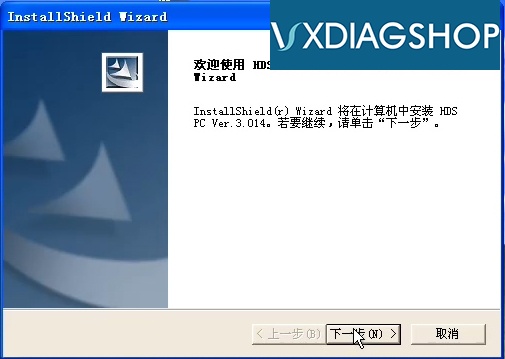
Read the license agreement and click [Yes]
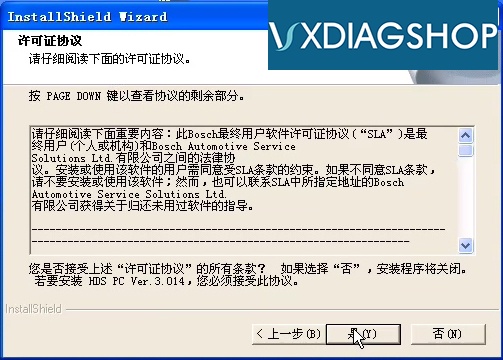
Select a region and click [Next]
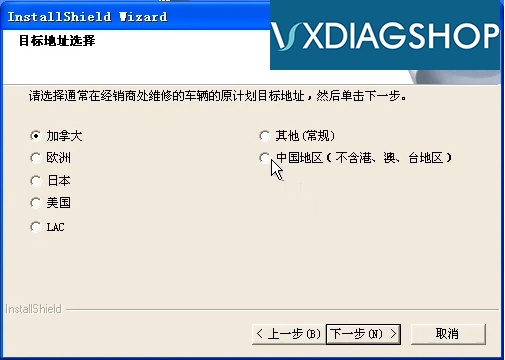
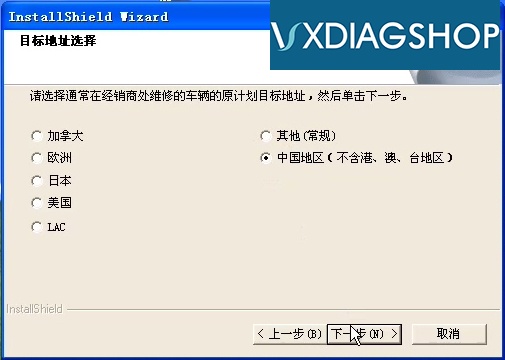
Select production, distributor, click [Next]

Enter the dealer number and click [Next] (the number format is between 1 and 12 digits)
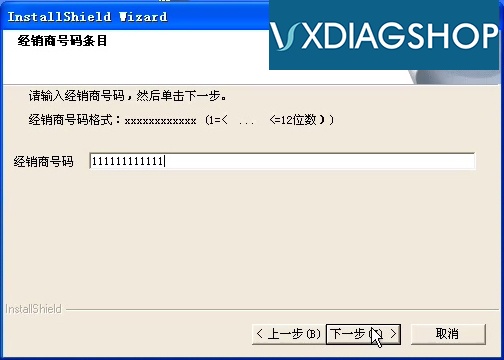
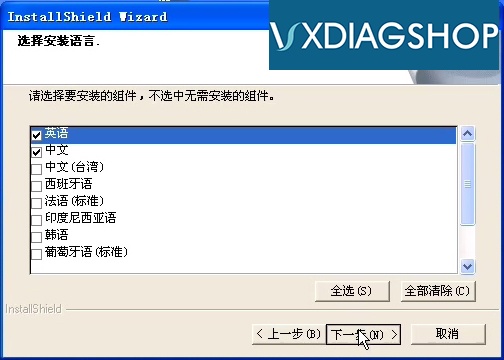
Select the installation language and click [Next]
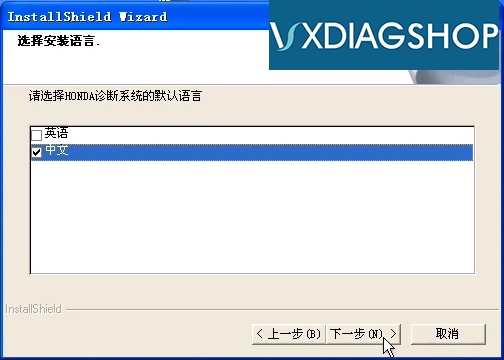
Select the default language of the Honda diagnostic system and click [Next]
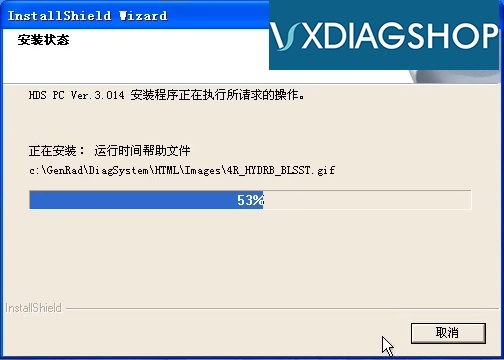
installing....
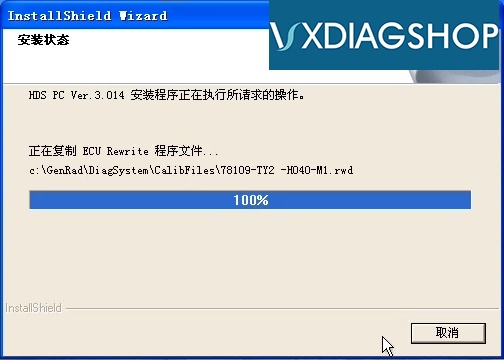

Click [Finish] ,the Honda Diagnostic System is successfully installed.
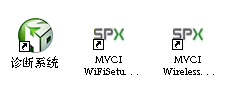
After the installation is complete, the following three shortcuts are generated on the system desktop.

http://www.vxdiagshop.com/
No comments:
Post a Comment