
Preparation:
You need to connect vehicle with an extra power supply to make sure voltage is no less than 12.5V. Do strictly follow every IGN ON/OFF operation.
Procedure:
[embed]https://youtu.be/iShuC-SgDr4[/embed]
Connect VXDIAG multi tool with vehicle via OBD socket
Run VXDIAG SDD software
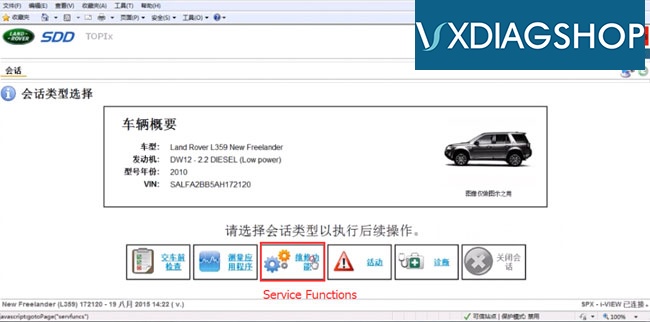
Auto detect vehicle informaiton
Select Service Functions
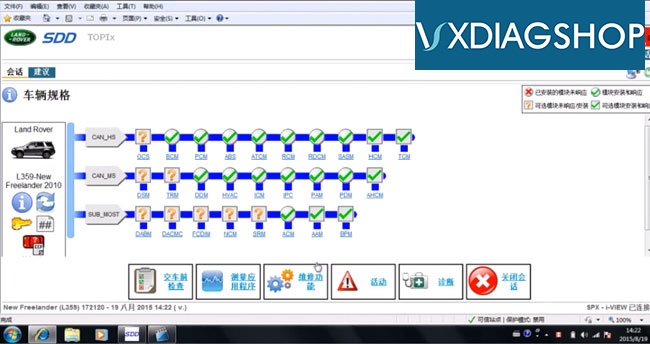
Scan all modules available
Go to Recommendation tab
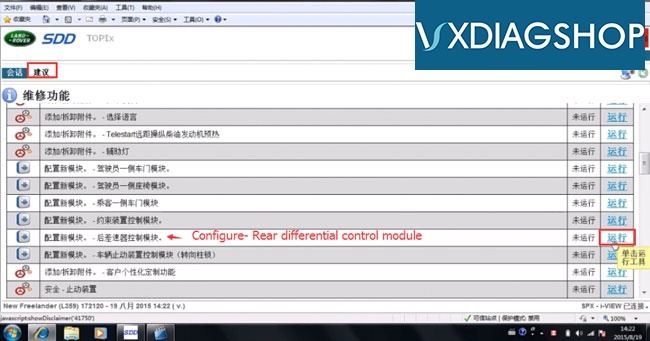
Select Rear differential control module and press RUN
Accept license agreement
Turn ignition switch to ON position
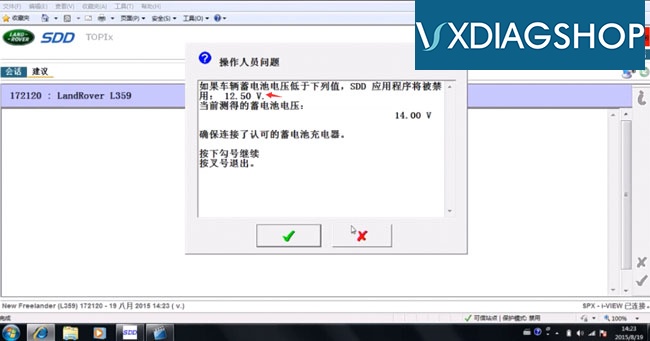
Current voltage: 14V. VXDIAG JLR SDD will refuse to work if voltage lower than 12.5V.
Turn OFF ignition
Turn ON ignition
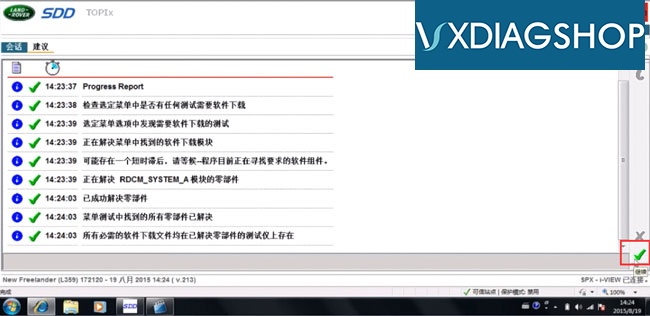
Progress report, press tick mark to continue
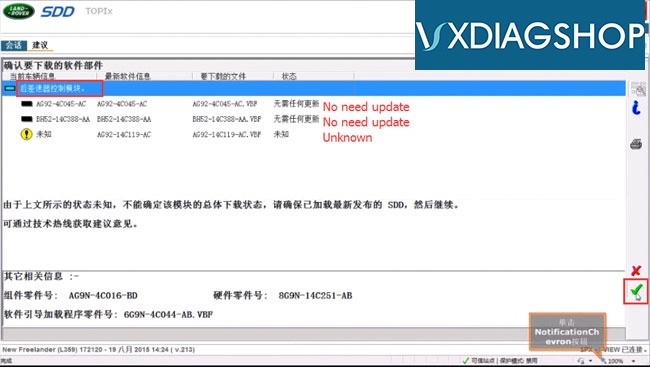
Check and update Rear differential control module by pressing tick mark
Module initializating
Turn OFF ignition
Turn ON ignition
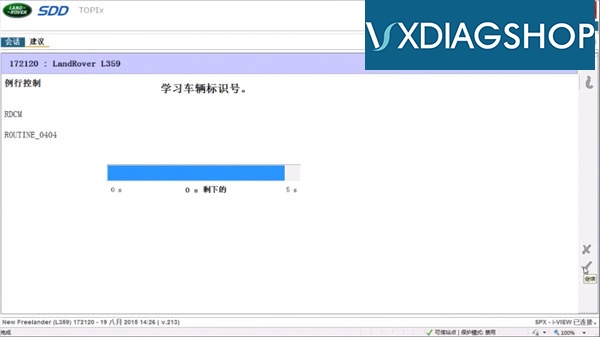
VIN learning routine
Turn OFF ignition
Turn ON ignition
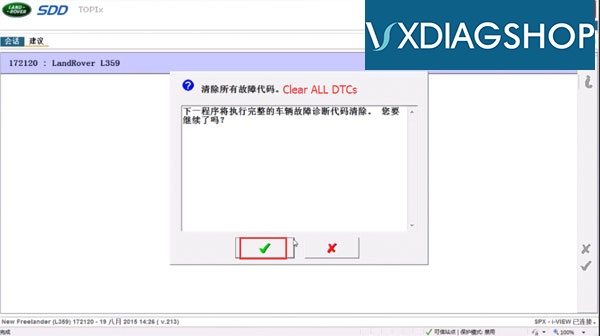
Clear ALL DTCs
Turn OFF ignition
Turn ON ignition
Rear differential control module programming success with JLR SDD.
http://www.vxdiagshop.com

No comments:
Post a Comment