
Software version: SSM 3 V2018.10
Operating system: Windows XP/Windows 7
Language:English German Spanish French Italian
Main steps:
Step 1: Install SSM3 setup
Step 2:Install SSM4 setup
Step 3: Install FlashWrite
Step 4: Install VX Manager driver
Disclaimer: You should install SSM4 setup to finish installation. But VXDIAG scanner is not compatible with SSM4 software. Do always use SSM3 software only.
Procedure:
[embed]https://youtu.be/LuHGWOiNKjE[/embed]
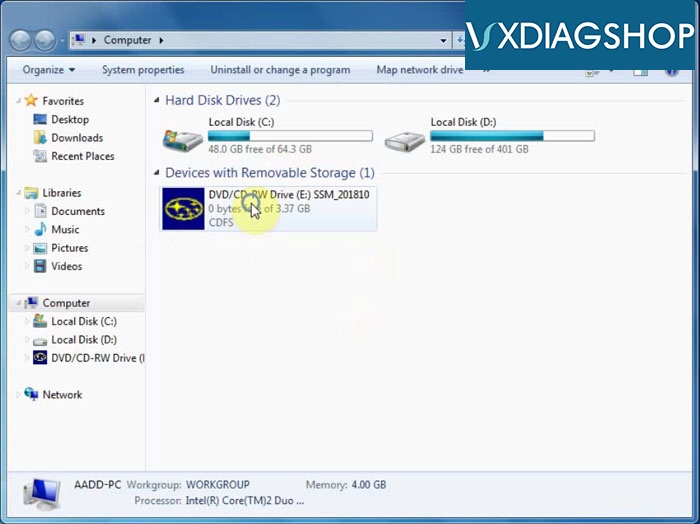
Open SSM_201810 software CD
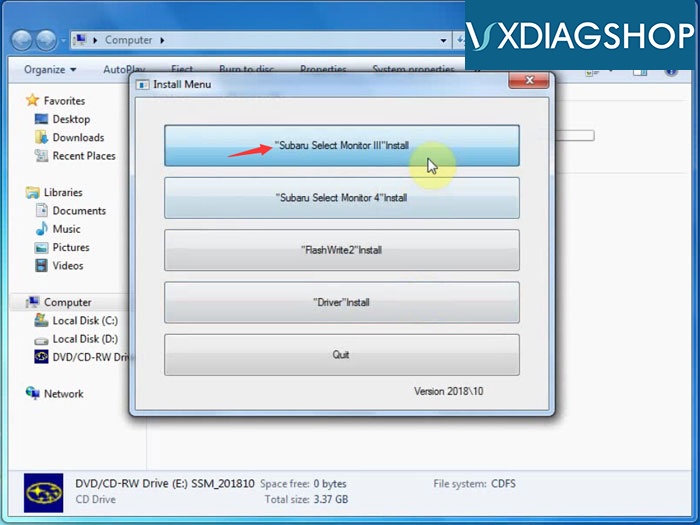
Select "Subaru Select Monitor III" Install
Accept license agreement
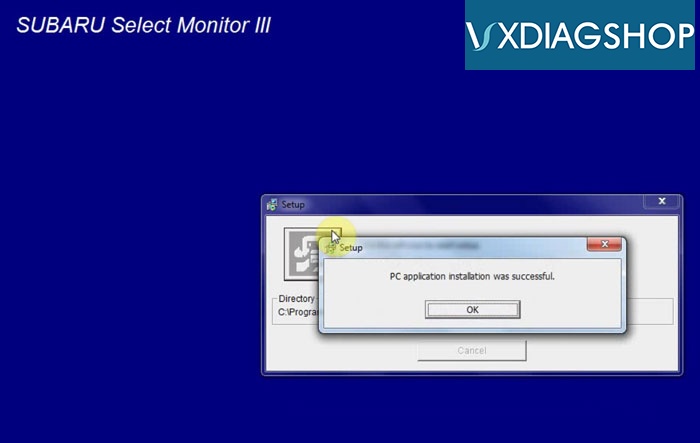
Install diagnosis software setup
PC application installation success
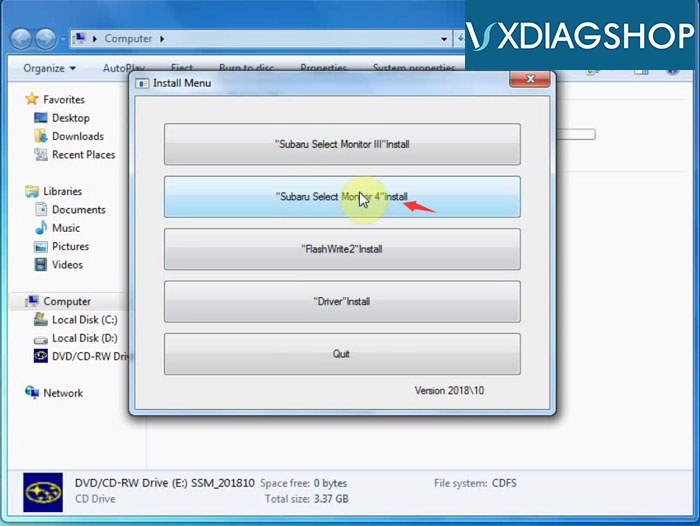
Select "Subaru Select Monitor 4" to install
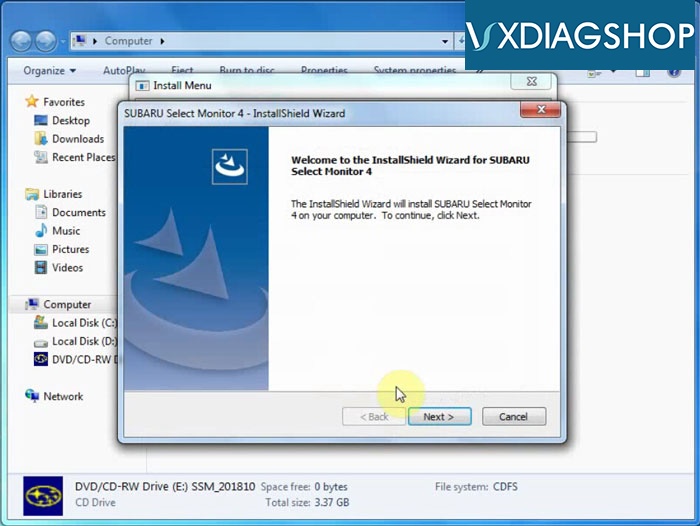
Install Wizard for SSM4
Accept license agreement
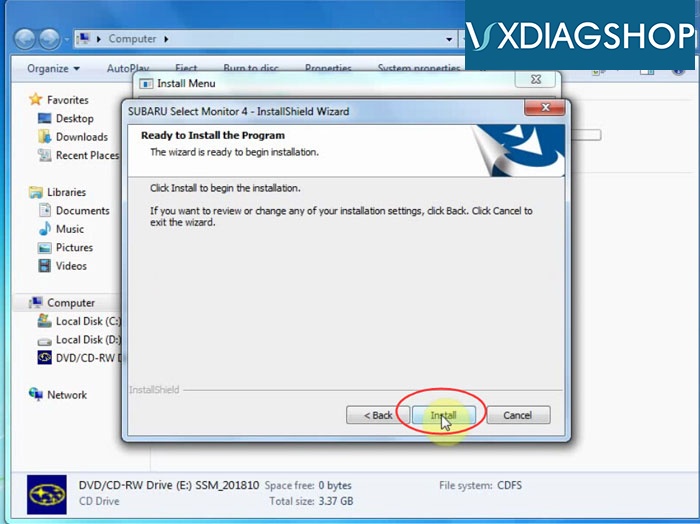
Press Install
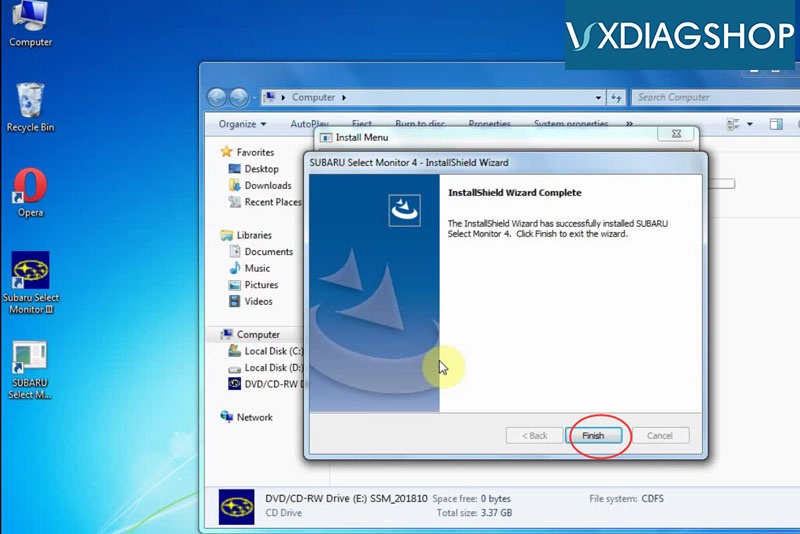
The InstallShield Wizard has successfully installed Subaru Select Monitor 4
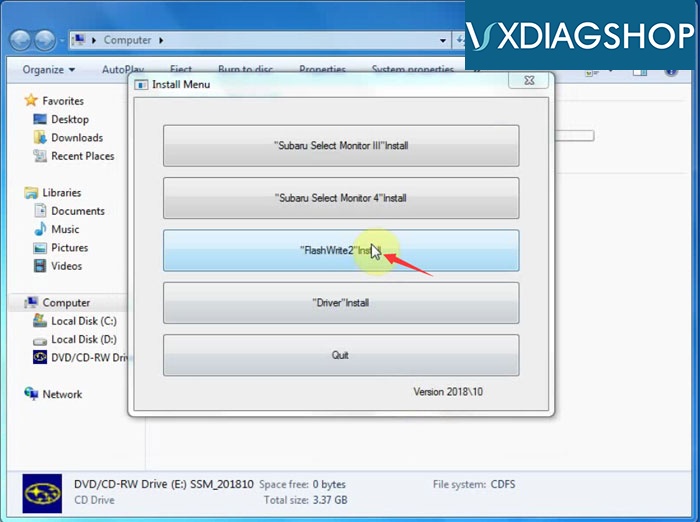
Select "FlashWrite2" Install
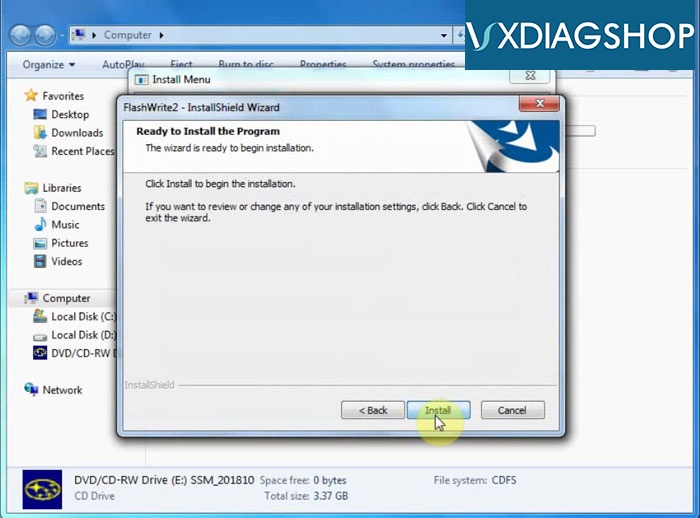
Press Next to install
Accept license agreement
Press Install
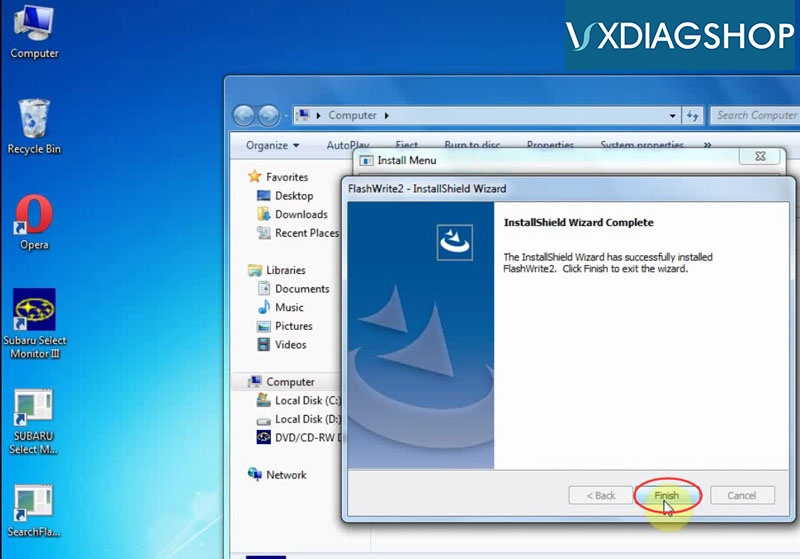
Installed FlashWrite2" success
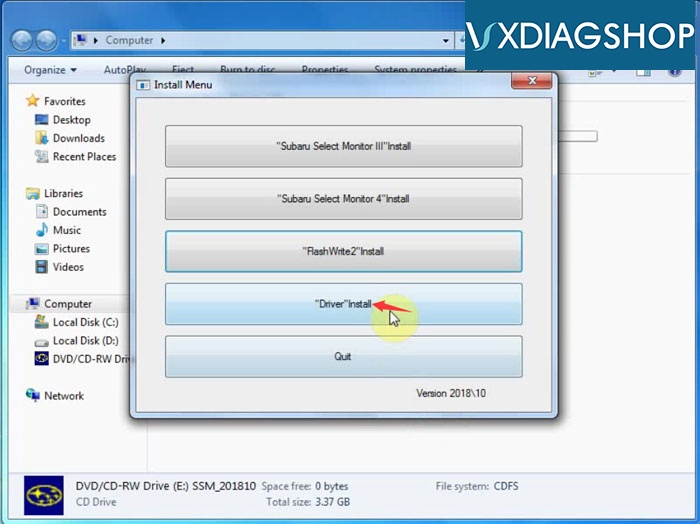
Select "Driver" install
Accept license agreement
Remove device when installing
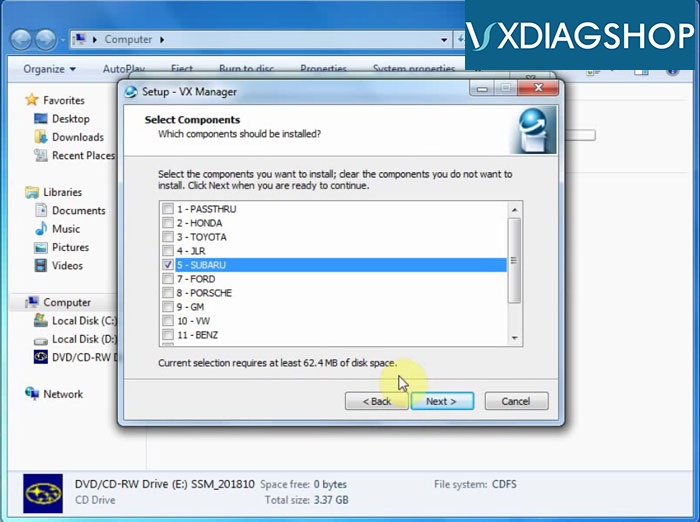
Select to install Subaru VX Manager driver
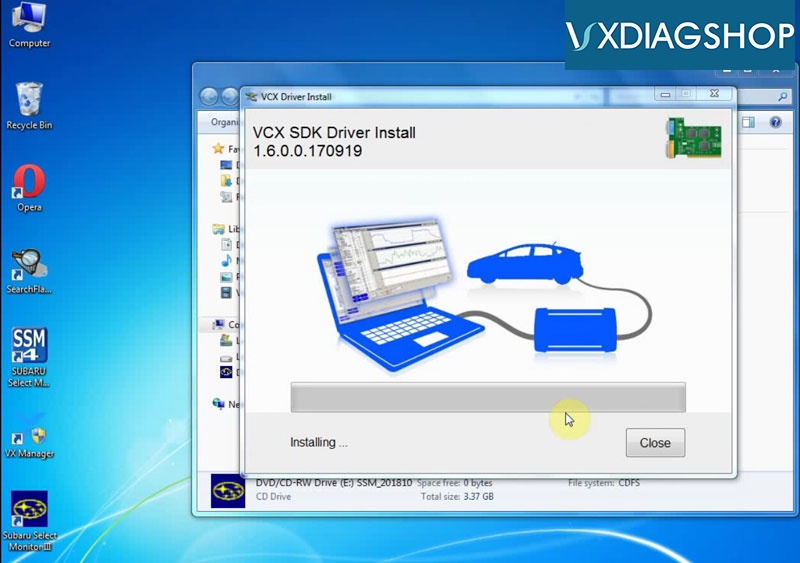
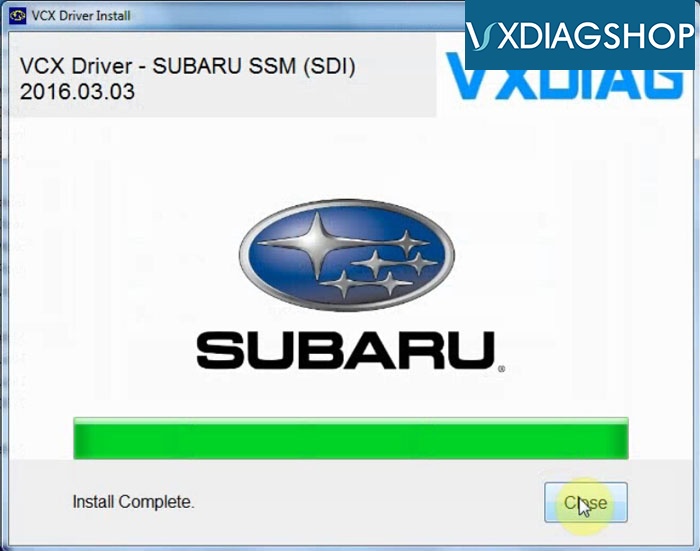
Install Subaru SSM VCX Driver completed
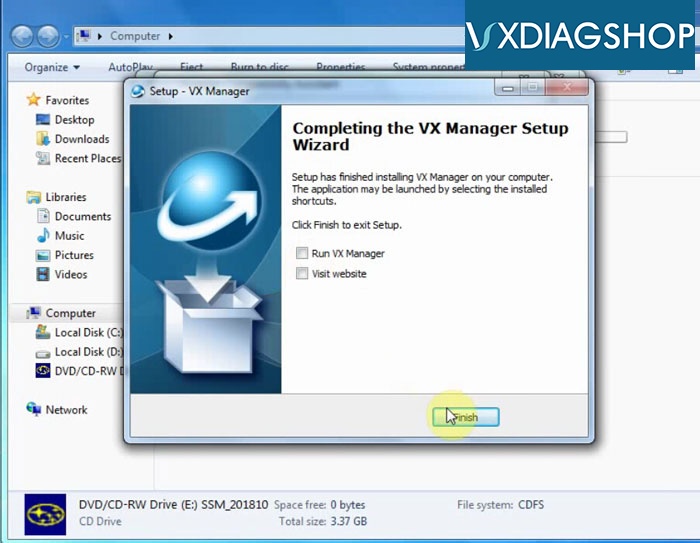
Quit Install Menu
Run Subaru Select Monitor III software on desktop
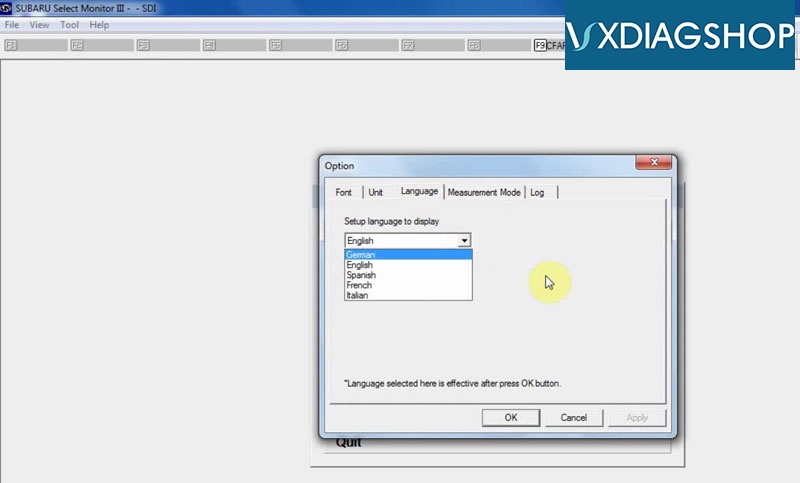
Go to Tool tab->Option to do select language you desired
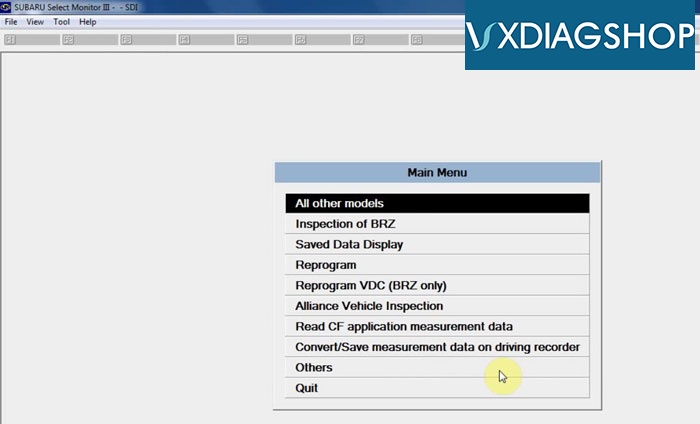
V2018.10 VXDIAG Subaru diagnostic software is ready to use.
www.vxdiagshop.com

No comments:
Post a Comment