
Tech2Win is a PC program that executes Tech2 software on a Windows PC. Tech2Win communicates with a vehicle through a vehicle communication interface (VCI), using the MDI or an ISO 22900 PDU API compliant device.
Compatible device: GM Tech2, MDI or VXDIAG VCX NANO for gm
Procedure:
Repair GM NAO 33.004.bin file, can be free downloaded on various forums or pay for the 32MB GM card.
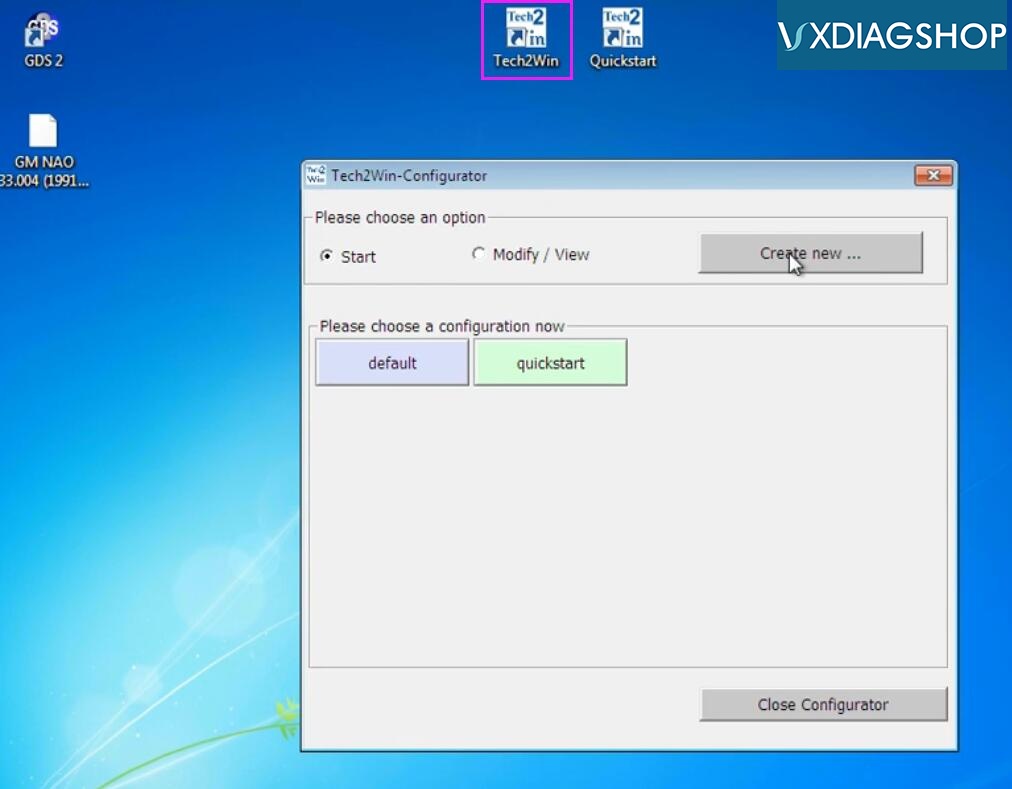
Open Tech2win software on desktop and Create new configuration
Create a configuration: GM NAO and press Copy
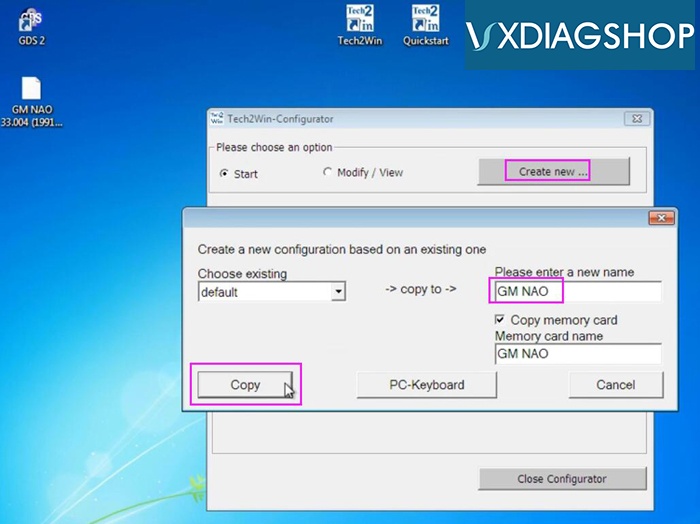
New configuration was created
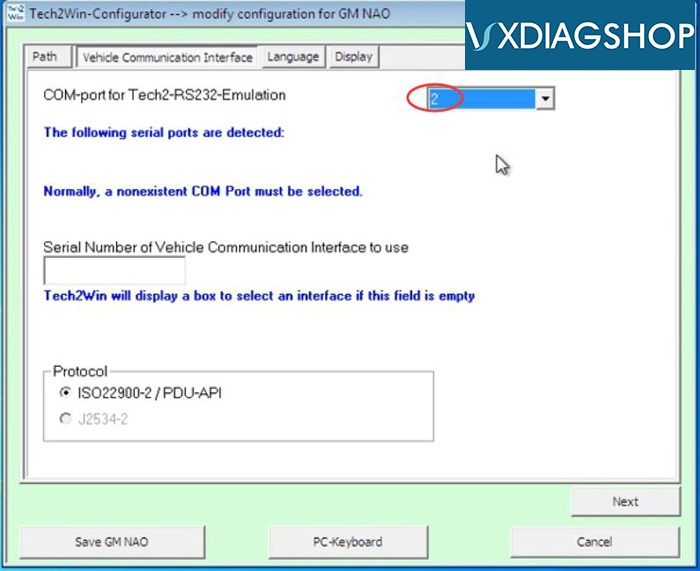
Set COM port to #2
Multi-language optional
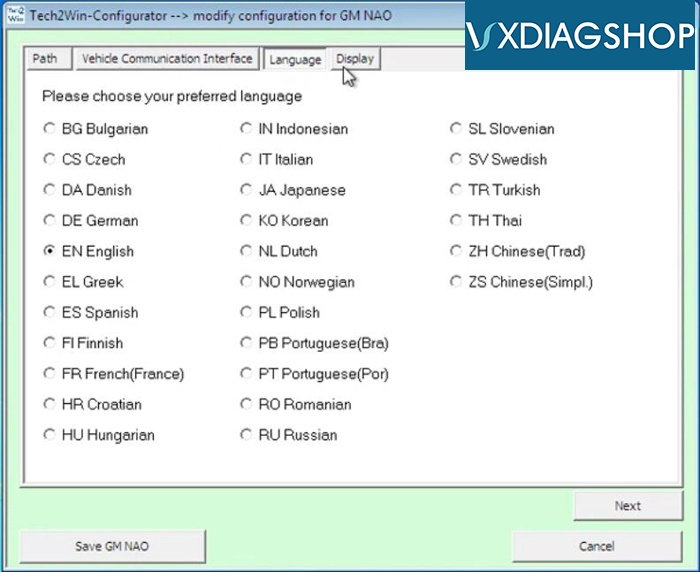
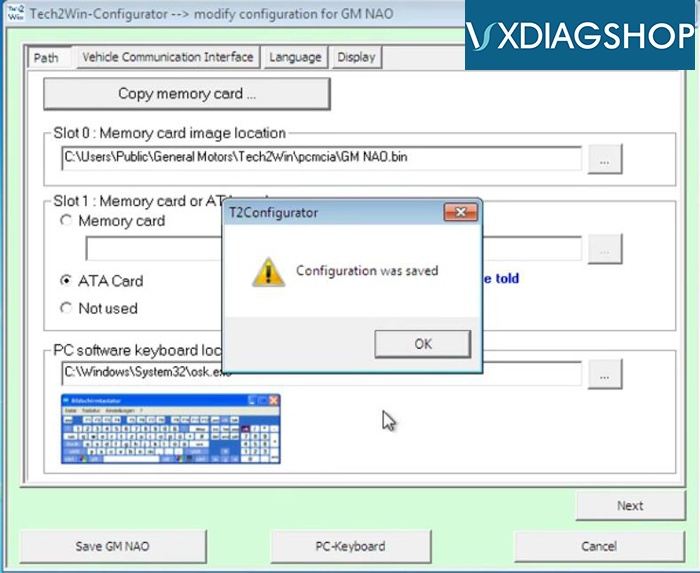
Save configuration
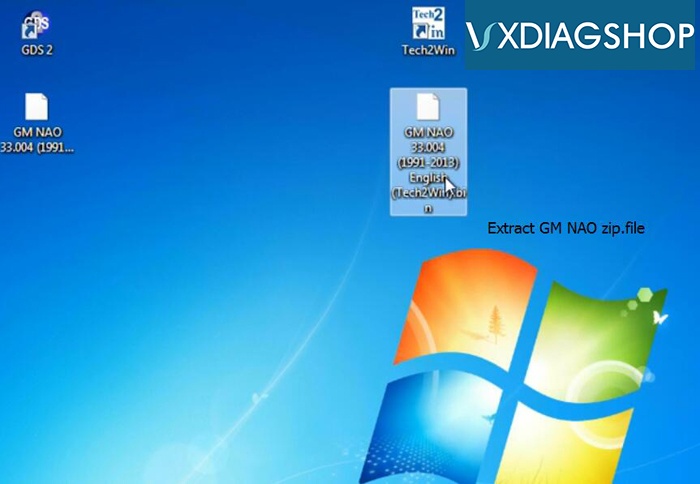
Extract GM NAO 33.004.zip file to desktop
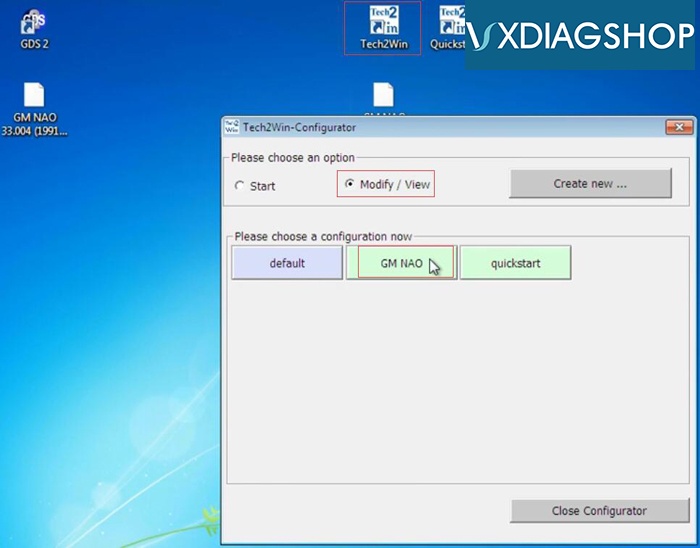
Open Tech2Win software
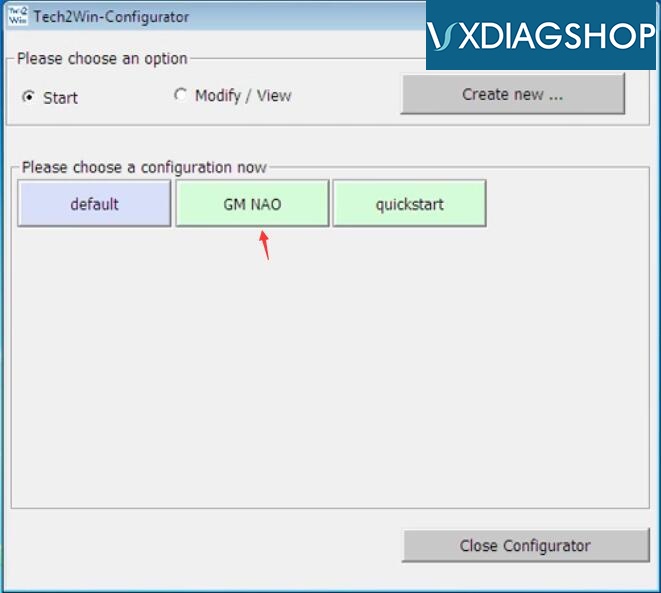
Select Modify/View->GM NAO
paste memory card image location
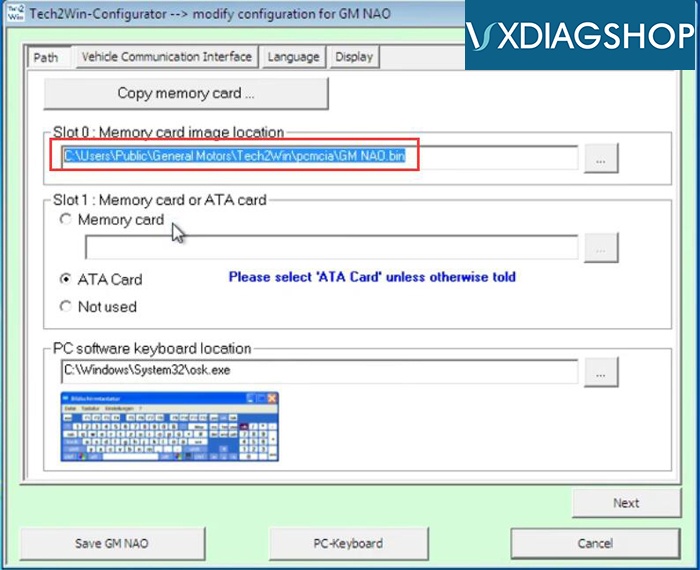
Paste location and go to C:/Users/Public/General/Motors/Tech2Win/pcmcia
Delete GM Nao.bin file
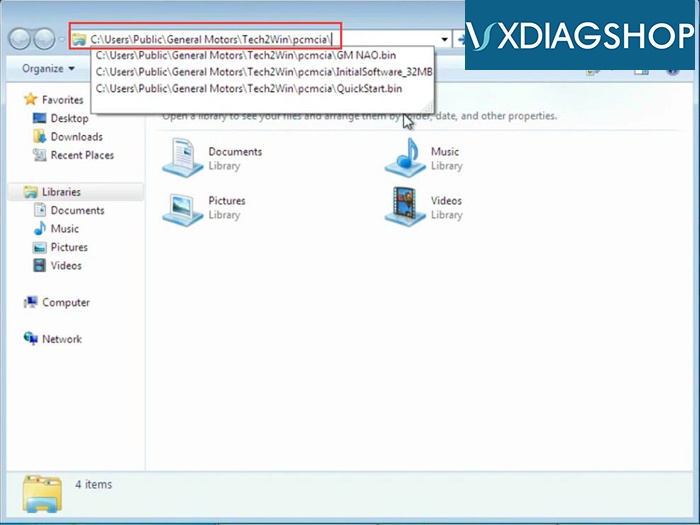
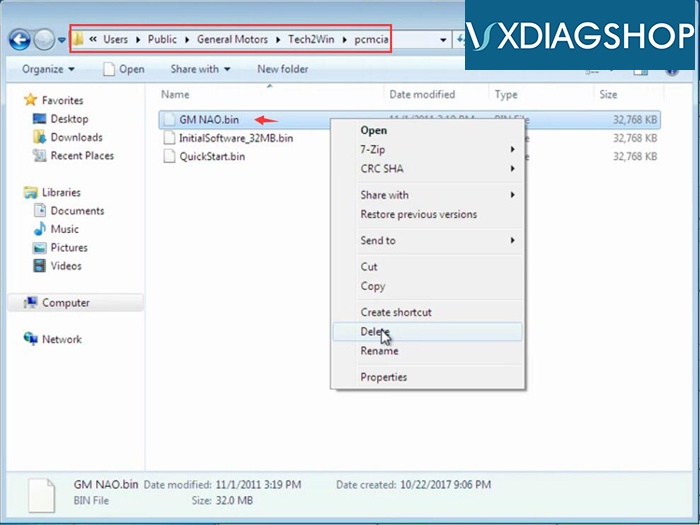
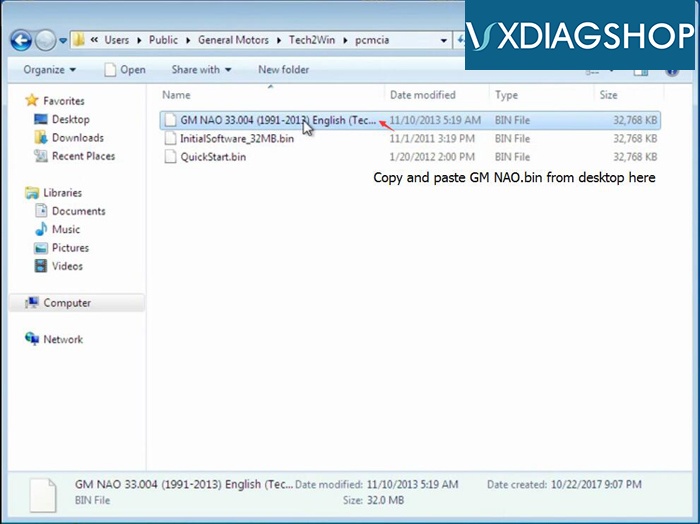
Copy and Paste GM NAO 33.004(2991-2013) English(Tech2Win).bin to the folder
Rename GM NAO 33.004(2991-2013) English(Tech2Win).bin to GM NAO.bin

Open Tech2Win software, select GM NAO configuration
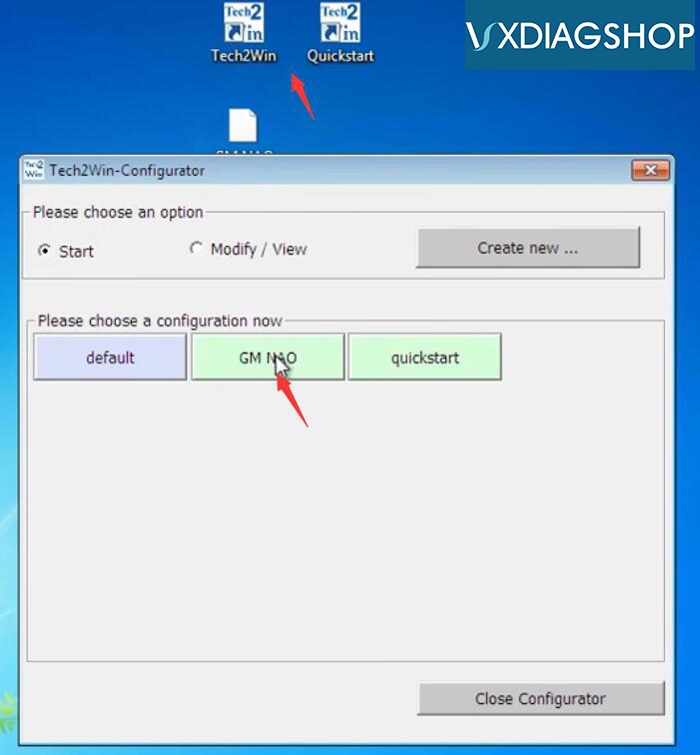
Initialize system
Now tech2win software is ready to use
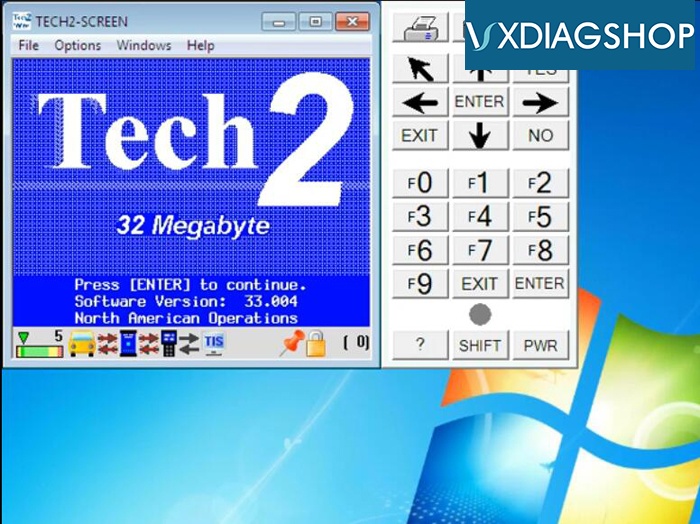
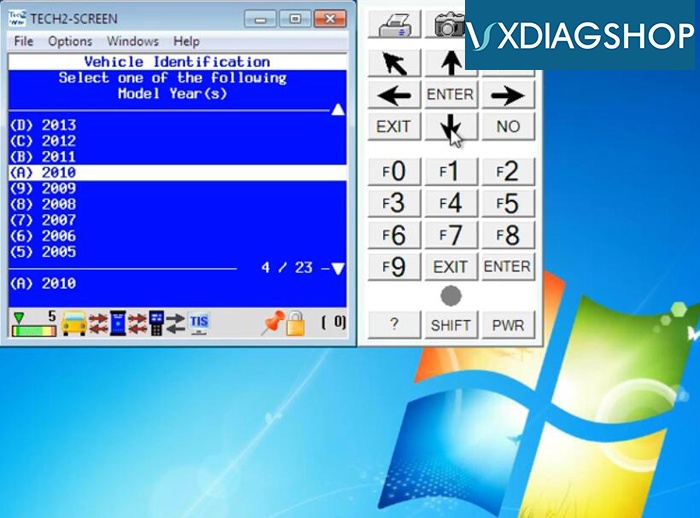
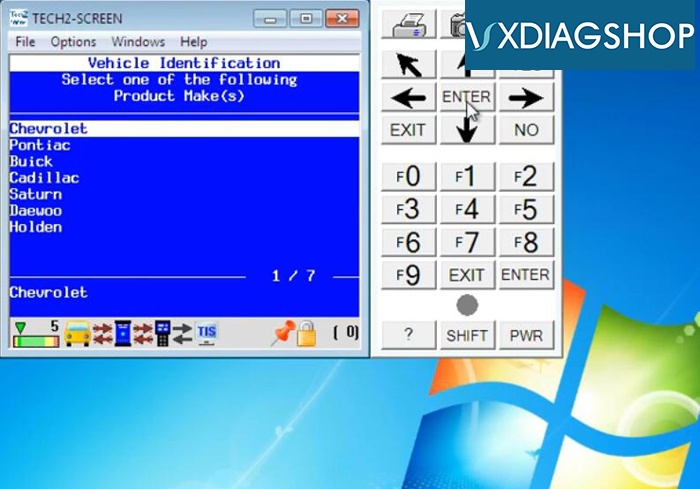
www.vxdiagshop.com

No comments:
Post a Comment