
" I first try to install techstream on Windows 10. It failed me so i changed another Windows 7 laptop. It worked out.
Installed GTS.
And start GTS (Techstream).
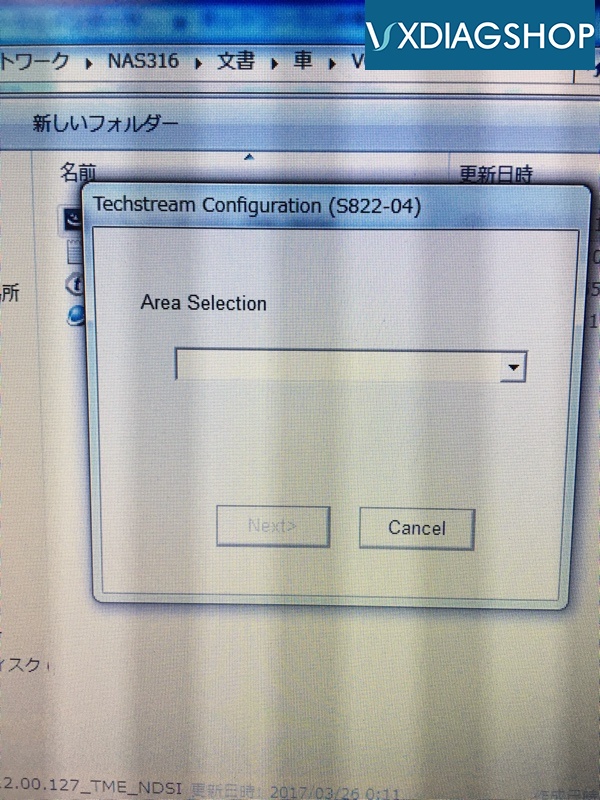
Area is japan
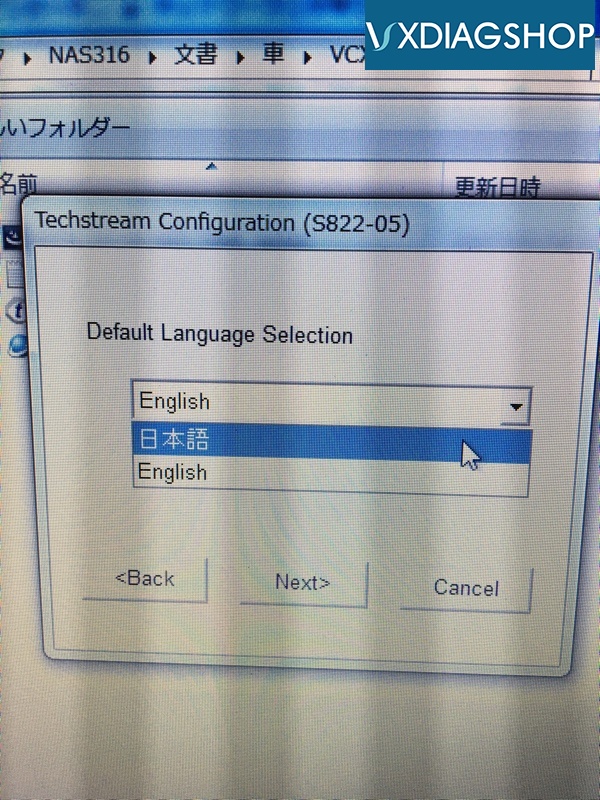
Select Japanese language
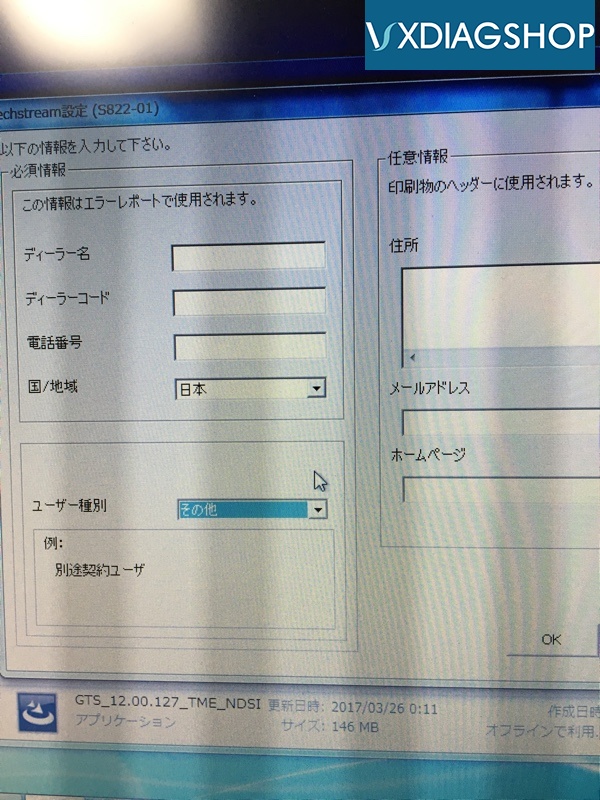
What should I do about this?
An error will occur if you do not fill in all the left side.
Dealer name, your name
Code, a
Separate phone numbers and landline numbers with a space.
Country, Japan
Type, other
It was made.
Move to next step.
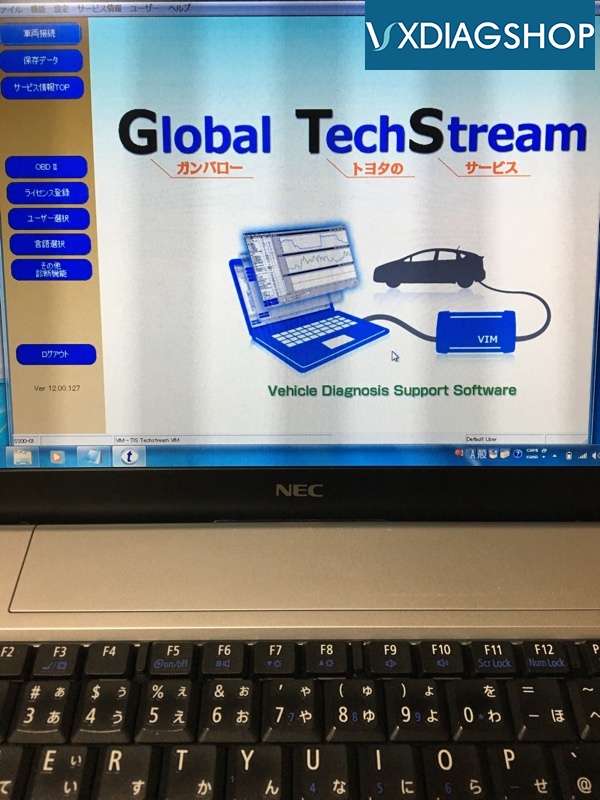
Click License Registration
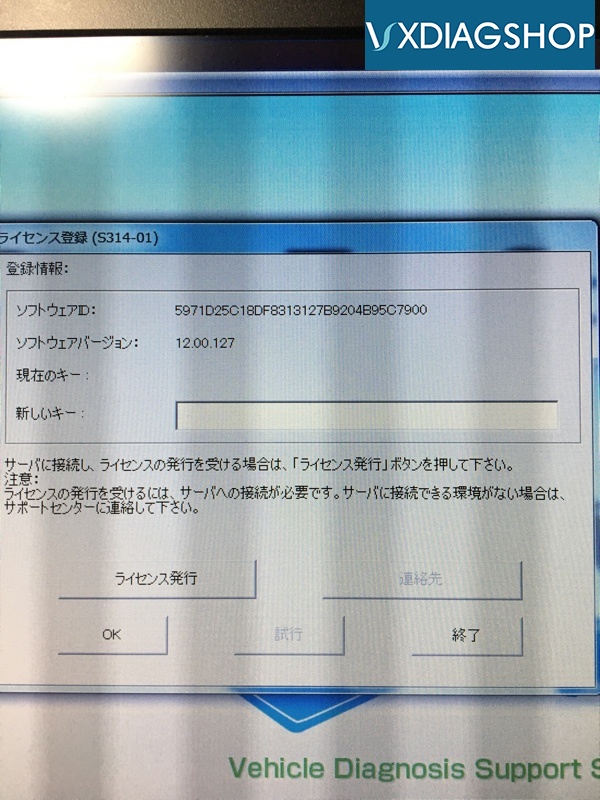
Enter the Registration Key that was in the data ...
It was played back. Meaningless.
After Area and Japan, the program ended.
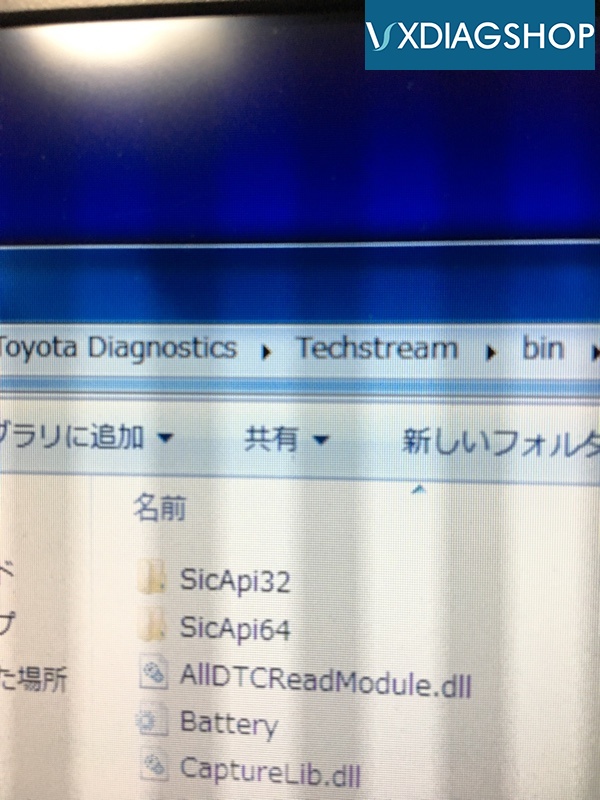
Then move mainmenu.exe to Techstream / bin.
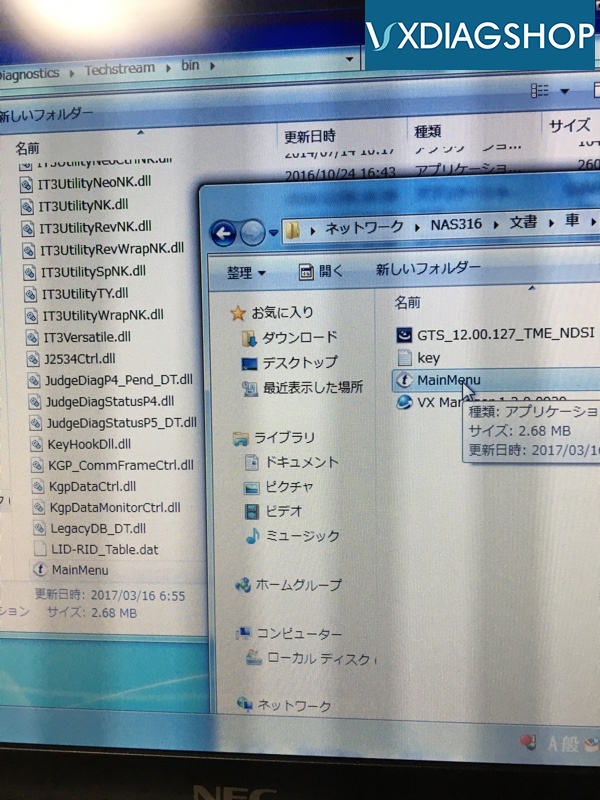
Drag and Drop
There is the same thing, replace it.
And after this it was Registration Key!
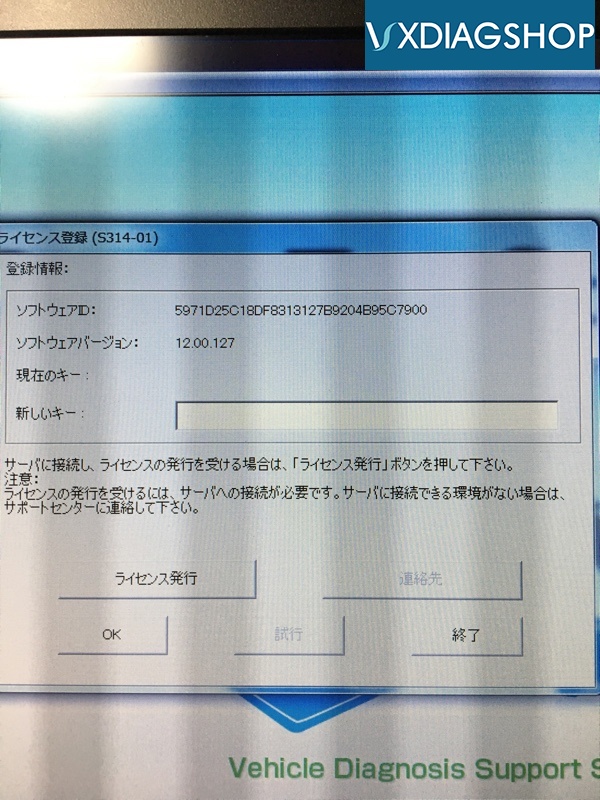
Put the key in the attached document into the new key
OK!
done!
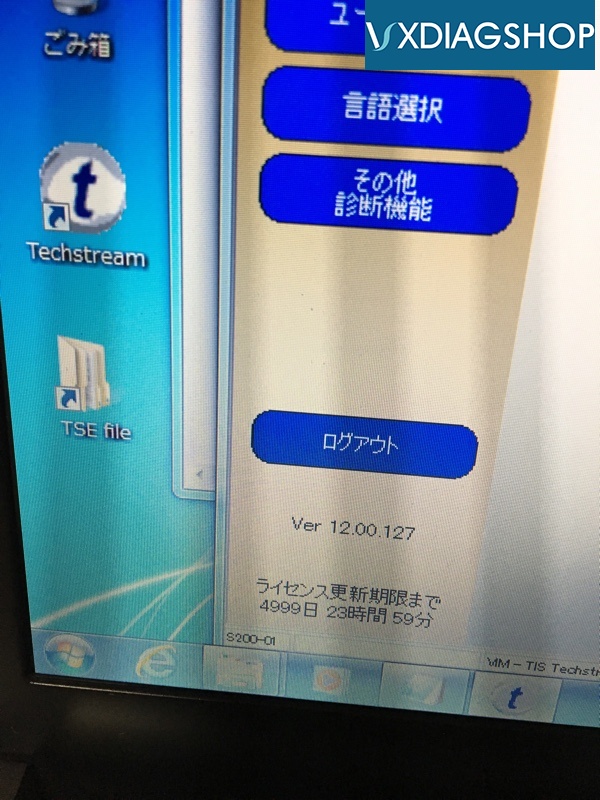
The license expires 5000 days. Well over 10 years in 365 days. So much for this computer.
Although not in the description, there is also VX Manager.
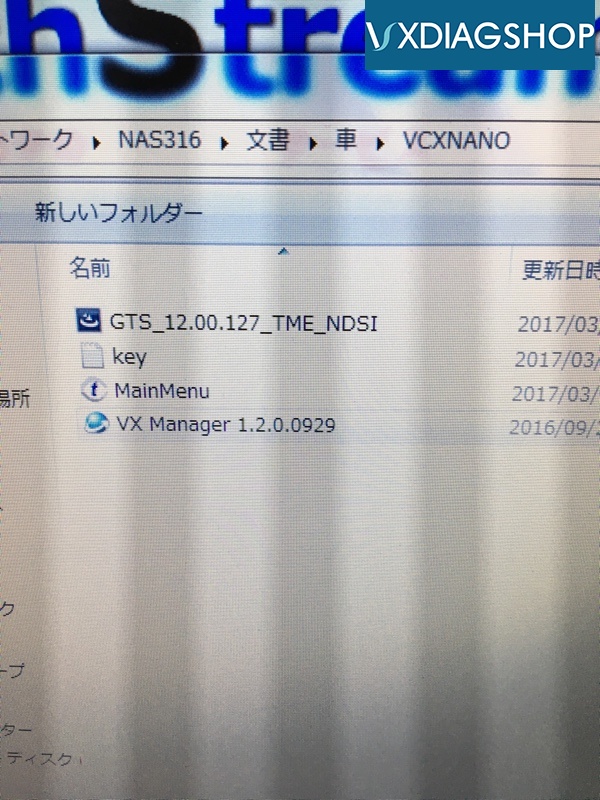
This is also an installer, so install it.
This menu
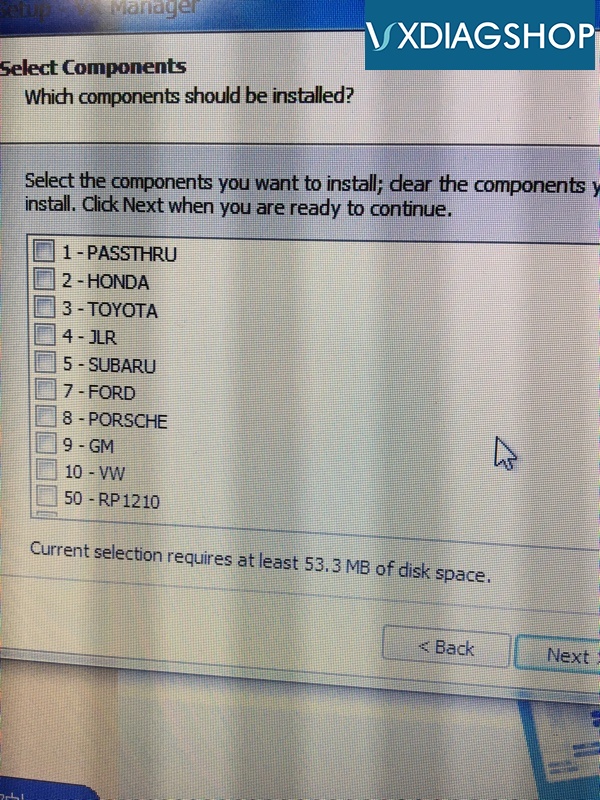
Can you do it other than Toyota?
I selected Toyota and SUBARU
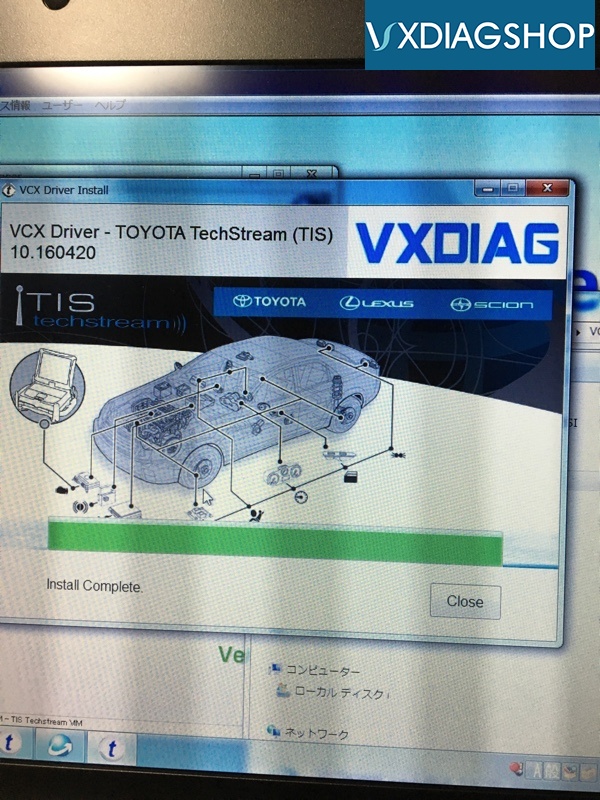
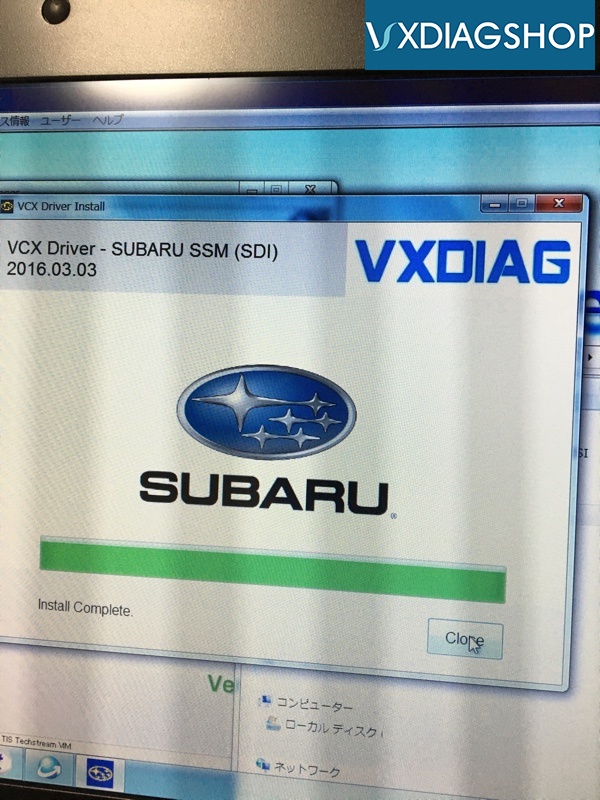
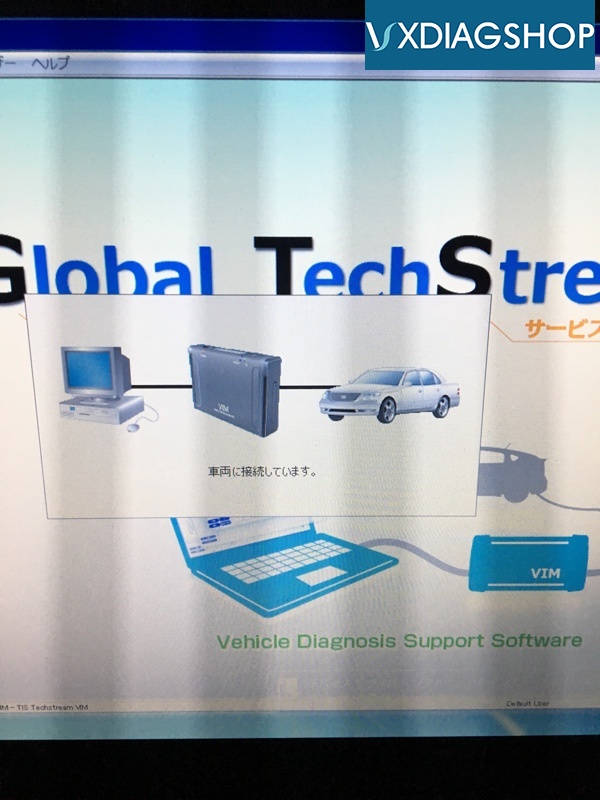
Then connect
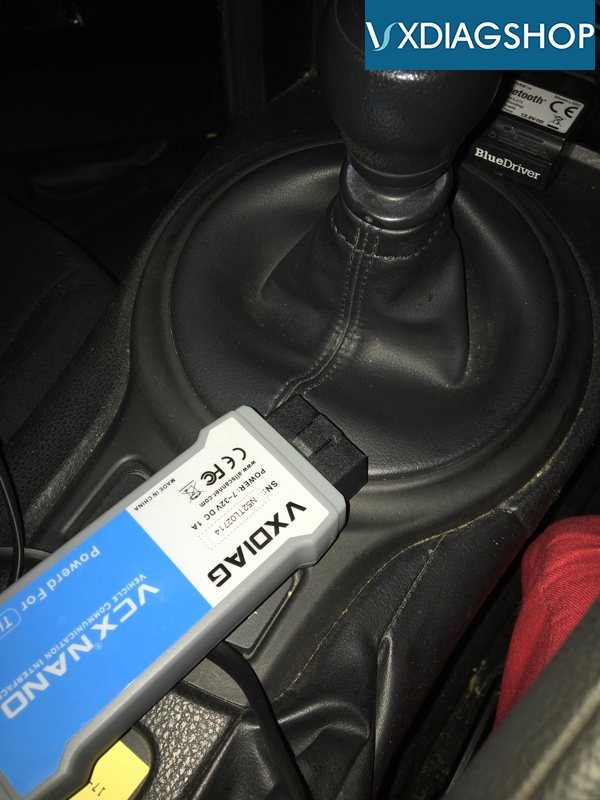
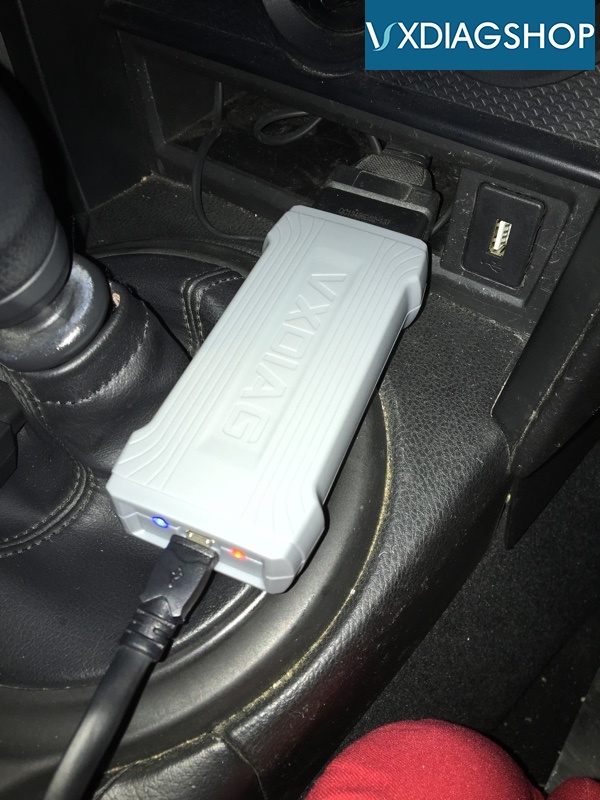
Reading lamp, red and blue are also connected.
Blue is flashing.
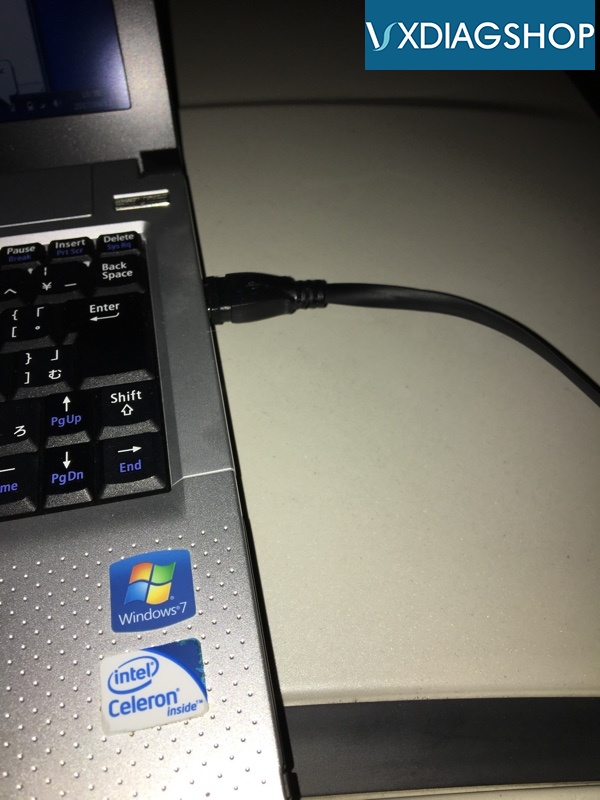
Connect with ultra-long USB cable
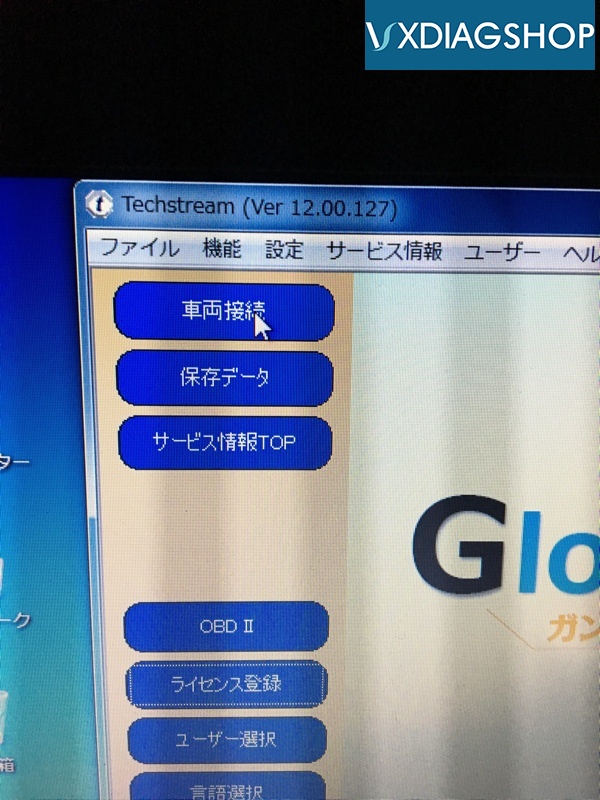
Vehicle connection
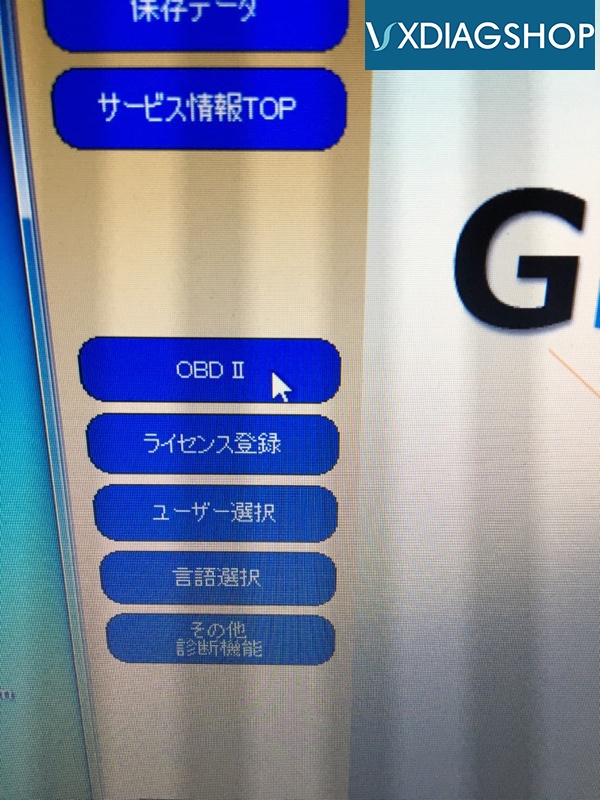
OBD II
Let's try it!
This time, from “Menu” “Function” to “Vehicle connection” “Manual model selection”
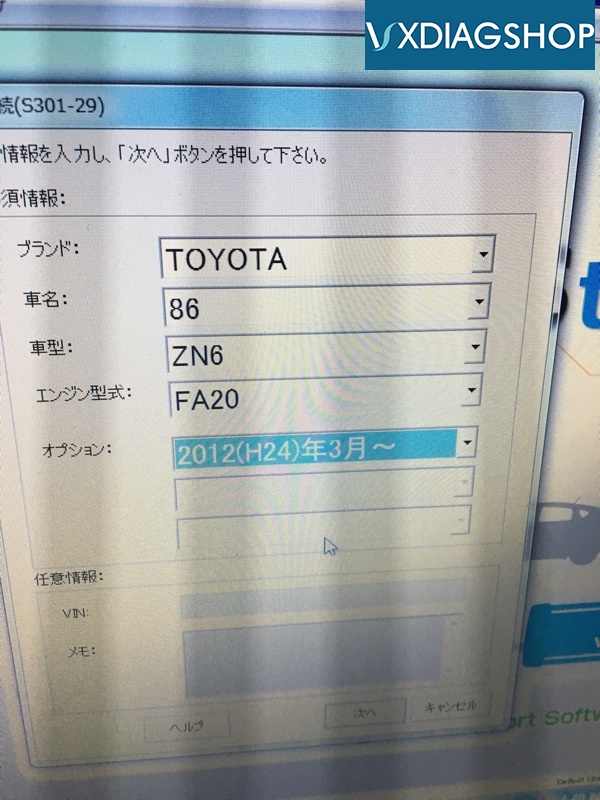
Press Next
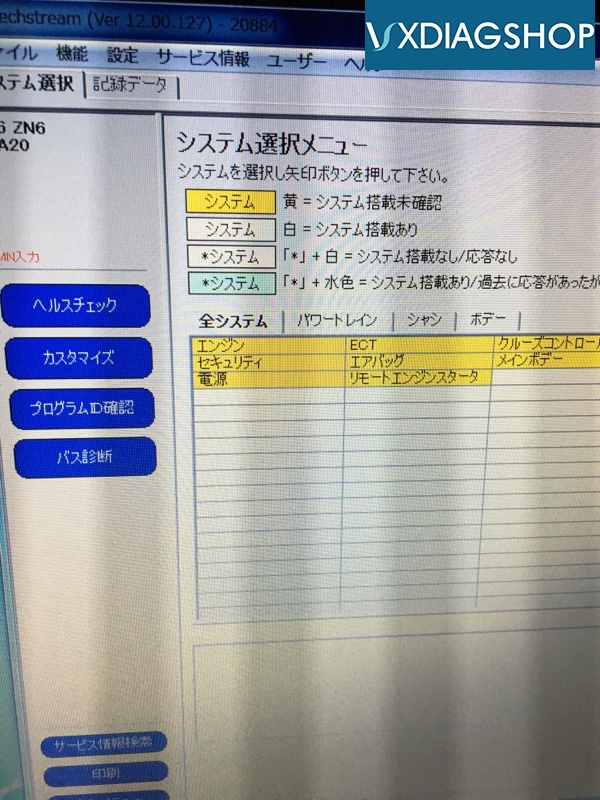
Connected!
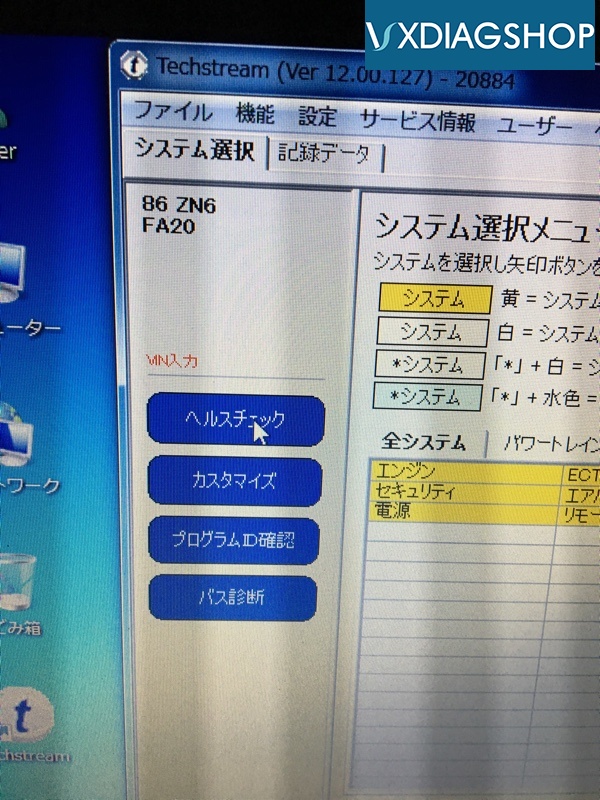
Then "health check"
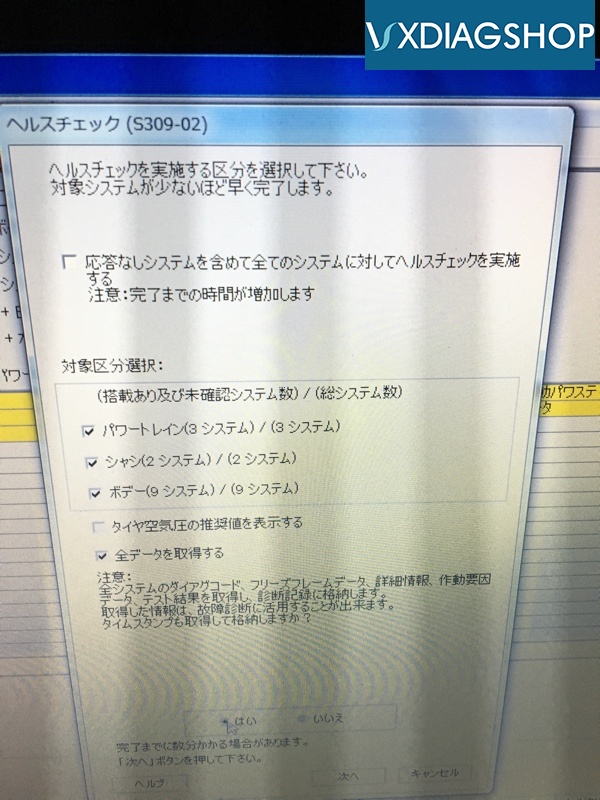
Only timestamp is changed to acquisition.
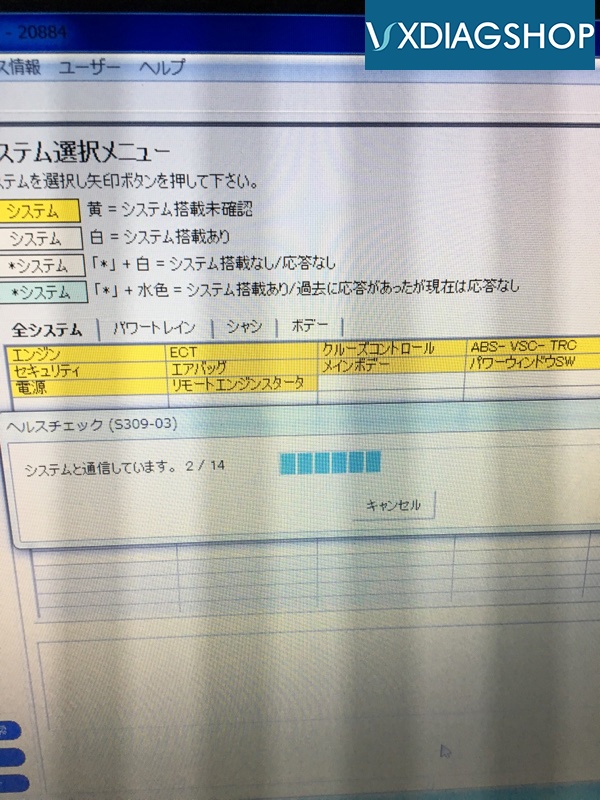
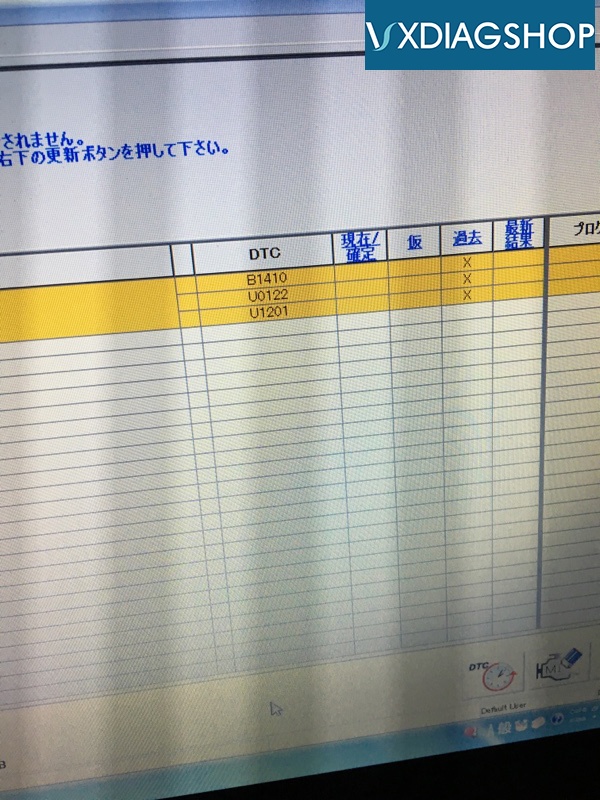
The past history fault codes came out.
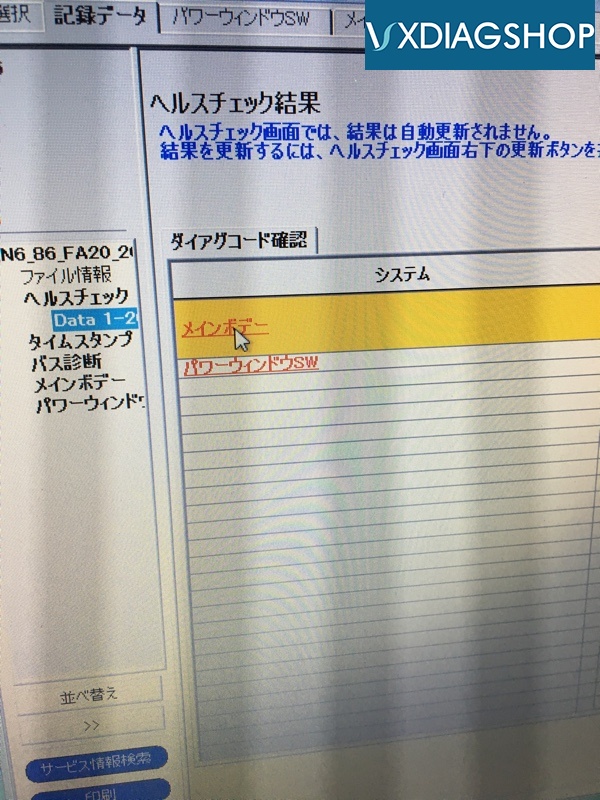
Click the main body

And like this. It ’s like a dealer.
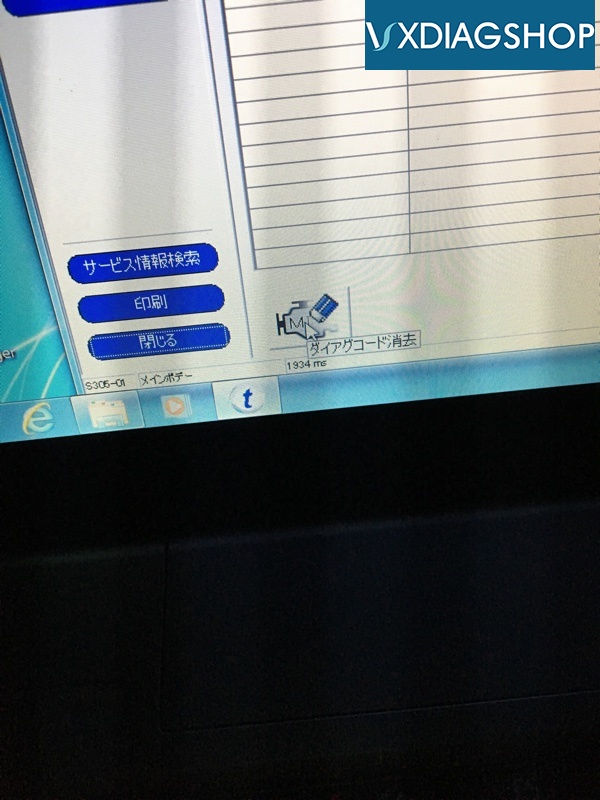
I will try erasing the diagnostic code.
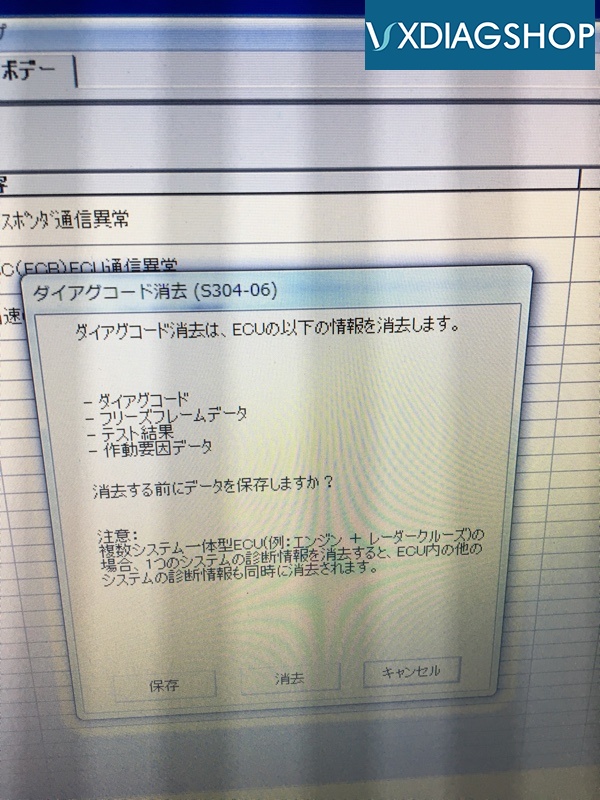
Then "Erase"
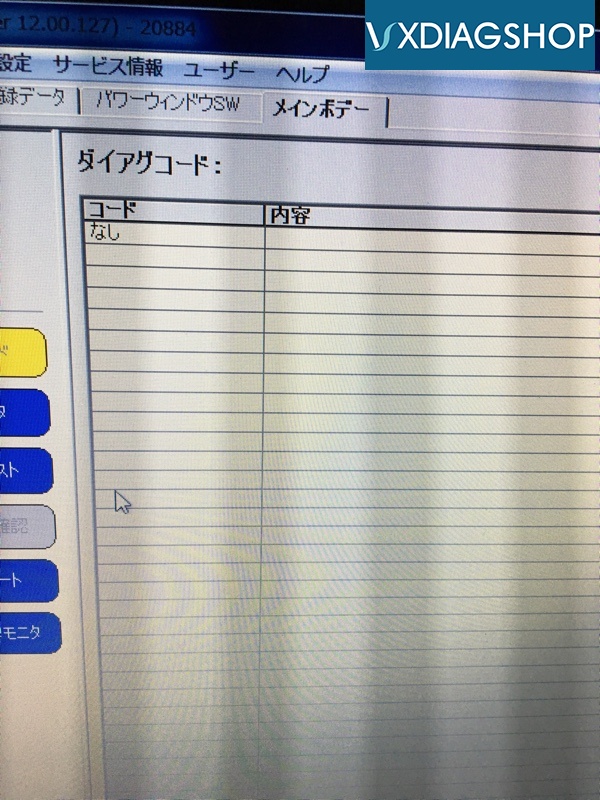
The past history fault code have disappeared neatly.
It is very nice to have the little vxdiag toyota scanner to work.
www.vxdiagshop.com
No comments:
Post a Comment