Showing posts with label VCX PLUS. Show all posts

2024/01/03

VXDIAG VCX DoIP No Device Detected in VX Manager?

Problem:

The vx manager cannot detect my vxdiag vcx plus doip vci. No device is detected and no network (offline). All indicators on the vci turn on ok.

Any idea?

VXDIAG VCX DoIP No Device Detected 1

VXDIAG VCX DoIP No Device Detected 2

Solution:

Turn off the Windows Defender and try again.


Feedback:

I figured it out. The router had malicious website blocker turned on. Turned it off and now it works.

It ended up being a setting on my eero mesh system that blocks malicious sites. As soon as I turned it off it worked. It would work when on Ethernet because the Ethernet cable was plugged in to the provider modem and not the Ethernet.


If turn off windows defender won’t work for you, try solutions below:

 VXDIAG VCI Detected but VX Manager No Device (Auto) Solution


2022/02/24

How to Transfer Software License to A New VXDIAG ?

As titled, we have customer consulting is it possible to transfer car software license to a new vxdiag device?

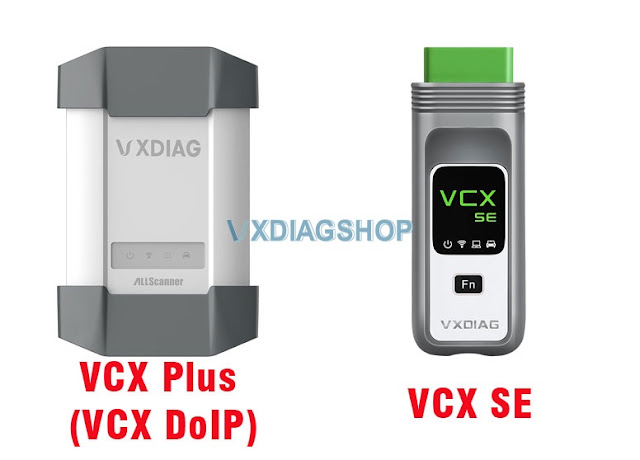
Yes, you can transfer license between vcx plus (the big device) and vcx se series except for vcx nano. Because vcx nano is a single brand scanner.

Transfer Software License to A New VXDIAG

You can transfer vcx plus license to a vcx se device. vice versa.


Why/When need to transfer license?

  • If your old vcx is damaged, just get a brand new vcx, then transfer your license to the new vci.

For example, if you get the vcx plus for Subaru, the hardware is damaged, you can buy a vcx se/vcx plus unit, transfer Subaru license to the new device, download Subaru software for free. Now you will have a new Subaru scanner.

Brand New VCX SE Hardware Only (USB, WiFi, Type C, LAN connection)

  • If you need more than one device at the same time or prefer the smaller vcx se, you can transfer the license.

For example, you get the vxdiag vcx plus Honda, JLR and Toyota 3 in 1 device,  you can transfer JLR license to a new vcx and download SDD for free. Now you have a new JLR scanner.


What is required to transfer license?

Provide the serial number of both devices to us. We will have your license transferred.


NOTE:

VXDIAG allows one-way transfer only.

After transferring software license to a new vcx,  you can not transfer that license to the old device again.

2021/07/02

VXDIAG VCX PLUS Ford JLR Honda Review

Here is an honest review on VXdiag vcx plus 3 in 1 device (have one of them with Ford/Mazda/Honda/JLR license).

vxdiag-vcx-plus-3-in-1-review

I’ve come to a point where I succeed using it for programming Ford/Mazda cars.  To be honest… that’s the only function I was looking for. Programming or reprogramming Ford/Mazda modules but I had honda & JLR licence for 10$ extra so I went for it, Honda HDS software that works with it is 3.104 and I feel safer to run JLR with my cardaq.
DO NOT INSTALL PASSTHRU DRIVER, ONLY FORD VCM2 DRIVER. 
I think that’s the main reason I wasn’t able to program module with it… now that I only use Ford VCI driver, it’s working.

So for those who have interest in this device.. or already owns the device, I’m making a list of the functions I tried and the result of these tests.

Feel free to contribute. Post:
– Car info
– IDS version #
– Function used and results.

2005 Ford Five Hundred (3L)
Ford IDS 120
GEM module reprogramming – SUCCESS

                                                                                       .

2008 Mazda 3 (2L)
Mazda IDS 119
PCM module reprogramming – SUCCESS

                                                                                             .

2007 Ford Expedition (5.4L)
Ford IDS 120
DSCM module installation (PMI) – SUCCESS
LTM Liftgate/trunk module reprogramming – SUCCESS
PCM module reprogramming – FAILED (had to use FMP)


www.vxdiagshop.com

2021/02/20

Which VXDIAG Scanner Has DoNET Function?

Customer problem: Hello, I have read that VXDIAG Donet super remote diagnosis function can make us access a variety of vehicles even though we don’t buy their authorization. Also, Donet function can make us enjoy remote assistance in diagnosis if our car breaks down on the road. And I’m quite interested in this function. But now I have a question, if I want to possess Donet function, what VXDIAG diagnostic tools should I buy?


Answer:

VXDIAG VCX Multi Diag series and VXDIAG VCX SE Series, whose serial numbers start with V94SE, S94BM  S94JL, V71XN*****, V83XD*****, V94XD****,  can be enabled with DoNet Remote diagnosis function.

Scanner serial number can be found on the back of the device. i.e

vxdiag-vcx-se-serial-number

vxdiag-vcx-plus-serial-number

DoNET remote diagnosis supported manufacturers including:

(Porsche 2, Porsche 3 (Doip),

BMW (Doip),

Mercedes-Benz (Doip),

Ford, Mazda,

GM (Chevrolet, Buick, GMC, Cadillac, Holden, Opel, Vauxhall Pontiac, Hummer, Saab , Saturn)

VAG (VW, AUDI, Seat, Skoda, Bentley, Lamborghini)

Land Rover, Jaguar,

Subaru,

Volvo

Honda

Toyota


One device enjoys free remote diagnosis for multi-brands without paying for extra authorization.


For more information about these tools, you can go to our store https://www.vxdiagshop.com/


Tutorial: VXDIAG DoIP device DONET Settings


2019/06/05

Free Download Honda HDS 3.102.054 Software for VXDIAG VCX Pro and VCX PLUS

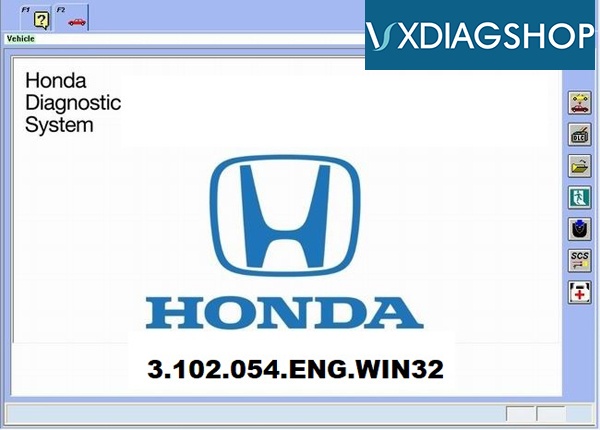
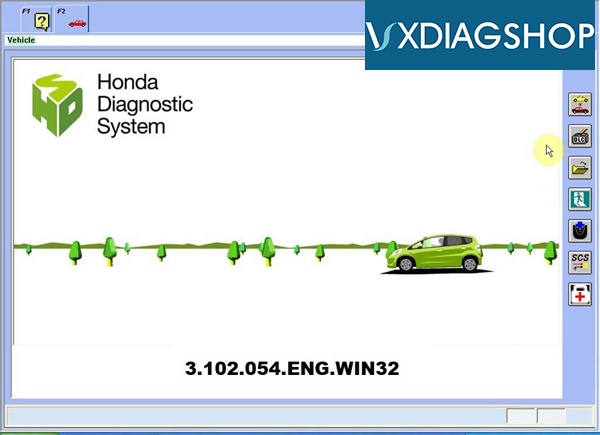
Honda HDS (Honda Diagnostic System) newer software v3.102.054 has been tested and verified working on VXDIAG scanners (VCX Pro and VCX PLUS for Honda).


Software: 3.102.054
Dealer diagnostic software for Honda & Acura
Operating System: WinXP, Vista, Win 7, WIN8, WIN10
Languages: English, Italian, French, Spanish, Thai, Greek, Polish, Russian, Vietnamese, Norwegian, Netherlands, Turkish
honda-hds-v3-102-054-version-1
Free Download VXDIAG HDS 3.102.054
https://mega.nz/#F!WFIAGYxC!OIU2n_PUne5KsE97HV85rw

Honda HDS Function:
 
Functions Supported by Honda/Acura Protocols
Reading and decoding fault codes from control blocks memory
Deleting fault codes
Displays system current parameters in digital form
Combined displaying of data
Management of executive devices
Logs keeping - writing and keeping of digital parameters in memory
Special functions - changing of permissible settings of blocks, programming etc.
 
 
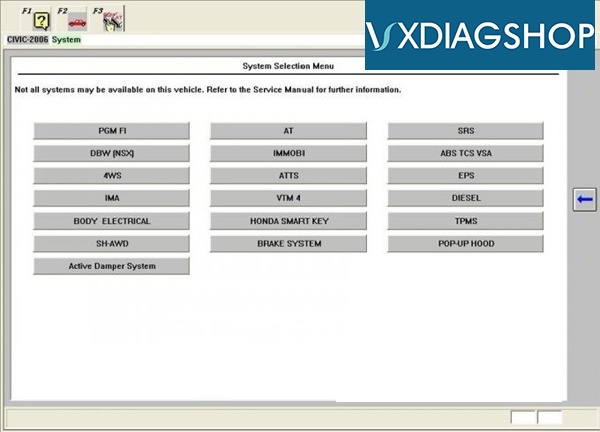
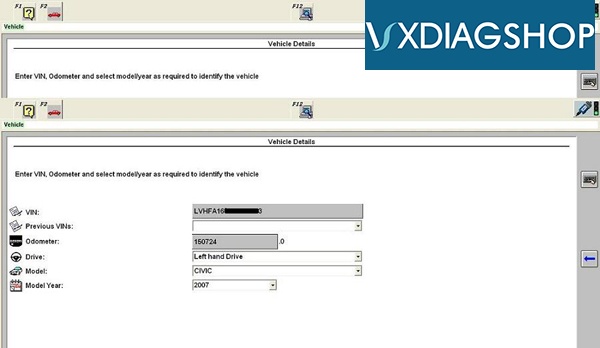
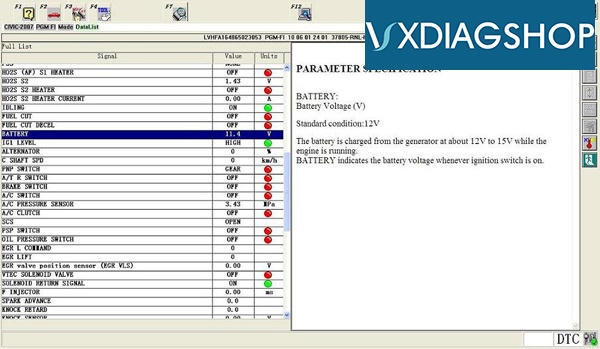
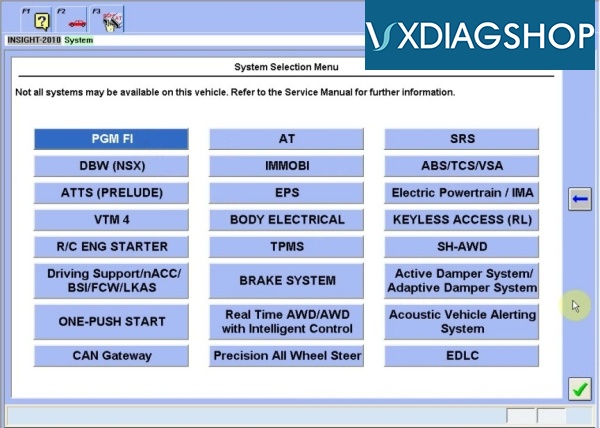
Honda HDS 3.102.054 software display:
honda-hds-v3-102-054-version-2 honda-hds-v3-102-054-version-3 honda-hds-v3-102-054-version-4 honda-hds-v3-102-054-version-5 honda-hds-v3-102-054-version-6
Opportunities scanner Honda HIM HDS at work with Honda/Acura
— Diesel — control system of a diesel engine
— IMA — control system of hybrid power plant
— AT — control system of an automatic transmission
— ABS — anti-lock braking system
— TCS — traction control system
— VSA — vehicle stability
— The VTM 4 system control link to the rear drive
— 4 WS — a control system of turn of wheels
— SH-AWD — control system all-wheel drive
— ATTS — active torque distribution
— DBW — control system electronic throttle
— EPS — control system for electric power steering
— IHCC system cruise control c function DISTRONIC
— HiDS — adaptive cruise control with the function of retaining strip
— SRS system the airbag control
— Keyless Access — remote system access
— R/C Engine Starter system remote start
— Reset of fault memory of the controller
— Output up to eight current parameters in digital form
— The output in the graphics view the current settings any two parameters
— The combined output (in graphical and digital form
— Management of Executive devices
— Reset the adaptive coefficients of the memory control units
— Logging and record plus save in memory array of digital parameters corresponding
— Special functions changing of permissible settingibility of subsequen single-frame playback
— Special functions changing of permissible settings of blocks, programming etc.
— Built-in help diagrams of the location diagnostic connectors Scan tool Honda HDS HIM
— PGM FI system petrol engine
— TPMS system monitoring tire pressure
—The capabilities of the scan tool Honda HDS when working on OBD-II protocols
— Output up to eight current parameters in digital form
— Display the snapshot parameters
— Conclusion the test results of oxygen sensors
— Displays results of monitoring of all systems and components
— Management of Executive devices
— Output identification information of the vehicle and the controller
— Reading and decoding of error from the memory controller
— Reset of fault memory of the controller

www.vxdiagshop.com