Showing posts with label VXDIAG VCX Plus. Show all posts

2025/09/11

VXDIAG VCX Plus vs Xtool XVCI MAX J2534

Question:

VXDIAG VCX Plus and Xtool XVCI MAX which one is better for use with multiple brands using their software (Xentry, ISTA, ODIS, Techstream, etc.)?

vxdiag vcx plus vs xtool xvci max

Here is the clue.

1. OverviewVXDIAG VCX PLUS:

  • A comprehensive multi-brand diagnostic tool from VXDIAG, supporting up to 16 car brands (e.g., BMW, Benz, VW, GM, Subaru, JLR, Volvo, Honda, Toyota, Ford, Mazda, Porsche, Renault, PSA, Nissan).
  • Designed for full-system diagnostics and J2534 pass-thru functionality.
  • Offers lifetime free updates for firmware and licenses, with support for USB, WiFi, LAN, and DoNet connections.

Xtool XVCI MAX:

  • A professional programming and diagnostic device from Xtool, designed to work with Xtool diagnostic systems like A80 Pro or H6 Pro.
  • Supports SAE J2534-1 and J2534-2 protocols for ECU programming and is compatible with OEM software for brands like Land Rover, Jaguar, Volvo, Toyota, GM, and Honda.
  • Often paired with Xtool tablets for enhanced functionality, with no need for frequent license updates (unlike some competitors).


2. Hardware and ConnectivityVXDIAG VCX PLUS:

  • Features a dual-core high-speed processor and supports multiple connection options: USB, WiFi, LAN, and DoNet (remote diagnostics).
  • Supports DoIP (Diagnostics over Internet Protocol) but does not support CAN FD (Controller Area Network with Flexible Data-rate) protocol, unlike the newer VXDIAG VCX FD series.
  • Compact design with a focus on multi-brand compatibility and expandability.

Xtool XVCI MAX:

  • Designed as a J2534 pass-thru device, typically used with Xtool tablets (e.g., A80 Pro, H6 Pro) but can also work standalone with OEM software.
  • Supports USB and potentially WiFi (depending on the configuration with Xtool systems).
  • Supports CAN FD and DoIP protocols. Its compatibility with modern OEM software suggests it can handle advanced protocols when paired with appropriate systems.

3. Software and FunctionalityVXDIAG VCX PLUS:

  • Compatible with a wide range of OEM software, including BMW ISTA/D, Benz Xentry, VW ODIS, GM GDS2, Toyota Techstream, Ford IDS, Mazda IDS, and more.
  • Offers full-system diagnostics (e.g., reading/clearing fault codes, live data streams, ECU information), coding, and maintenance services (e.g., airbag reset, EPB, SAS, BMS, TPMS, DPF regeneration).
  • Supports J2534 pass-thru programming and can emulate OEM tools (e.g., BMW ICOM, Benz C6) via VX Manager software.
  • Requires specific software installation (via VX Manager) and may need OEM subscriptions for online programming (e.g., GM SPS, Toyota Techstream).

Xtool XVCI MAX:

  • Supports J2534 ECU programming (software upgrades, calibration, ECU replacement) and works with OEM software for brands like BMW, Mercedes, Land Rover, Jaguar, Volvo, Toyota, GM, and Honda.
  • When paired with Xtool tablets, it provides built-in BMW and Mercedes online programming without additional subscriptions, which is a significant advantage over VXDIAG for these brands.
  • Does not require license updates every 60 days, unlike some other J2534 devices, making it more user-friendly for long-term use.
  • Offers similar diagnostic capabilities (fault code reading, live data, ECU programming) but is often tied to Xtool’s ecosystem for full functionality.


4. Licensing and Updates

VXDIAG VCX PLUS:

  • Comes with a lifetime license for supported brands and free firmware updates via VX Manager.
  • Additional brand licenses can be purchased separately.
  • Software updates for some OEM tools (e.g., BMW ISTA/P, Benz Xentry, JLR Pathfinder) are not provided directly and may require external links or subscriptions.

Xtool XVCI MAX:

  • Does not require frequent license updates (e.g., every 60 days), which is a significant advantage over some competitors.

  • When used with Xtool tablets, it includes built-in programming for BMW and Mercedes, potentially reducing the need for additional subscriptions.
  • Software updates depend on the Xtool ecosystem or OEM software subscriptions for other brands.


5. Ease of Use and Support

VXDIAG VCX PLUS DoIP:

  • Requires careful software installation (e.g., disabling antivirus, specific order of installation via VX Manager) and may need technical support for setup.
  • Compatible with Windows 7/10 (64-bit recommended) and supports multiple languages for different brand software.

Xtool XVCI MAX:

  • Easier to use when paired with Xtool tablets, which provide a more integrated diagnostic experience.
  • May require less technical setup for BMW and Mercedes programming due to built-in support.

6. Key Advantages

VXDIAG VCX PLUS:

  • Broader brand coverage.
  • Lifetime free updates for firmware and licenses.
  • Highly expandable with additional brand licenses.
  • Not only emulate OEM software but also work as J2534 passthru device. 

Xtool XVCI MAX:

  • Built-in BMW and Mercedes programming without additional subscriptions (Need to purchase Xtool tablet).
  • No frequent license renewals, reducing long-term costs.
  • Seamless integration with Xtool tablets for a more user-friendly experience.

7. Limitations

VXDIAG VCX PLUS:

  • Does not support CAN FD protocol (unlike VXDIAG VCX FD series).
  • Requires OEM subscriptions for online programming (e.g., GM SPS, Toyota Techstream).
  • Software installation can be complex, requiring technical knowledge.

Xtool XVCI MAX:

  • Limited brand coverage compared to VXDIAG VCX PLUS unless paired with Xtool tablets.
  • Tied to Xtool’s ecosystem, which may restrict flexibility for standalone use.

Conclusion

Choose VXDIAG VCX PLUS if you need a versatile, multi-brand diagnostic tool with broad vehicle coverage, expandability, and lifetime free updates. It’s ideal for workshops handling a wide range of vehicles and requiring advanced features like remote diagnostics.

Choose Xtool XVCI MAX if you primarily work with BMW, Mercedes, or a smaller set of brands and want a user-friendly experience with built-in programming capabilities. It’s a better choice for those already using Xtool tablets or seeking a simpler solution for specific brands without frequent license renewals.

For the most accurate choice, consider your specific vehicle brands, diagnostic needs, and whether you prefer a standalone device (VXDIAG) or one integrated with a tablet ecosystem (Xtool). Always verify compatibility with your target vehicles and software requirements before purchasing.

2021/07/02

VXDIAG VCX PLUS Ford JLR Honda Review

Here is an honest review on VXdiag vcx plus 3 in 1 device (have one of them with Ford/Mazda/Honda/JLR license).

vxdiag-vcx-plus-3-in-1-review

I’ve come to a point where I succeed using it for programming Ford/Mazda cars.  To be honest… that’s the only function I was looking for. Programming or reprogramming Ford/Mazda modules but I had honda & JLR licence for 10$ extra so I went for it, Honda HDS software that works with it is 3.104 and I feel safer to run JLR with my cardaq.
DO NOT INSTALL PASSTHRU DRIVER, ONLY FORD VCM2 DRIVER. 
I think that’s the main reason I wasn’t able to program module with it… now that I only use Ford VCI driver, it’s working.

So for those who have interest in this device.. or already owns the device, I’m making a list of the functions I tried and the result of these tests.

Feel free to contribute. Post:
– Car info
– IDS version #
– Function used and results.

2005 Ford Five Hundred (3L)
Ford IDS 120
GEM module reprogramming – SUCCESS

                                                                                       .

2008 Mazda 3 (2L)
Mazda IDS 119
PCM module reprogramming – SUCCESS

                                                                                             .

2007 Ford Expedition (5.4L)
Ford IDS 120
DSCM module installation (PMI) – SUCCESS
LTM Liftgate/trunk module reprogramming – SUCCESS
PCM module reprogramming – FAILED (had to use FMP)


www.vxdiagshop.com

2019/12/05

How to Connect VXDIAG BMW to ISTA Software?

Question:
How can I connect VXDIAG BMW multi tool to BMW ISTA software? I need a user guide for this device.


VXDIAGSHOP Solution:
VXDIAG BMW does not have user manual.  Because it is much easier use than common ICOM devices.
1)
If you buy VXDIAG and BMW HDD/SSD together from us, VX Manager is installed, ISTA software is activated.
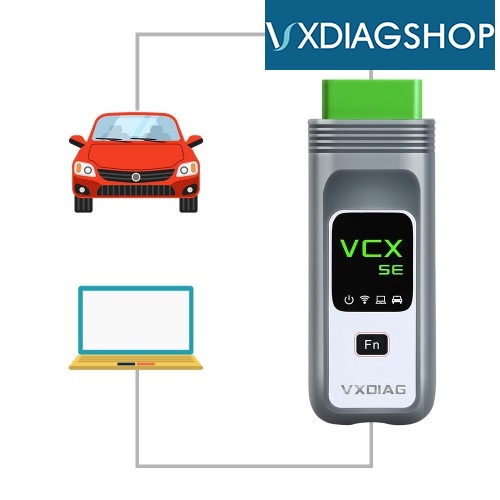
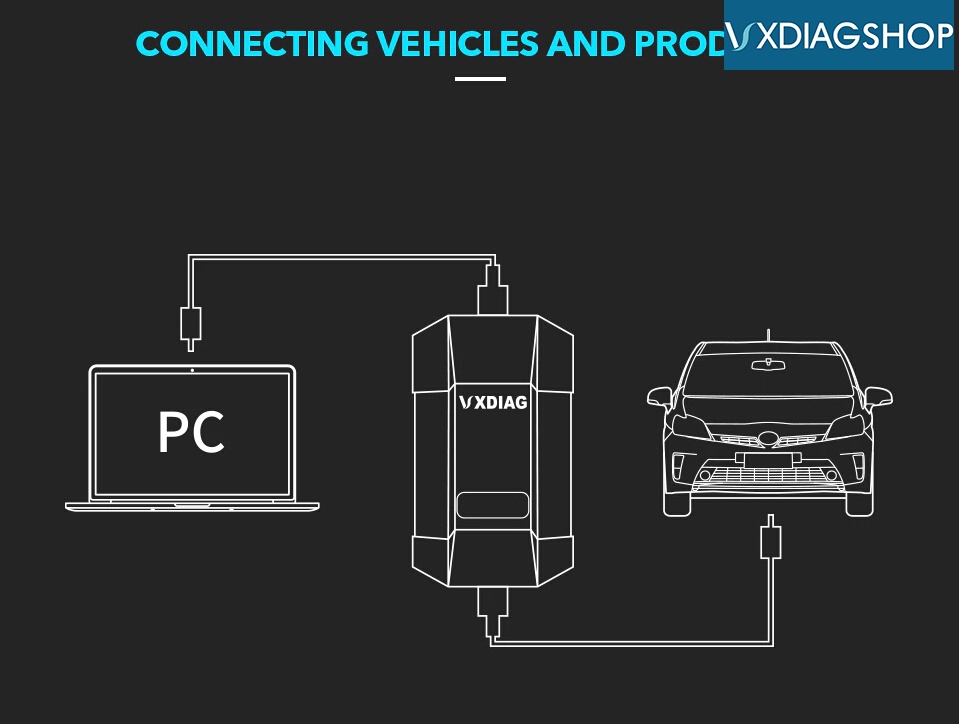
Connect vxdiag vcx plus or vxdiag vcx se interface with computer, check  device connection in VX Manager.
Then connect vcx with vehicle and ready to diagnose and program BMW using ISTA.
Connect Vxdiag Vcx Se Bmw
Connect Vxdiag Bmw
2)
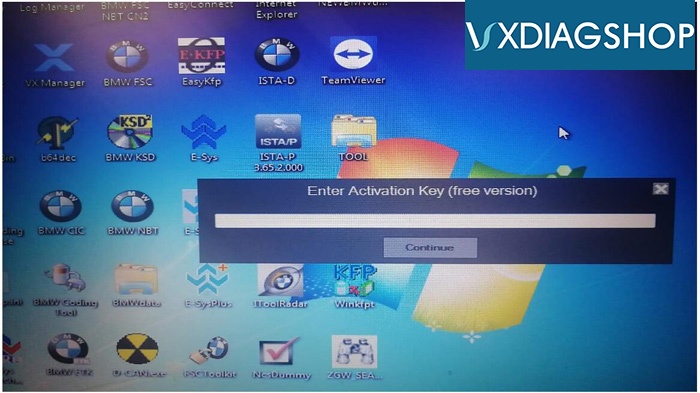
But if you order BMW license separately or buy a new version BMW ISTA software HDD/SSD, it requires activation.
Open TOOL program on desktop and send ID to us.  You'll receive a activation key to activate ISTA software.
Ista Activation

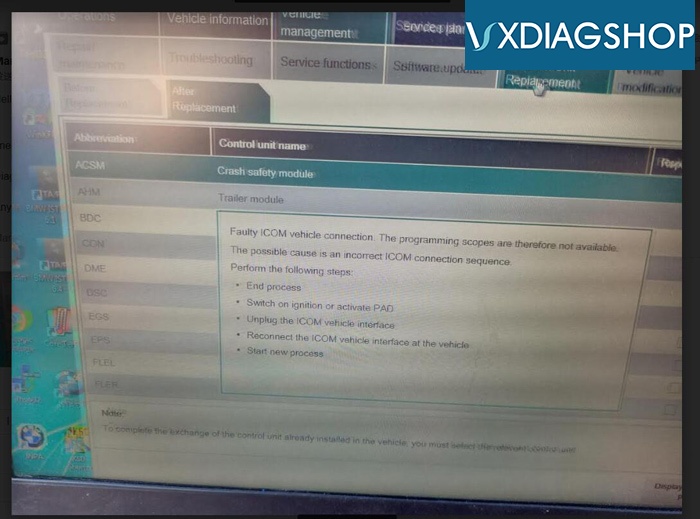
If you had "faculty ICOM vehicle connection" error when perform programming with ISTA-P, please enter from ISTA-D.
BMW programming requires entering from ISTA-D as well.
Vxdiag Faulty Icom Error
If you have issue using VXDIAG INPA software, follow video or guide here How to Set up INPA for VXDIAG VCX SE BMW?


2019/12/04

Does VXDIAG Compatible with VIDA 2015A?

Does VXDIAG support Vida in J2534 mode? Is VXDIAG compatible with VIDA 2015A?

Customer problem:
I tried to connect my 2001 Volvo S80 with vxdiag through J2534 mode (I don't have Volvo license activated).
vxdiag vcx plus will communicate with vehicle, read VIN and read all control models. But when started vida software it suddenly shuts down and failed to run again.
So does the vxdiag support VIDA in J2534 mode?
Pass Thru 1

Solution:
VXDIAG does not support VIDA in J2534 mode. You have to purchase Volvo license to use with vxdiag unit.


Another question:
Is VXDIAG compatible with original VIDA 2015A software?
No.  VXDIAG is compatible with VIDA 2014D software only.
To use VIDA 2015A, recommend use DiCE unit.
If you are interested in VIDA 2015A and DiCE interface, please contact:
Email: sales@vxdiagshop.com
Skype: vxdiag.com
Whatsapp: 0086-18064450969

2019/10/16

Free Download VXDIAG VCX Plus Firmware Reset File

Problem 1: 
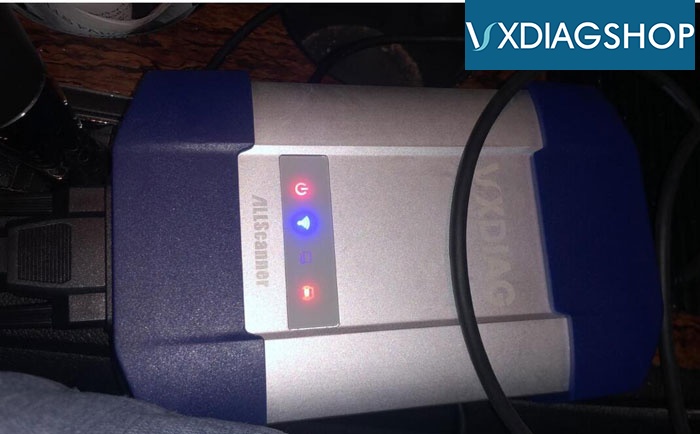
After connect vxdiag full interface with vehicle, only 3 indicators turn on. The Host Communication Status blue indicator didn't turn on and computer cannot detect VX Manager driver. What can i do to make connection?
vxdiag-connection-1
Solution:
Check your device serial number.  VXDIAG VCX Plus S/N starts with V83 requires a firmware reset.
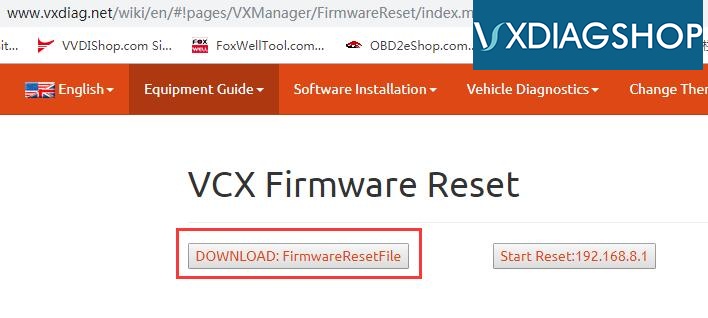
Download FirmwareResetFile from official website:  http://www.vxdiag.net/wiki/en/#!pages/VXManager/FirmwareReset/index.md
file including reset file, reset video and IP Manager.exe
firmware-reset
Check firmware reset video here:


Problem 2:
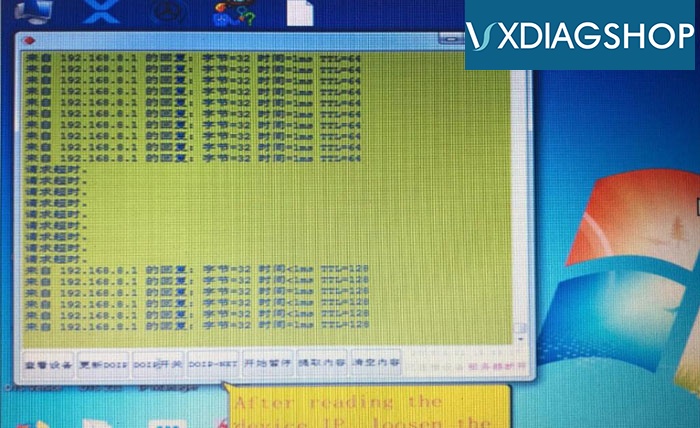
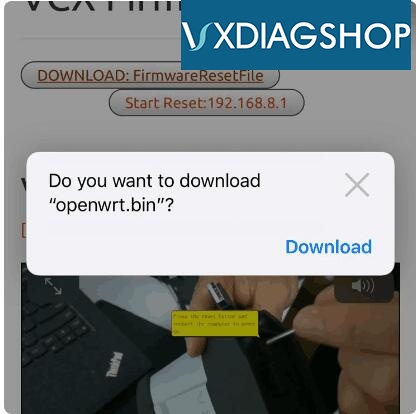
I downloaded the Reset file and follow the video guide, but don't see this window and browser don't let me download the IP Manager.exe)
firmware-reset-1
cannot-open-firmware-reset-file
Solution:
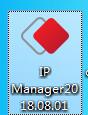
IP Manager2018.08.01.exe is incompatible with some brower types. If cannot open IP Manager.exe, please contact vxdiagshop.com customer service to send you file online and run the file directly.
ip-manager

Feedback:
It was the browser type. I fixed and downloaded, did the firmware reset and everything is working now. Thank you.

2019/08/05

Cannot Open VXDIAG VCX Plus Honda HDS Software Solution

Problem: 
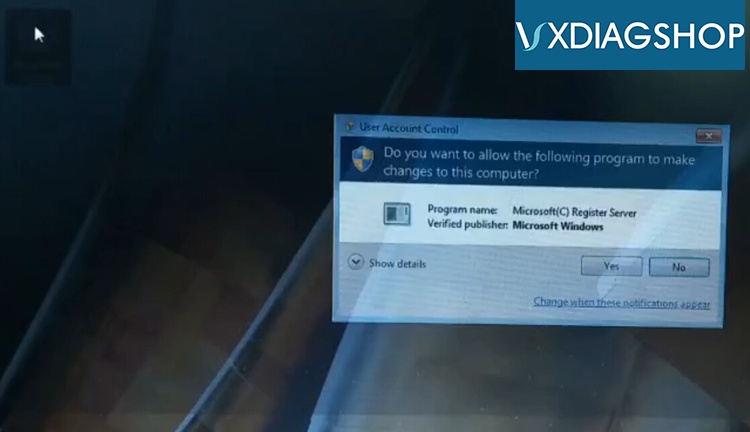
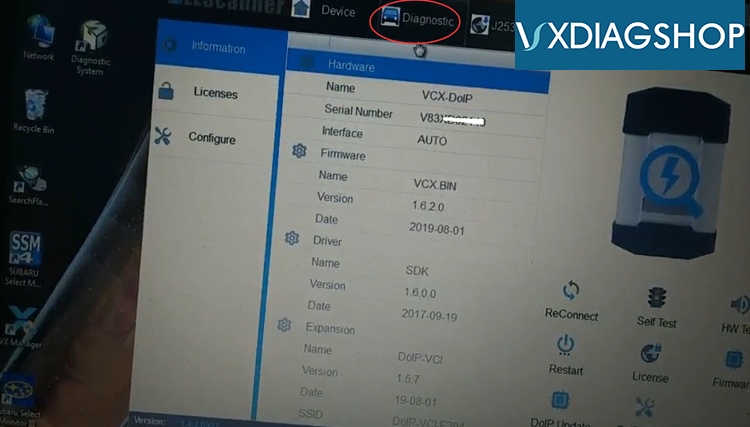
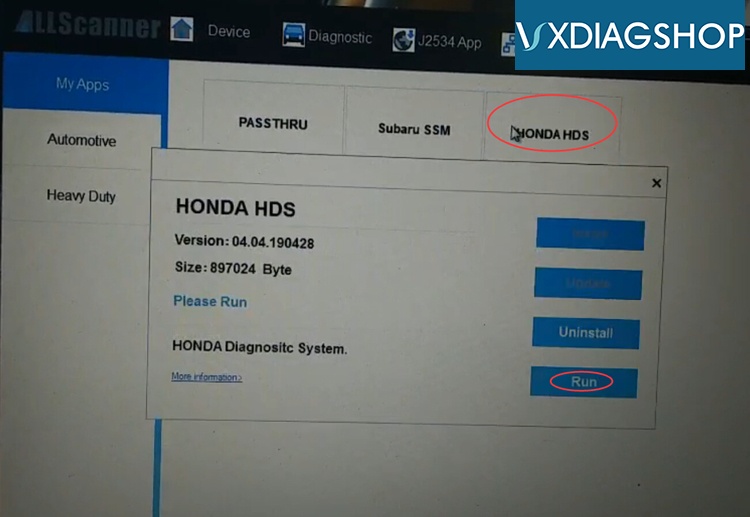
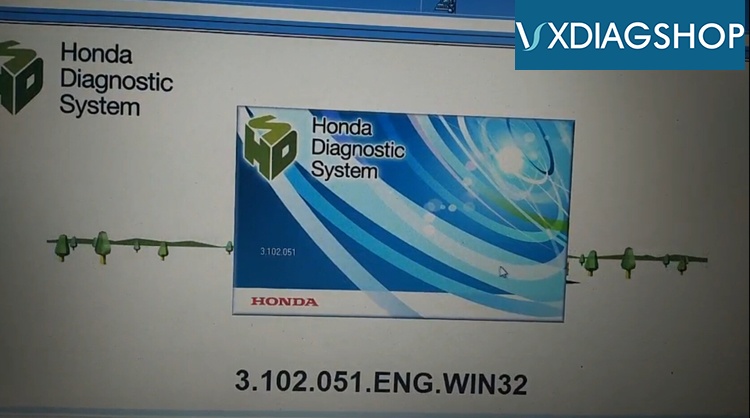
I have got the Honda license activated to my VXDIAG Subaru vcx plus.  I cannot open HDS software on desktop. Each times it popped out User Account Control interface and stopped.
vxdiag-honda-hds-6
VXDIAGSHOP solution:
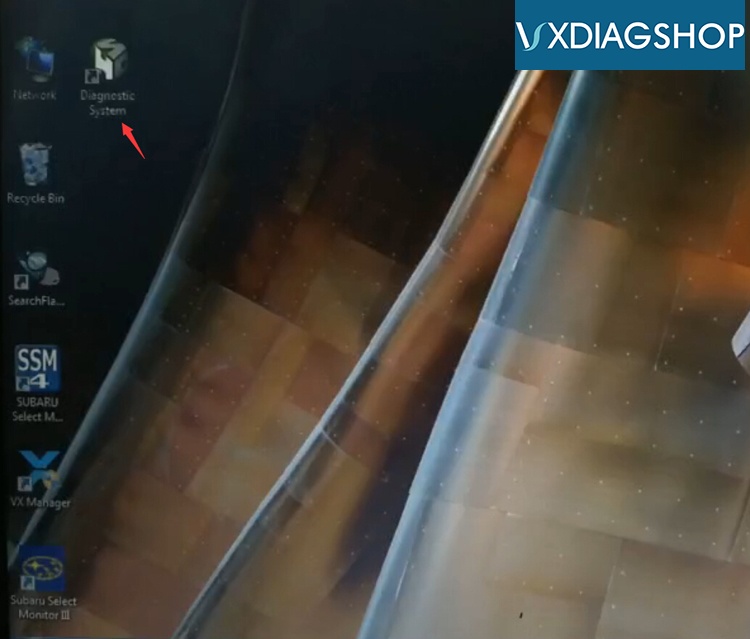
1. Open HDS software on desktop for several times until success
vxdiag-honda-hds-5
2. Run HDS as Administrator
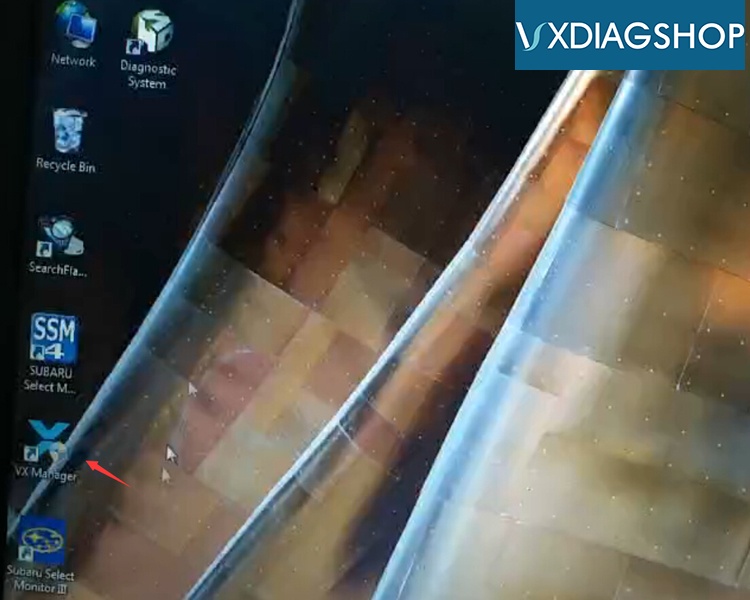
3. Run HDS software from VM Manager (recommended )
vxdiag-honda-hds-1
vxdiag-honda-hds-2
vxdiag-honda-hds-3
vxdiag-honda-hds-4

2019/06/16

Free Download VW FLASHDATEN 2019 Flash files for VXDIAG

Free Download Flashdaten archives for ODIS engineering, for VXDIAG vcx nano VW, VXDIAG VCX PLUS and VAG brands.

VAG Flashdaten 2019.01 free download
https://pan.baidu.com/s/1Uc0CoG2AvWRbZvGyLu7aGg 
password: f7yi
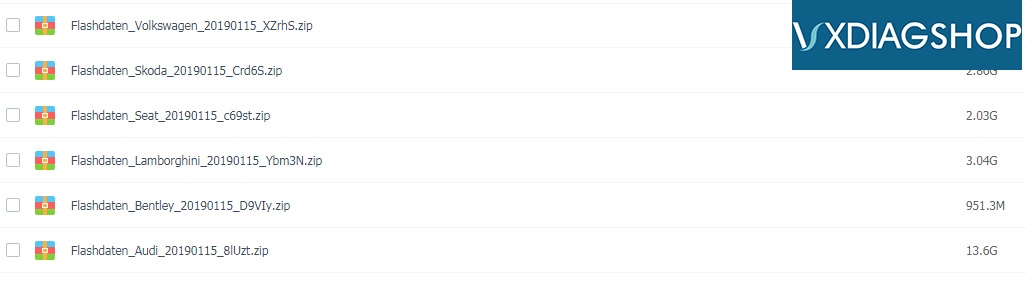
File including:
Flashdaten_VW_20190115
Flashdaten_Skoda_20190115
Flashdaten_Seat_20190115
Flashdaten_Lamborghini_20190115
Flashdaten_Bentley_20190115
Flashdaten_Audi_20190115

vxdiag-odis-vw-flashdaten
NOTE: No mega link available. No cables or interface are supplied, software only.
It is the official software updates for car control units. For the convenience of users in the unpacked form - you can download only the necessary firmware.
To work with VAS-PC / ODIS-E, a diagnostic adapter VXDIAG VW/VAS 505X is required. With ODIS-E it is possible using J2534 PassThru-interface (Tactrix Open Port 2.0)
There is the possibility of flashing through the diagnostic scanner Vag Can Pro, as well as the conversion of .sgo into ordinary binary files.


FYI:
Here you can download latest ODIS 5.1.3 software for VXDIAG VW for free:
ODIS_5.1.3
https://mega.nz/#F!osxVlSaA!8MHyyShgwdeS01LqvRIcKA