Showing posts with label VXDIAG vcx nano VW. Show all posts

2021/11/28

Which VXDIAG is Compatible with ODIS 8.2.0?

Question:

Can i update the wifi vxdiag vcx nano vw scanner with latest ODIS version 8.2.0? I saw it is available on another new vcx se 6154 device.

Answer:
Yes, vcx nano is compatible with latest ODIS software as well. Update by link. So does the vcx se and vcx multi tool series (S/N v71****).
vxdiag-odis-8-2-0

vxdiag technician will upload the new ODIS 8.2.0 software download resource soon.


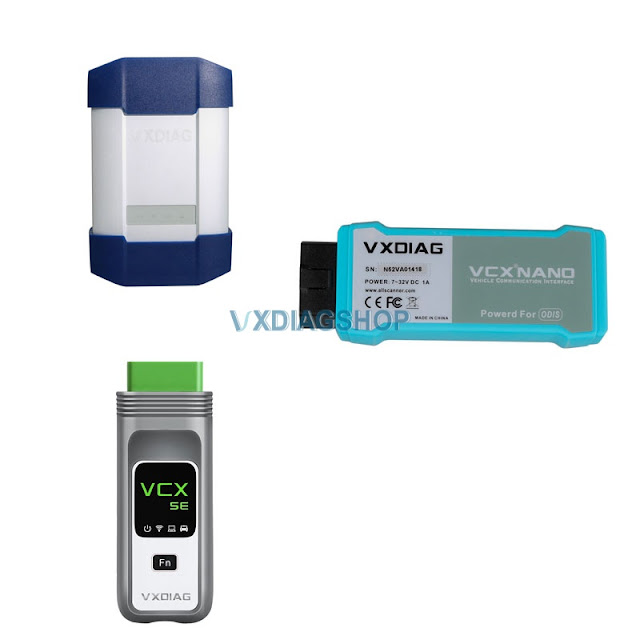
VCX NANO vs VCX SE vs VCX DoIP for VW Audi Skoda Seat 

VCX NANO: for VAG brand only, single license. USB/WiFi connection.

VCX SE: default VAG license, allow being added with multi-car brands. USB/WiFi/Type C connection.

VCX Multi Tool: multi-brand license including VAG. USB/WiFi/LAN connection.

All firmware upgradable, software update by link.

2020/01/14

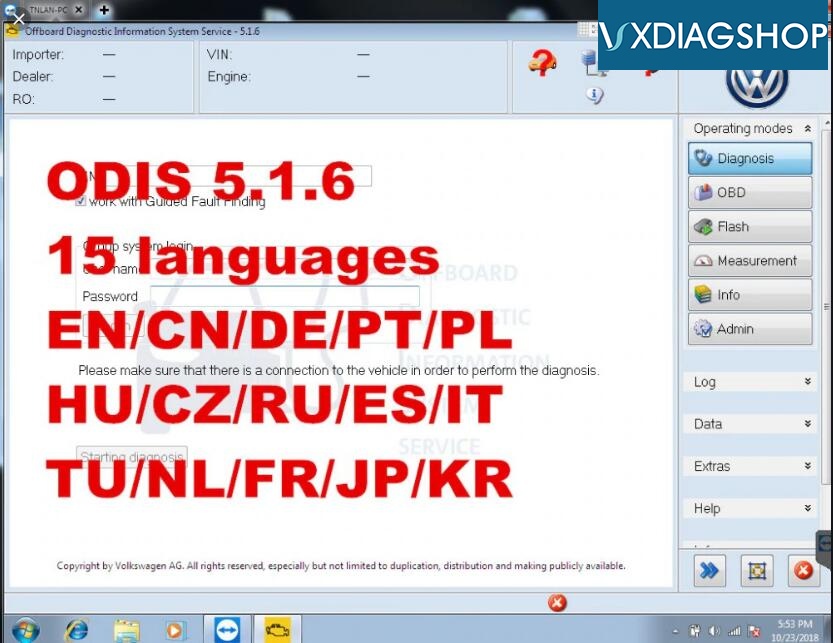
Free Download VXDIAG VCX NANO VW ODIS 5.1.6

VW latest ODIS version 5.1.6 has been tested and verified working with VXDIAG VCX NANO 5054 and VXDIAG VCX Plus diagnostic scanners.
Odis 516
Free download ODIS 5.1.6 software + Postsetup 89.5.30
https://mega.nz/#F!vE4DyQyY!Pu7n1-dqnYihGcdQTQUUXg
ODIS 516

Software including:
ODIS Service:5.1.6
ODIS engineering postsetup 89.5.30
ODIS VW
ODIS Audi
ODIS Skoda
ODIS Bentley
ODIS Lamborghini
Elsawin 5.3
EKTA 8.0
ODIS 5.1.6 software works for Audi VW Skoda Seat Bentley new car models till 2019

Supported Car Models: VW, AUDI, SKODA, SEAT
Multi-language: English/Japanese/Portuguese/Romanian/Korean/Dutch/Polish/Turkish/Spanish/ French/Italian/Croatian/Danish/German/Swedish/Finnish/Slovenian/Czech/Russian/Greek/Chinese
Operating system: Windows 7 32bit/64 bit and Windows 10


How to connect VXDIAG VCX NANO VW for VA-G group?
Vxdiag Vcx Nano Vw 4

How to Install VXDIAG ODIS 5.1.6 Software?

1.Install “OffboardDiagSetup-Service_VWMCD_5_1_6-B51_6_0_10.exe” setup. Required upload License to “Launcer+license+plugins 5.1.6” folder
2. Then copy and replace “OffboardDiagLauncher.exe” file and “plugins” folder from “Launcer+license+plugins 5.1.6” root to ODIS root directory
3.Install Thumb Drive to upload database PоstSetup_89.5.30.iso
4. Run ODIS, upload PostSetup files according to the software prompts. The PostSetup installation process takes about 1 to 2 hours.
 

Note: When install VXDIAG VW ODIS software, please choose "6154"

2019/06/16

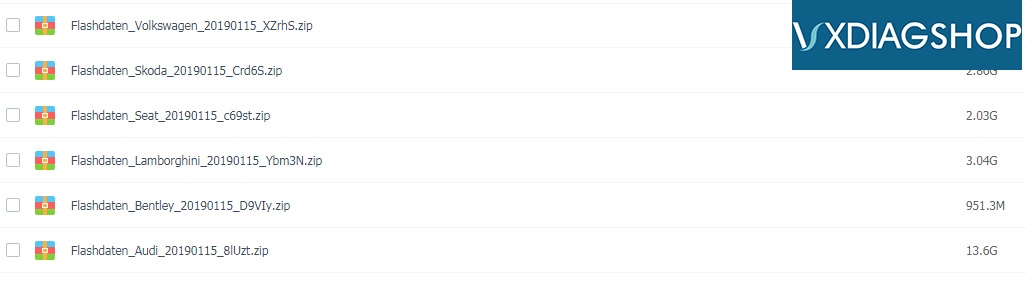
Free Download VW FLASHDATEN 2019 Flash files for VXDIAG

Free Download Flashdaten archives for ODIS engineering, for VXDIAG vcx nano VW, VXDIAG VCX PLUS and VAG brands.

VAG Flashdaten 2019.01 free download
https://pan.baidu.com/s/1Uc0CoG2AvWRbZvGyLu7aGg 
password: f7yi
File including:
Flashdaten_VW_20190115
Flashdaten_Skoda_20190115
Flashdaten_Seat_20190115
Flashdaten_Lamborghini_20190115
Flashdaten_Bentley_20190115
Flashdaten_Audi_20190115

vxdiag-odis-vw-flashdaten
NOTE: No mega link available. No cables or interface are supplied, software only.
It is the official software updates for car control units. For the convenience of users in the unpacked form - you can download only the necessary firmware.
To work with VAS-PC / ODIS-E, a diagnostic adapter VXDIAG VW/VAS 505X is required. With ODIS-E it is possible using J2534 PassThru-interface (Tactrix Open Port 2.0)
There is the possibility of flashing through the diagnostic scanner Vag Can Pro, as well as the conversion of .sgo into ordinary binary files.


FYI:
Here you can download latest ODIS 5.1.3 software for VXDIAG VW for free:
ODIS_5.1.3
https://mega.nz/#F!osxVlSaA!8MHyyShgwdeS01LqvRIcKA