Showing posts with label VXDIAG VCX DoIP JLR. Show all posts

2024/02/28

VXDIAG JLR DoIP SDD Works Pathfinder No Connection Solution

Problem:

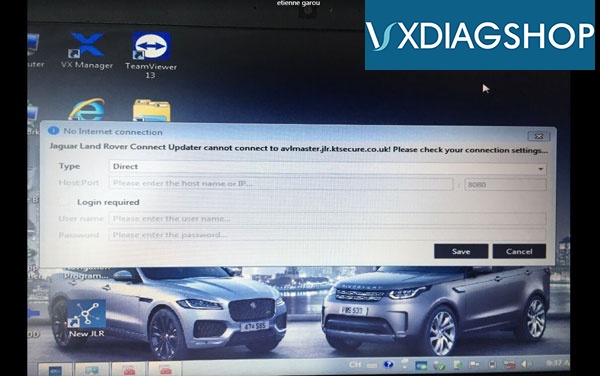
I got the vxdiag vcx se JLR DoIP scanner with hard drive. SDD reads VIN no problem on older model. But Pathfinder has no VCI cummunication with DoIP models.

JLR DoIP driver was installed. Tried to renew license and update firmware, still no luck. Any solution?

VXDIAG JLR DoIP SDD Works Pathfinder No Connection 1

Solution:

If SDD works, Pathfinder has no connection, the Bosch VCI driver is broken or damaged.

Contact us to download Bosch VCI Driver Installer R2_4_22_59.exe driver.

Copy and paste the driver on the desktop, then install it.
After installing Bosch VCI driver, install JLR DoIP driver in vx manager (close Pathfinder software when installing driver).

VXDIAG JLR DoIP SDD Works Pathfinder No Connection 2

Start Pathfinder and test again.


www.vxdiagshop.com

2024/01/09

VXDIAG JLR HDD Loading Error Solution

Here comes the solution to VXDIAG JLR DoIP hard drive failed to load problem from vxdiagshop.com customer.


Problem:

I can’t start the JLR disk, I have a loading error, screenshot attached

VXDIAG JLR HDD Loading Error

Solution & Feedback:

I resolved this issue using a Windows boot disk. Now Windows boots fine.

I downloaded Windows 10 Education.

Boot from this ISO,
click ‘Repair your computer’ -> ‘Troubleshoot’ -> ‘Command Prompt.’
In the Command Prompt, type the following commands:
bootrec /FixMbr
bootrec /FixBoot
bootrec /ScanOs
bootrec /RebuildBcd

Close the Command Prompt and reboot.

2022/03/14

Where to Download Pathfinder for VXDIAG JLR DoIP?

We have a customer consulting if we can send the SDD and Pathfinder software for vxdiag jlr doip scanner via email.

Here comes the solution.

SDD can be downloaded on vxdiagshop.com Download menu or search our previous blog post. SDD would be updated continuously, keep an eye on our website.

As for the Pathfinder can only be downloaded from JLR TOPIX official.

https://topix.landrover.jlrext.com/topix/vehicle/lookupForm

Download Pathfinder for VXDIAG JLR DoIP 1

Pathfinder does not require a patch but you have to install JLR DoIP driver in vx manager.

You can register an user account on TOPIX, you can access diagnosis for free.

From April 2022, Topix cloud is for diagnostic only. No programming modules and so on. just basic things.

You can’t update anymore , we have new software engineering mode and will replace the functions -“Pluto”

VXDIAG JLR DoIP tested no issue on programming with an online subscription from TOPIX.

Download Pathfinder for VXDIAG JLR DoIP 2

Read also: Where to purchase JLR DoIP Online Account?

2021/09/27

How to Solve VXDIAG VCX SE JLR “0 day remaining”?

Vxdiagshop.com engineer offers the solution to VXDIAG VCX SE for JLR error“0 day remaining”.


1st step: Please upgrade VX Manager 1.84 (download from the official site: https://mega.nz/file/yMYD3IqD#ZZ0LpwRvOZi7Y7K7g2JPaEsvMqTrTXQ9rZHNYlzPqi0)


2nd step: connect to the device VXDIAG VCX SE for JLR.


3nd step: Please look at the image below, the Network status should be Online, otherwise the update will fail.

Solve VXDIAG VCX SE JLR “0 day remaining 1

4th step: Upgrade firmware and license.


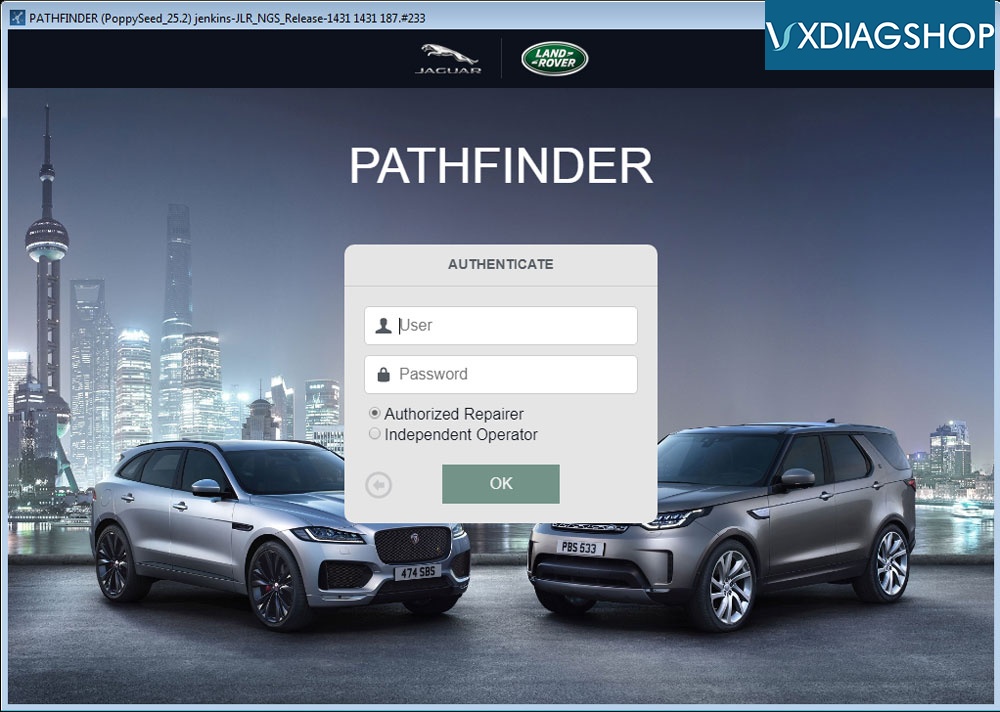
For the user and password of JLR Pathfinder, please go to the official site to register.

https://topix.jaguar.jlrext.com/topix/vehicle/lookupForm

Solve VXDIAG VCX SE JLR “0 day remaining 2

Solve VXDIAG VCX SE JLR “0 day remaining 3


For the other software user name and password, it is as the same as Pathfinder, such as Honda HDS software.

Solve VXDIAG VCX SE JLR “0 day remaining 4

www.vxdiagshop.com

2021/05/10

VXDIAG JLR Pathfinder Device Not Connected Solution

Problem:

I have got the JLR DoIP license activated on my VXDIAG JLR VCX SE VCI device and paid 1 time service on topix.landrover official.

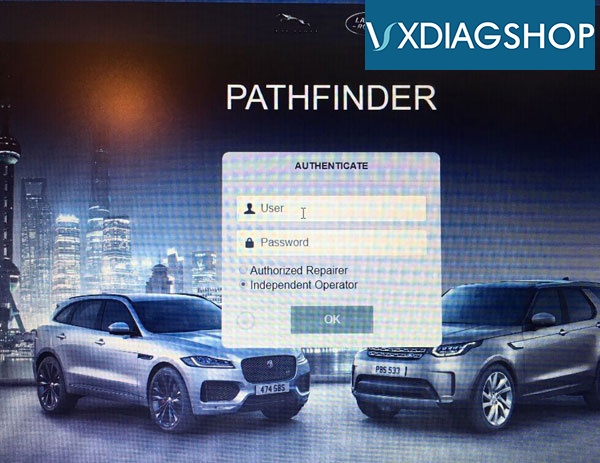
Pathfinder failed to log me in and said Device Not Connected and no response with ECU during autoscan a Land rover L551 year 2020.

vxdiag-vcx-se-jlr-device-not-connected-1

vxdiag-vcx-se-jlr-device-not-connected-2

VXdiagshop.com solution:

“Device not connected” error usually caused by lower VX Manager and firmware version.

Download latest version vx manager (1.8.4 on May 2021), then update firmware and license.

*NOTE:

If you log out Pathfinder to update the driver and firmware, one-time online programming service will expire and won’t let you log in again. 

Make sure the JLR DoIP VCI has the latest vx manager and firmware version before carry out programming.


Users are allowed to register a free account on Topix if require diagnosis functions only.  Programming does require an online subscription.  Vxdiagshop.com does not provide online programming account, you can purchase subscription from Topix JLR.

vxdiag-vcx-se-jlr-device-not-connected-3

vxdiag-vcx-se-jlr-device-not-connected-4


http://blog.vxdiagshop.com/2021/05/10/vxdiag-jlr-doip-device-not-connected-solution/


2019/10/11

Where to Purchase JLR Pathfinder Online Account?

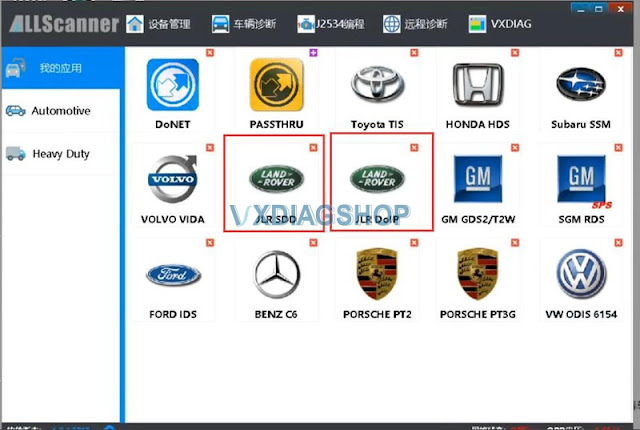
Allscanner VXDIAG VCX DoIP JLR interface supports both SDD & Pathfinder online programming. But we don't provide online account.
vxdiag-jlr-pathfinder-2
vxdiag-jlr-pathfinder-5
You can purchase online account /pay for the subscription  on official website:
https://topix.landrover.jlrext.com/topix/vehicle/lookupForm


What is PATHFINDER?
 
PATHFINDER is the all new diagnostic system specifically designed and released for the introduction of the following vehicles.
Land Rover:
  1. Range Rover L405 (17MY)
  2. Range Rover Sport L494 (17MY)
  3. New Discovery L462 (17MY)
Jaguar:
  1. F-TYPE X152 (18MY)
  2. F-PACE X761 (18MY)
  3. XE X760 (18MY)
  4. XF X260 (18MY)
These vehicles have been designed to communicate with new high speed communication protocols. This allows faster software download, programming and communication, making it faster to use and saving valuable time.
These vehicles can ONLY communicate with the all new PATHFINDER diagnostic software using the new Diagnostics over Internet Protocol (DoIP) Vehicle Communication Interface (VCI) unit which conforms to the new communication protocol.

The latest Pathfinder software goes to V247 (till Oct. 2019). Software can be downloaded free from previous post:
http://blog.vxdiagshop.com/2019/09/10/vxdiag-jlr-doip-pathfinder-update-to-v247/
Video demo:
VXDIAG JLR Pathfinder online programming

VXDIAG JLR Pathfinder 2017 Discovery L462 DoIP BCM programming

2019/02/07

Does VXDIAG VCX DoIP JLR come with Pathfinder software?

Q: Does VXDIAG VCX DoIP include Pathfinder software? Can it be updated? Can it configure Electronic module online??

A:
1) Yes, VXDIAG JLR DoIP comes with Pathfinder software for new Jaguar & Land rover.
2) It is upgradable. Update online, don't need to purchase new HDD.
3) Yes, it will program modules online. But online programming requires online account and password. We DON'T provide account.
You can register online account here by yourself.
https://topix.landrover.jlrext.com/topix/vehicle/lookupForm
vxdiag-jlr-pathfinder-1 vxdiag-jlr-pathfinder-2
http://www.vxdiagshop.com