2020/01/17

VXDIAG VCX NANO WiFi Review on Mazda CX5

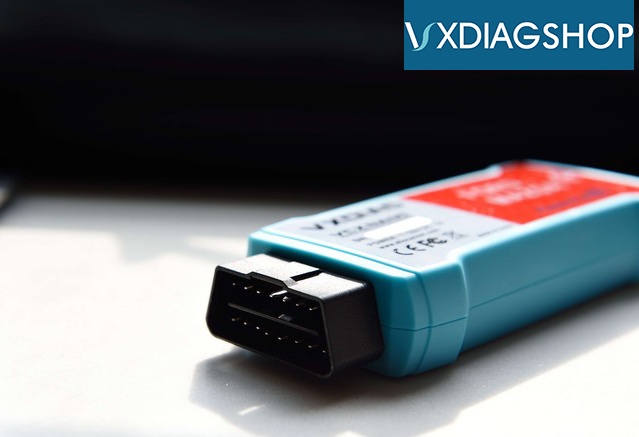
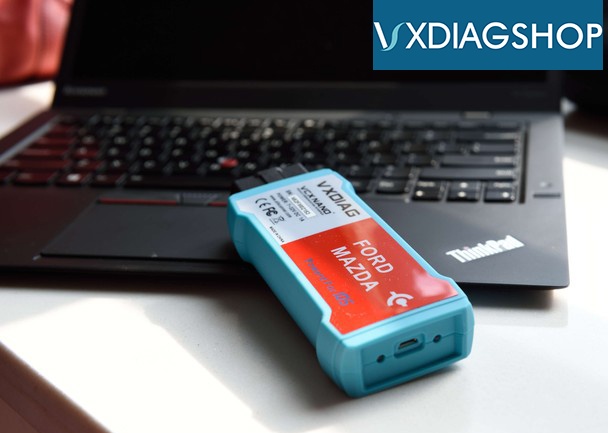
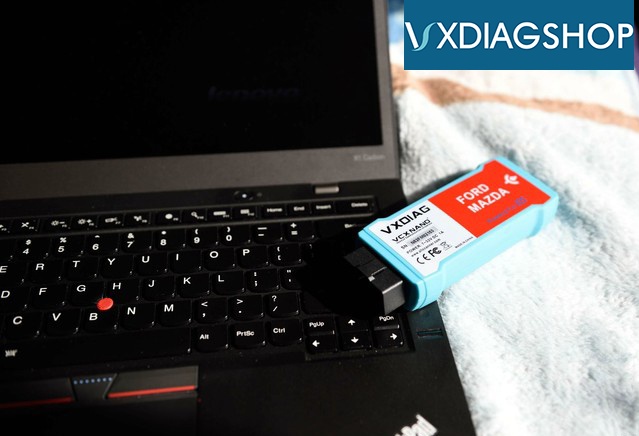
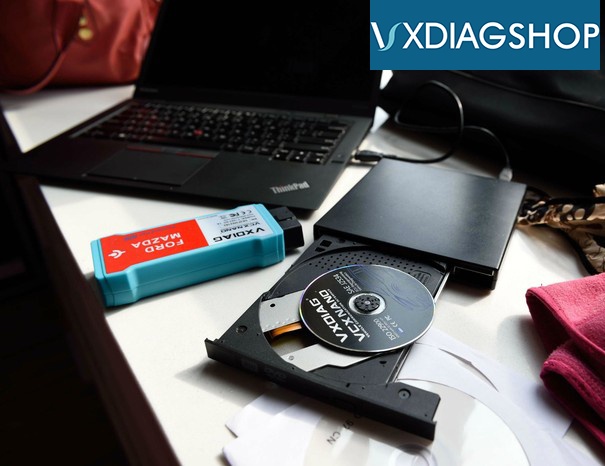
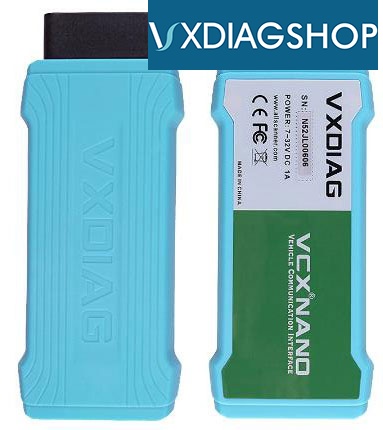
My old vcm2 clone was broken. I purchased a vxdiag vcx nano for ford/mazda to have a try. I got the WiFi version. It is cheap though.

The nano was very small, 1/3 size than the VCM ii scanner.
Vxdiag Mazda Cx5 1
Vxdiag Mazda Cx5 2
Vxdiag Mazda Cx5 3
Vxdiag Mazda Cx5 4
Vxdiag Mazda Cx5 5
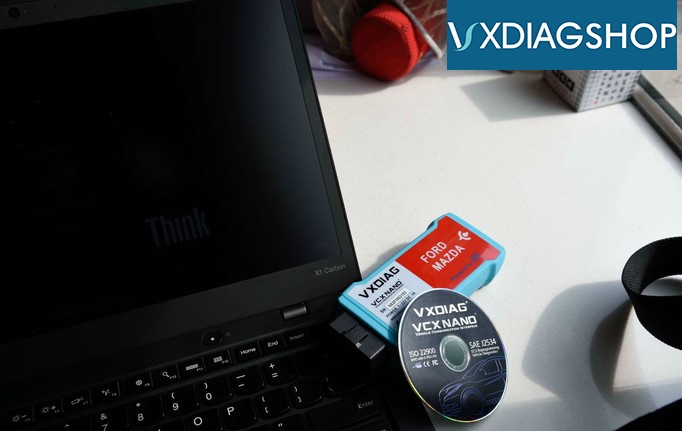
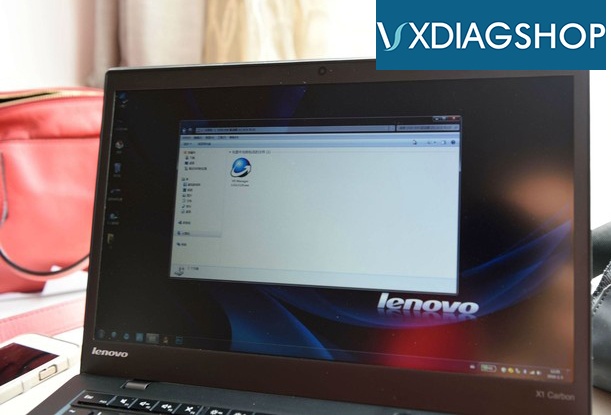
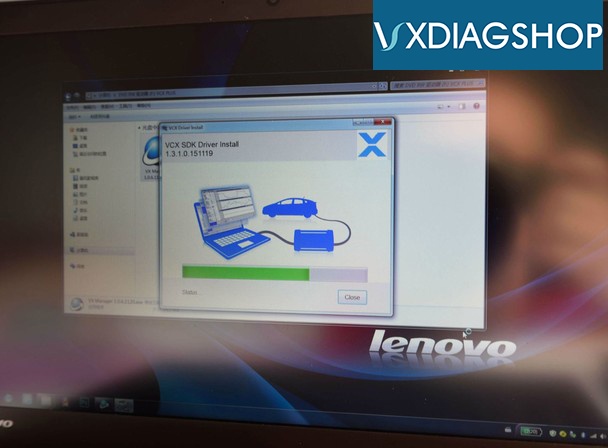
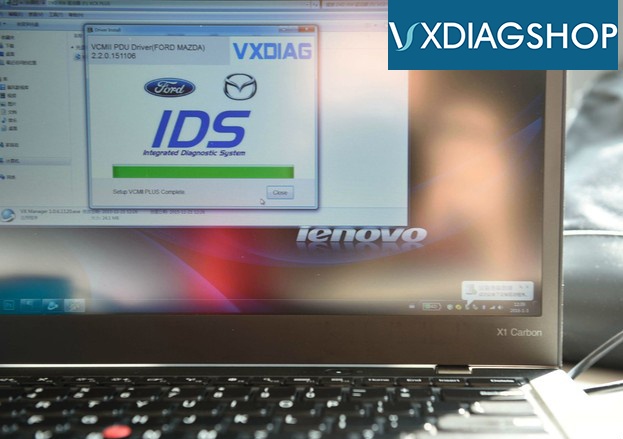
Install the vx manager driver CD on a Lenovo Win7 laptop
Vxdiag Mazda Cx5 6
Vxdiag Mazda Cx5 7
Vxdiag Mazda Cx5 8
First connection requires to connect with Mini USB and laptop in order to well install the driver.
Vxdiag Mazda Cx5 9
Vxdiag Mazda Cx5 10
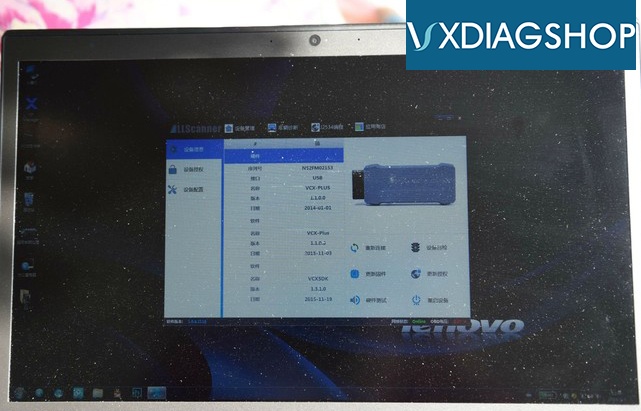
VX manager detected my vcx nano serial number and version information.
Vxdiag Mazda Cx5 11
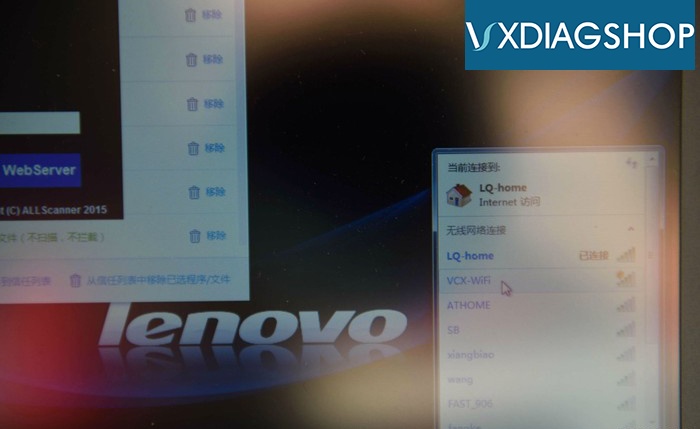
Search WiFi and connect via WiFi
Vxdiag Mazda Cx5 12
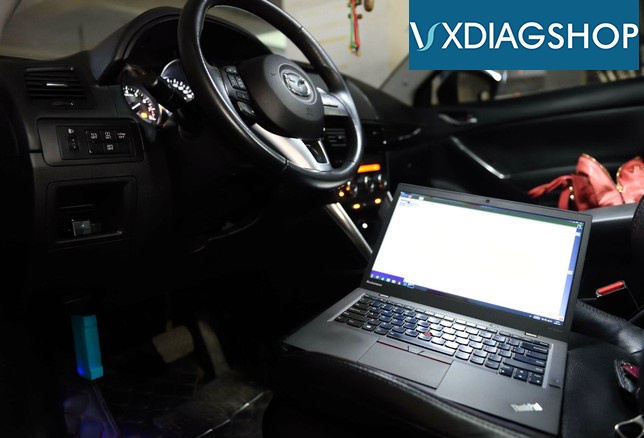
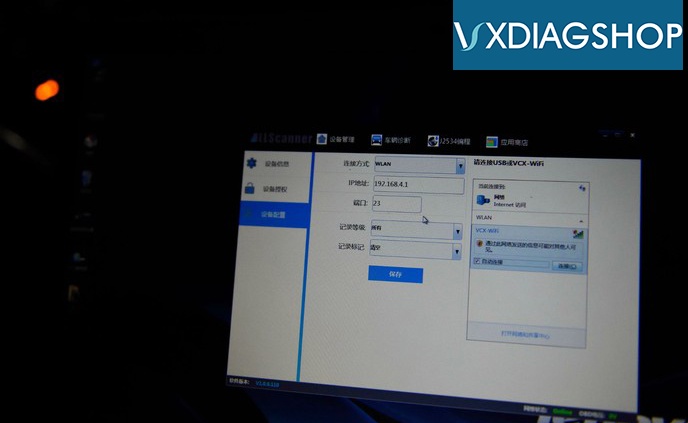
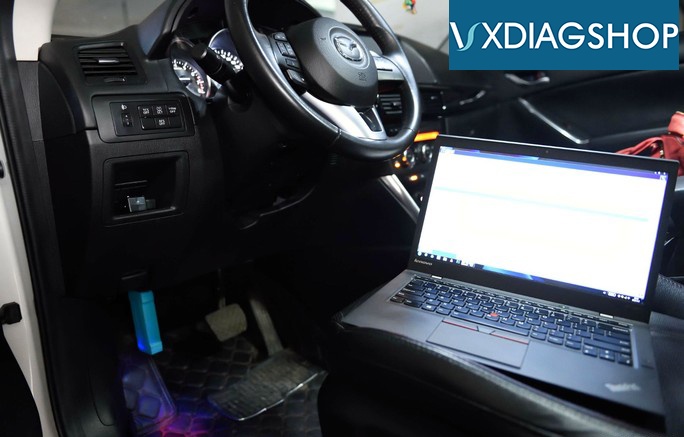
Plug the vxdiag vcx nano mazda interface with vehicle via OBD socket, then choose connection way as WiFi
Vxdiag Mazda Cx5 13
Vxdiag Mazda Cx5 14
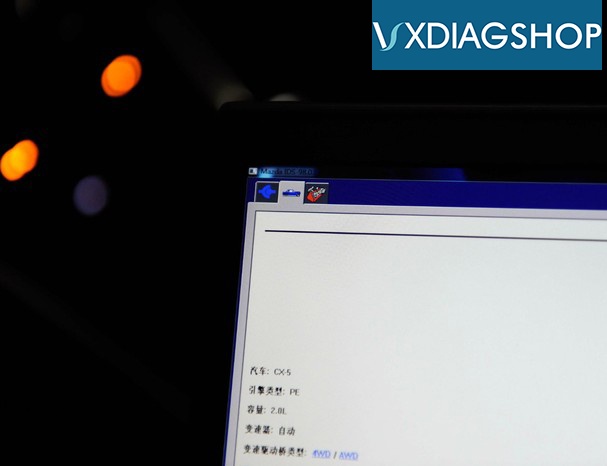
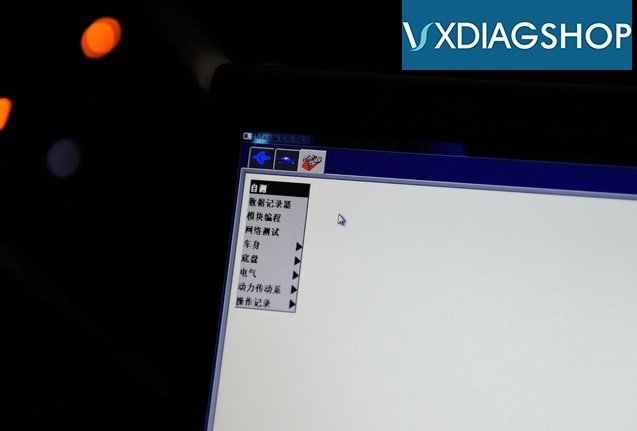
Run IDS software and do a self test
Vxdiag Mazda Cx5 15
Vxdiag Mazda Cx5 16
Vxdiag Mazda Cx5 17
Vxdiag Mazda Cx5 18
The installation didn't bother me much.
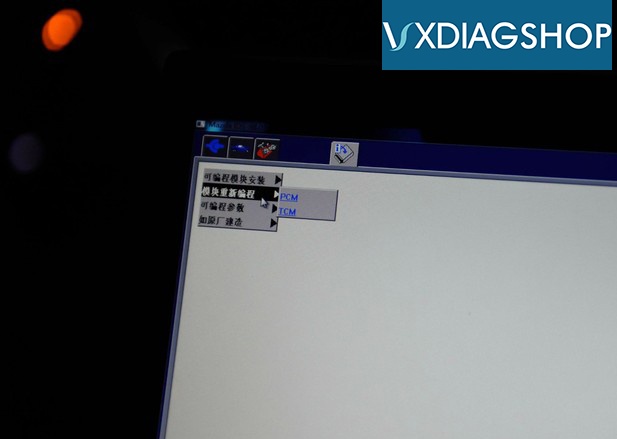
DTC read and write, adaptations, ecu reprogramming, new ecus installing, as built loading, pats coding etc all works.
For flashing/programming, better use USB connection which is more stable than WiFi connection (tested by me).
 the 85 dollars i spent on this and the software saved me hundreds.

2020/01/14

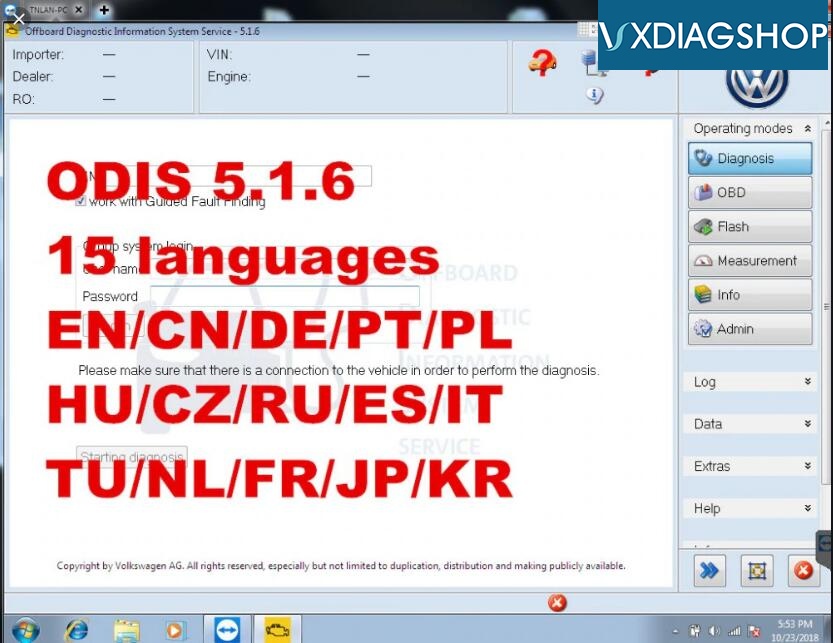
Free Download VXDIAG VCX NANO VW ODIS 5.1.6

VW latest ODIS version 5.1.6 has been tested and verified working with VXDIAG VCX NANO 5054 and VXDIAG VCX Plus diagnostic scanners.
Odis 516
Free download ODIS 5.1.6 software + Postsetup 89.5.30
https://mega.nz/#F!vE4DyQyY!Pu7n1-dqnYihGcdQTQUUXg
ODIS 516

Software including:
ODIS Service:5.1.6
ODIS engineering postsetup 89.5.30
ODIS VW
ODIS Audi
ODIS Skoda
ODIS Bentley
ODIS Lamborghini
Elsawin 5.3
EKTA 8.0
ODIS 5.1.6 software works for Audi VW Skoda Seat Bentley new car models till 2019

Supported Car Models: VW, AUDI, SKODA, SEAT
Multi-language: English/Japanese/Portuguese/Romanian/Korean/Dutch/Polish/Turkish/Spanish/ French/Italian/Croatian/Danish/German/Swedish/Finnish/Slovenian/Czech/Russian/Greek/Chinese
Operating system: Windows 7 32bit/64 bit and Windows 10


How to connect VXDIAG VCX NANO VW for VA-G group?
Vxdiag Vcx Nano Vw 4

How to Install VXDIAG ODIS 5.1.6 Software?

1.Install “OffboardDiagSetup-Service_VWMCD_5_1_6-B51_6_0_10.exe” setup. Required upload License to “Launcer+license+plugins 5.1.6” folder
2. Then copy and replace “OffboardDiagLauncher.exe” file and “plugins” folder from “Launcer+license+plugins 5.1.6” root to ODIS root directory
3.Install Thumb Drive to upload database PоstSetup_89.5.30.iso
4. Run ODIS, upload PostSetup files according to the software prompts. The PostSetup installation process takes about 1 to 2 hours.
 

Note: When install VXDIAG VW ODIS software, please choose "6154"

2020/01/13

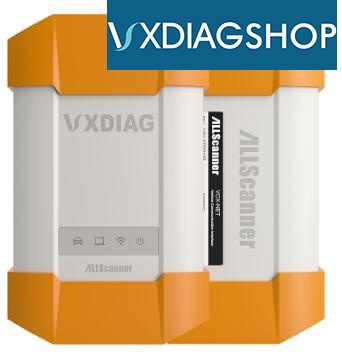
VXDIAG Full vs. VXDIAG BMW vs. VXDIAG Benz vs. VXDIAG Subaru

VXDIAG VCX Plus multi tool comparison:
ItemVXDIAG Full All-in-one
Vxdiag Full
VXDIAG BMW & Benz 2-in-1
Vxdiag Bmw 1
VXDIAG for BMW
Vxdiag Bmw 2
VXDIAG for Benz
Vxdiag Benz
VXDIAG for Subaru
Vxdiag Subaru
Authorization12 VehiclesBenz & BMWBMWBenzSubaru
Coding & ProgrammingRequire online account, except for BMW vehicleRequire online account, except for BMW vehicleYesRequire online accountRequire online account
with SoftwareYesYesYesYesYes
Vehicle ListBMW
2004.1 - 2017.12
Ford & Mazda
2005-2017
GM
2005-2017
Toyota 2000-2017
JLR
2006-2016
VAG
2008-2017
Subaru 2005-2017
Porsche 2005-2017
Benz 2005.1-2017.12
Volvo 00-2015
Honda 05-17
BMW
2004.1 - 2017.12

Benz
2005.1-2017.12
BMW
2004.1 - 2017.12
Benz
2005.1-2017.12
2005-2017
Read and clear ABS and SAS error codesYesYesYesYesYes
Read and clear SRS error codesYesYesYesYesYes
Full System
Diagnostic
YesYesYesYesYes
Internet UpdatableYesYesYesYesYes
with WIFIYesYesYesYesYes

VXDIAG Multi Tool USB connection wiring:
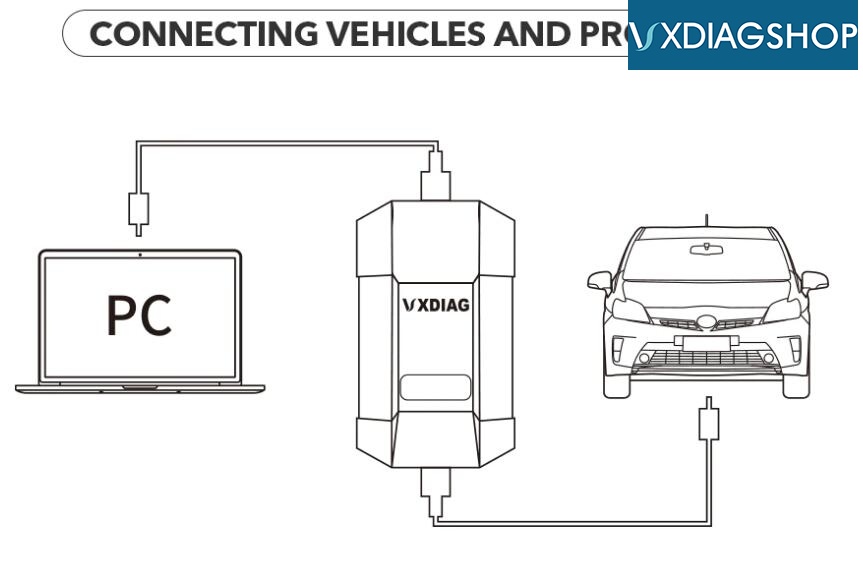
Vxdiag Connection

2020/01/07

VXDIAG Subaru SSM3 Fixed 2015 Outback SRVD Issue

I bought the VXDIAG for Subaru. I have a 2015 Outback which had thrown a code regarding the Subaru Rear/Side Vehicle Detection (SRVD) System. My plan was to try to clear the code and potentially run the radar calibration process if necessary.
 

Using the process described in the SubaruOutback.org forum
https://www.subaruoutback.org/threads/srvd-disabled-fixed-and-dont-trust-the-dealer.500049/ )
I was able to clear the code without needing a recalibration.
 
 
 After the SRVD disabled, I pulled the bumper cover to see of there was any physical damage. None. I went on Google and did a search for 87611AL00A (Subaru part number for the RADAR units) and found that 87611AL01A or 87611AL03A was a replacement. A place on Ebay had two of the 87611AL01A units from the same car which I bought for $60 each (it was hard to refuse a money-back guarantee). With the bumper cover still removed, installation and testing was simple. The replacement parts worked perfectly. I was so happy not have to do an alignment per above. I also bought all new bumper clips from an on-line Subaru parts place. Most of the old clips were damaged during removal.
The reason the car is on jacks and the tires removed was because this car has factory mud flaps which were difficult to remove with the tires in place. Having the tires off also made seeing what needed to be done to remove the bumper cover easier.
Things to note: 
A) A more recent version of the VXManager (ver 1.6.2) software is available at the AllScanner site .
B) Some types of system diagnostics only work if the ignition is in either accessory mode or the car is running. I found that this applies to the Radar diagnostics and calibration processes only.
C) The default password for the Wifi on the device is 12345678
 

2020/01/06

VXDIAG VCX NANO Volvo VIDA No VCI Selection Solution

Problem:
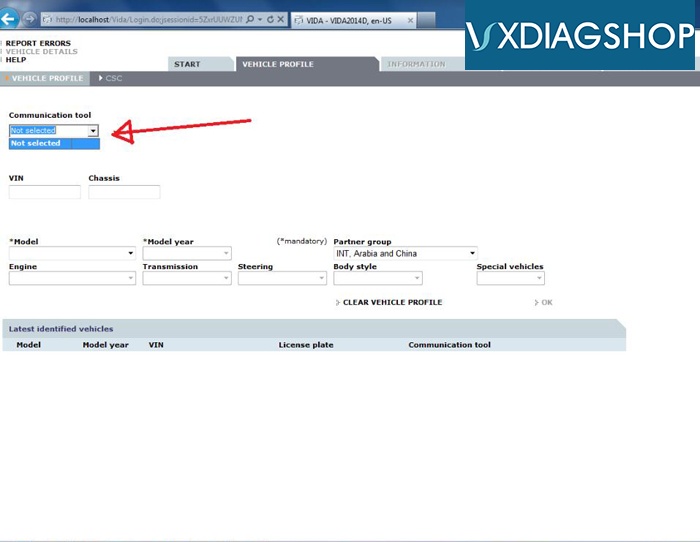
I failed to connect the vxdiag vcx nano Volvo interface with laptop. vx manager does not detect the nano vci. There is no vxdiag tool interface option in Communication tool of the VIDA 2014D software.
Volvo Driver 1
Possible reason & solution:
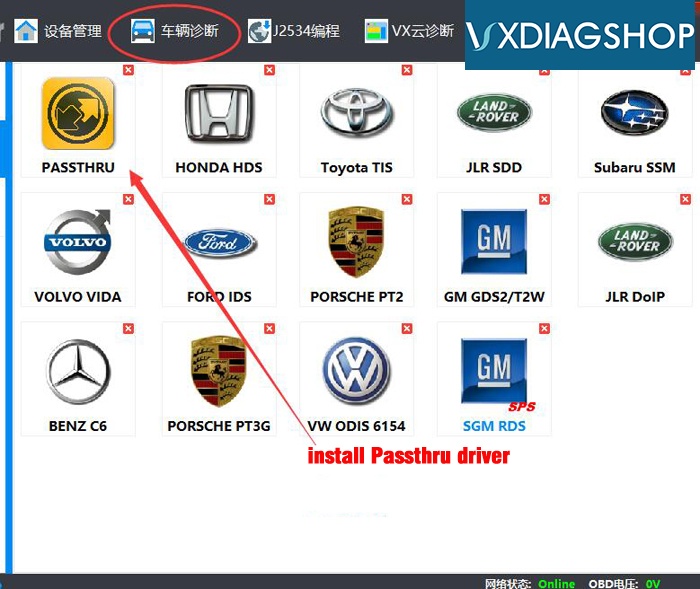
You didn't install Passthru driver.
Install both PASSTHRU and Volvo VIDA driver.
[caption id="attachment_2784" align="alignnone" width="700"]Volvo Driver 2 Volvo Driver 2[/caption]
Guide:
Free Download VXDIAG VCX NANO Volvo VIDA 2014D
VIDA 2015A Verified working with VXDIAG VCX NANO

2020/01/01

Possible to Diagnose OBDI Vehicles with VXDIAG Scanners?

Question:
Hi, is it VXDIAG VCX NANO for Toyota work on my Tacoma with old OBDI 22-PIN diagnostic socket?
Possible to add a old-22-PIN cable to it just like mini vci?

Answer:
No, VXDIAG Scanners only works with standard OBDII vehicles.


Here're the vxdiag diagnostic tools compatible vehicle year range:
Benz Smart Maybach 2001.1-2019.03
BMW Mini Rolls Royce 2004.1-2019 
Toyota Lexus Scion 2000-2018
Honda Acura 2005-2018
Volvo 2000-2016
VW Audi Skoda Seat Bentley Lamborghini 2001-2018
Jaguar Land Rover SDD 2007-2016, PATHFINDER supports JLR after year 2017
Ford Lincoln 2005-2018
GM Chevrolet Buick GMC Cadillac Opel Saab 2000-2018 (tech2win doesn't support Opel/Saab)
Porsche PIWIS II supports 2005-2016, PIWIS III supports Porsche after year 2017
Subaru 2005-2018

2019/12/31

Possible to Program Land Cruiser TPMS IDs with VXDIAG Toyota Techstream?

Background:
Wrongfully assumed loading new TPMS IDs was as easy as my 2006 Land Cruiser.
Vehicle in question is a 2015 LC, 09/2014 build date


First attempt:
Steps I have taken so far
  • Attempted with Techstream V13 something and a V1.4.1 mini mini cable
  • Attempted with Techstream V14 something and a V2.0.4 mvci cable
  • Attempted with Techstream V14 something and a V1.4.1 mini vci cable
Cables connect, Techstream works fine, fails on the same screen when it tries to write sensor IDs to the vehicle, gives t "ground terminal blah blah blah
Throughout this all I can read TPMS codes, read live data, clear codes, all other modules perform normally.
One thing I noticed is that both cables pass the CAN test but both fail the K line and L Line test.


Second attempt:
I emailed Drew Tech regarding their Mongoose cable and they could not confirm or deny that it would allow you to set TPMS IDs on a 2015 LC. That's a little disappointing for a $500 cable.


Third attempt:
I have looked at the Autel offerings but not in depth. A friend of mine got a Autel TS408 and OEM sensor.  He was managed to program it to a 2013 LC200. A $250 tool that's a 1 time fee is a lot more my speed than a phone/subscription based service.


Fourth attempt:
Tonight I got my VXDiag VCX Nano for Toyota from vxdiagshop and set it up. Installation was pretty painless, shows up as another VCI option in Techstream once you install the drivers.
What I noticed right away was communication with the vehicle was faster - way faster. even than the 2.0.x mini VCI cable.
I had the most success connecting the VCX Nano to my PC, opening the utility software that comes with the VCX Nano and making sure its all good in the hood, then starting Techstream.
Went to load up my new TPMS sensor IDs and it loaded them quickly and painlessly.
Viewed sensor data and the new IDs are loaded in.
The decision to do OEM sensors programmed through Techstream came down to a few things.
  • Closest Discount Tire is an hour away, local Mom and Pop shop has always treated me right - but I bought 4 wheels with tires and 4 more tires in the bed of a pickup to them so no option to program my vehicle
  • I highly value being able to do service myself, even if it means spending lots of money on tools.
  • I wanted to keep my original wheels and tires mounted and ready to go for winter or just because I want to sell my LC with the OEM wheels and tires, since a set of 5 mounted and balanced Rock Warriors/All Terrains with LC TPMS pull a premium.
  • Wanted OEM sensors
  • Subscription based services/tools rub me the wrong way even if they are the cost effective solution.
  • VXDIAG VCX Nano + 5 Denso TPMS sensors cost me $240.
  • I learned a lot, and that is priceless.
The TPMS listed by Denso for my 2015 LC do not work. I had to order ones for a 2014. Those program and worked perfectly. I have a Sept 2014 built 2015 LC.

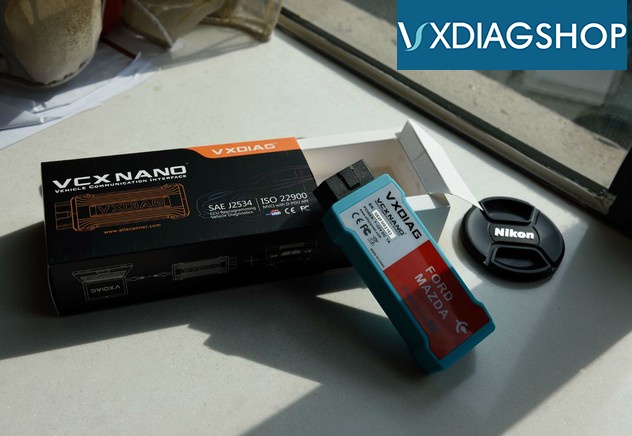
2019/12/30

VXDIAG VCX SE JLR vs. VXDIAG VCX NANO JLR vs. VXDIAG JLR DoIP
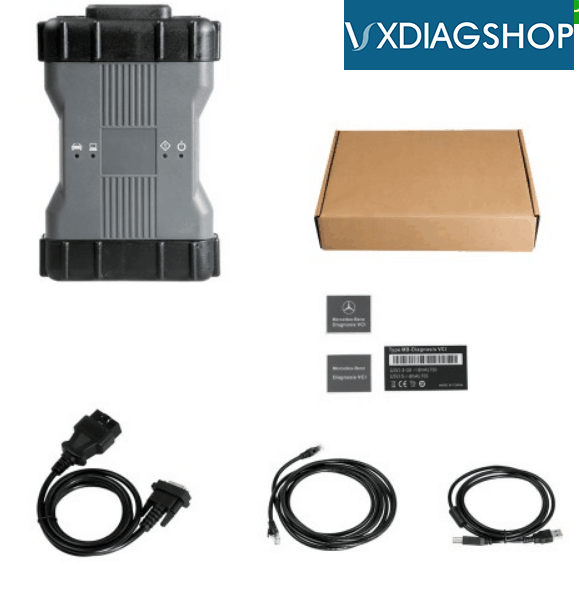
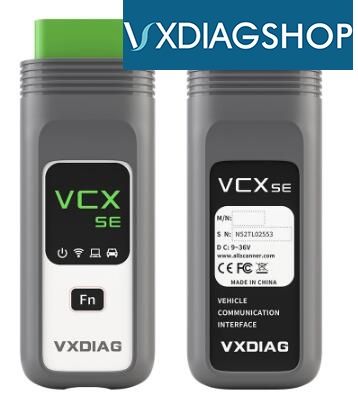
Here vxdiagshop.com makes a comparison among VXDIAG VCX SE JLR, VXDIAG VCX NANO and VXDIAG VCX DoIP for JLR.
ItemVXDIAG VCX SE JLRVXDIAG VCX NANO JLRVXDIAG JLR DoIP
ImageVcx Se JlrVcx Nano JlrVcx Doip Jlr
Compatible SoftwareSDD 158.06, Pathfinder 264SDD 158.06SDD 158.06, Pathfinder 264
Add-on softwareSingle SoftwareSingle Softwaremany Add-on software by extra payment
Software LanguageEnglish
Dutch
Spanish
French
Italian
German
Portuguese
Russian
Japanese
Korean
Chinese
Dutch
English
Spanish
Italian
Japanese
Portuguese
Russian
Chinese
German
Korean
German
English
Spanish
French
Italian
Japanese
Korean
Dutch
Portuguese
Russian
Chinese
Software UpdateBy Link or HDD
(HDD don't need to install software)
By Link or CDBy Link or HDD
(HDD don't need to install software)
Firmware UpdateYesYesYes
Operating SystemWin7 32bitWin7 32bitWin7 32bit
ConnectionUSB & WiFiUSB/ WiFiUSB & WiFi
Support Model YearSDD: 2007 to 2017
Pathfinder: 2017 till now
SDD: 2007 to 2017SDD: 2007 to 2017
Pathfinder: 2017 till now
DiagnosisYesYesYes
Reset maintenance serviceYesYesYes
Program KeysYesYesYes
Change CCFNoYesYes
Program New ModuleYesYesYes
Connection Diagram
VCX SE JLR Connection
Vcx Se Jlr Connection
VCX NANO JLR Connection

Vcx Nano Jlr Connection
VCX DoIP JLR Connection
Vcx Doip Jlr Connection

Summary:
Both VXDIAG VCX SE JLR and VCX NANO are single software interface.
VCX SE JLR supports Pathfinder software while nano does not.
You can add other car brand software to vcx doip jlr, but cannot add software to vcx se jlr.


For Pathfinder diagnostic software, Users need to have online account, our vxdiag vcx DOIP machine support to use this software, but no offer account.You can purchase online account /pay for the subscription on official website: https://topix.landrover.jlrext.com/topix/vehicle/lookupForm

http://www.vxdiagshop.com/service/vxdiag-vcx-se-jlr-vs-vcx-nano-jlr-vs-jlr-doip.html

2019/12/26

How to Activate 2019.12 VXDIAG Benz C6 Xentry and Update Firmware?

Tutorial: how to activate/register latest version 2019.12 Xentry and update vxdiag benz multi tool vci firmware.


The procedure can be applied to:
VXDIAG Benz C6 doip
OEM Benz C6 using VXDIAG solution
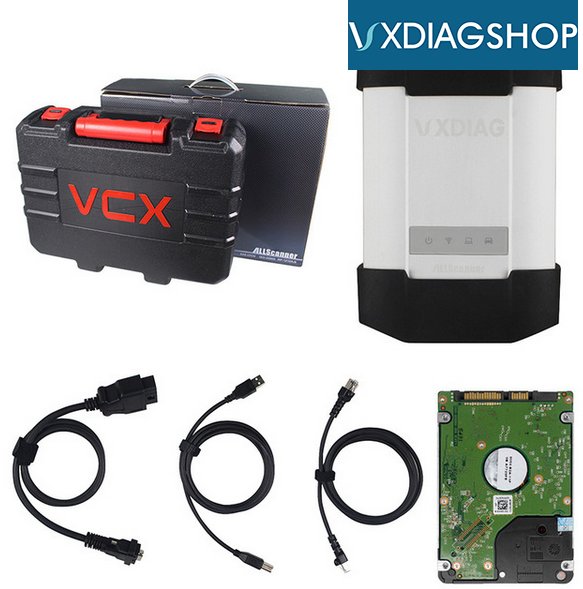
vxdiag-benz-c6-package
Vxdiag C6
  • 2019.12 Xentry DAS does not require activation. Ready to use.
  • DTS Monaco engineer software requires USB connection with vxdiag c6 and laptop
  • EPC WIS requires activation.


How to activate VXDIAG Benz C6 EPC WIS Software?
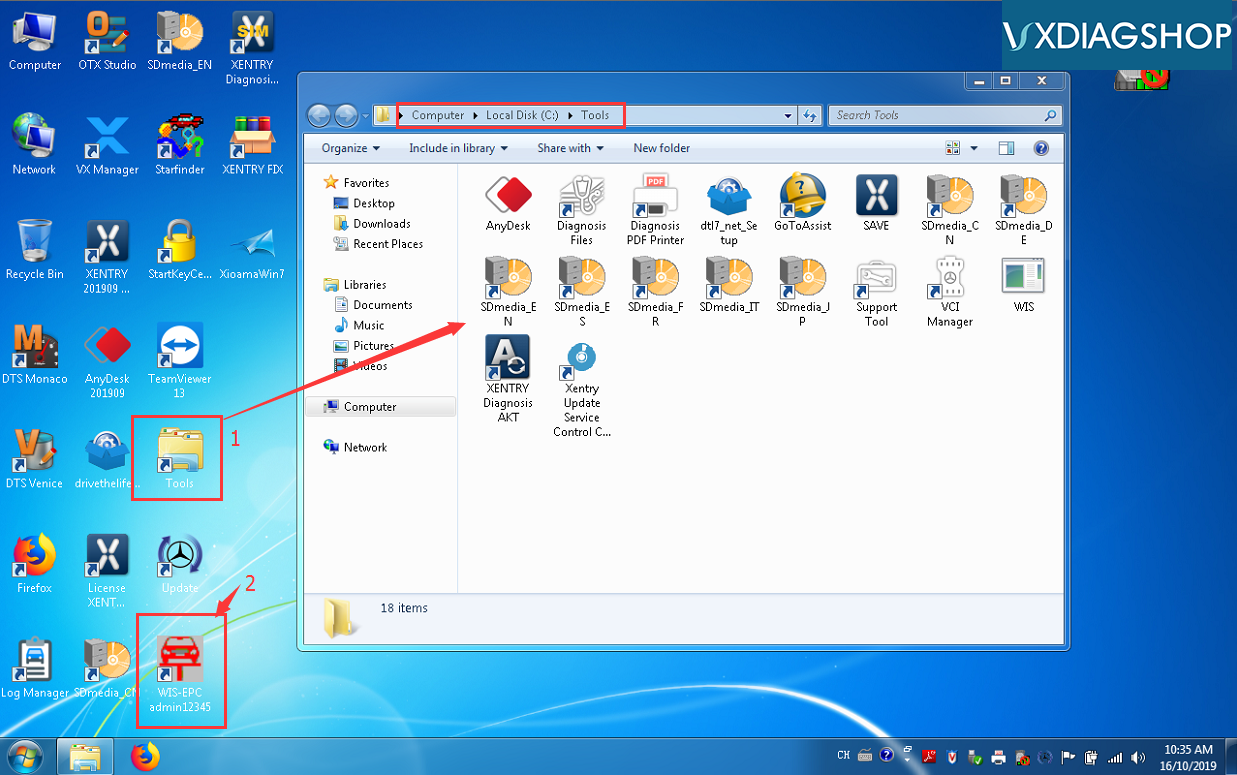
Activate Vxdiag Benz Xentry 1
Open WIS-EPC admin12345 on desktop
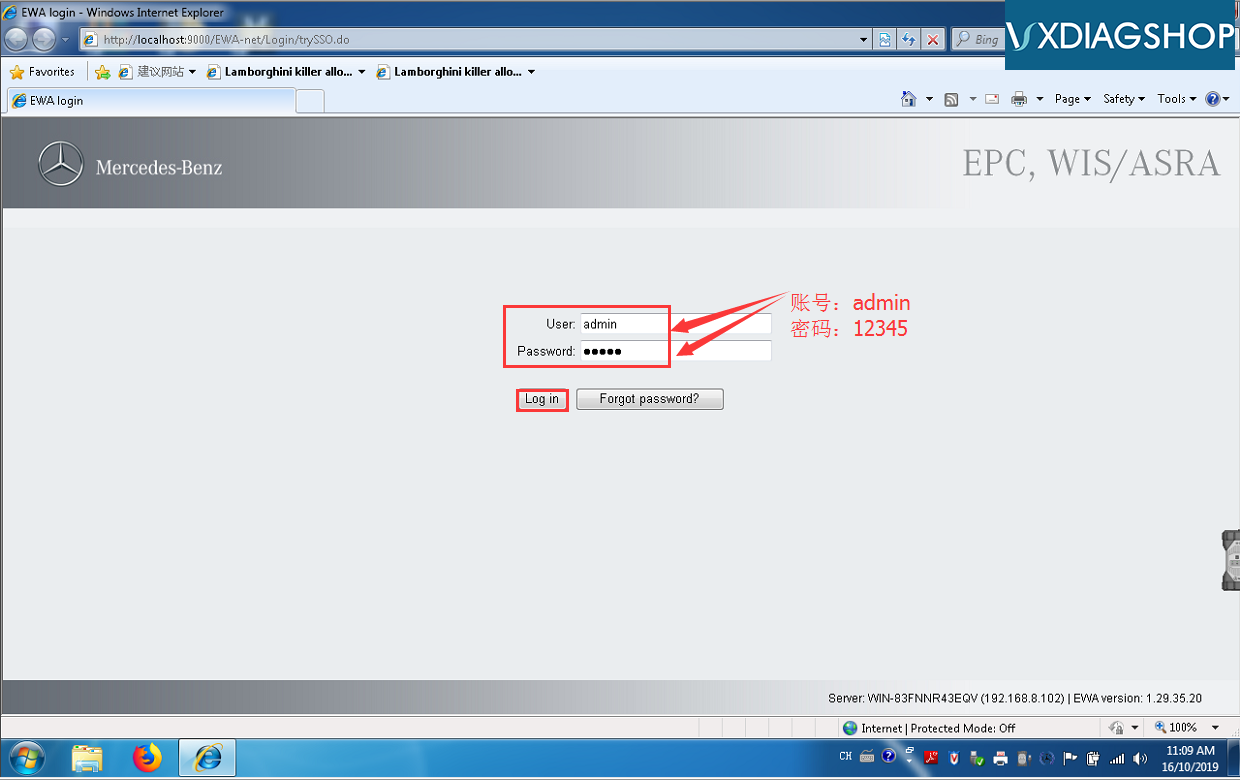
Activate Vxdiag Benz Xentry 2
Enter User name: admin and password: 12345
Activate Vxdiag Benz Xentry 3
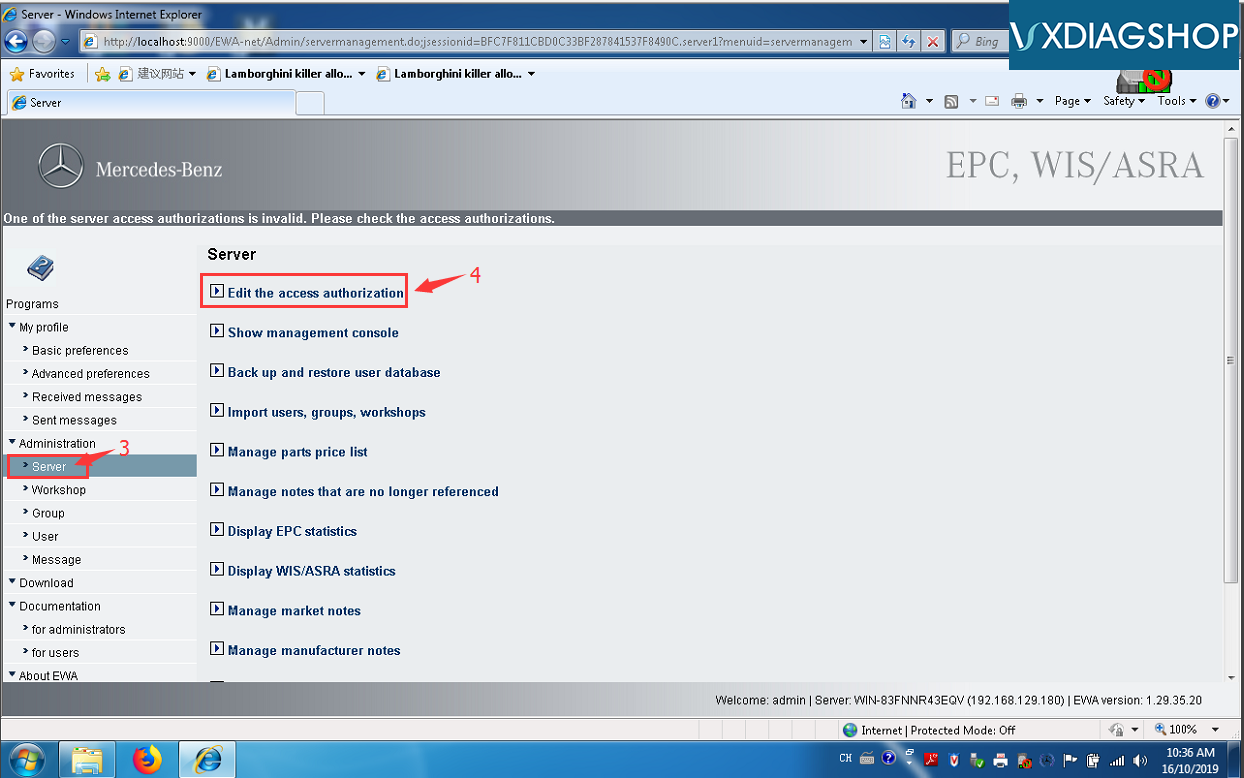
Open EWS-net brower
Select Administration->Server->Edit the access authorization
Activate Vxdiag Benz Xentry 4
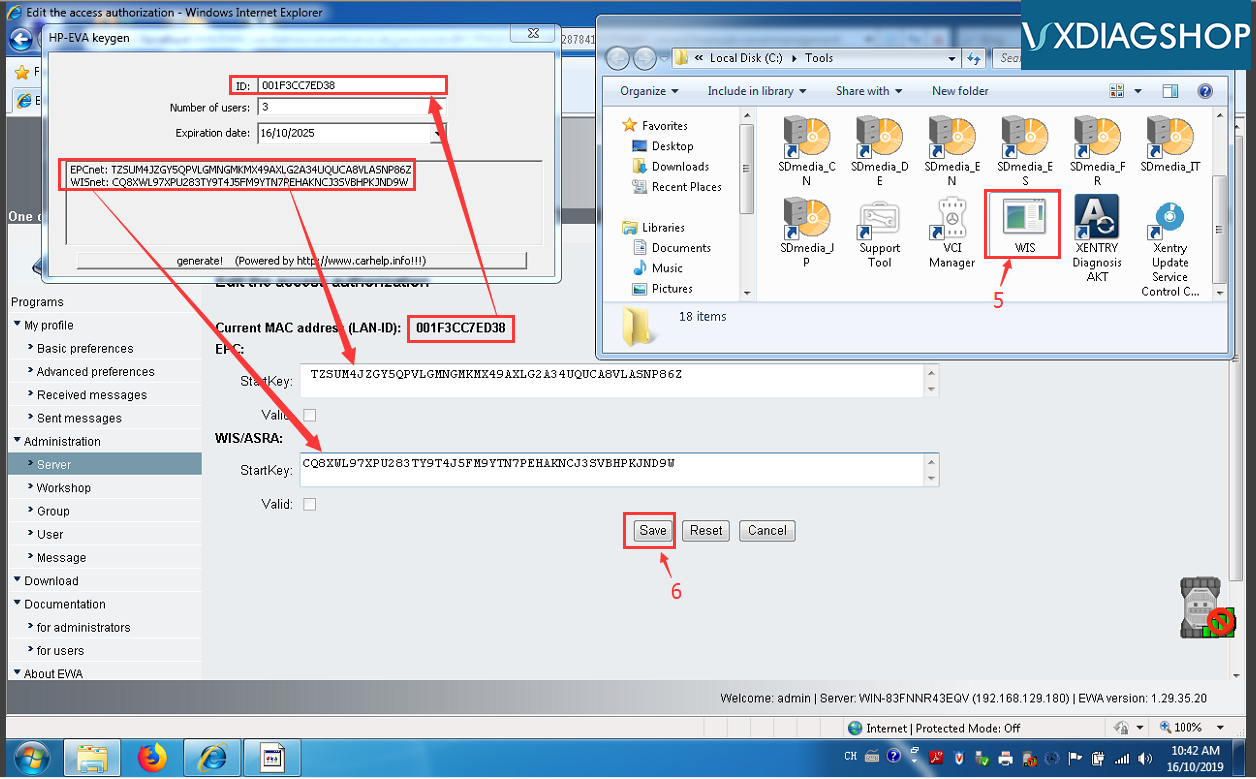
Find WIS/ASRA activation Startkey in Tools folder. Copy and paste ID and activation key to corresponding area. Then press Save.
Note: If it shows unknown LAN-ID error when open EPC-WIS brower, it indicates that you did not install NIC driver. Or uninstall and reinstall NIC driver again.
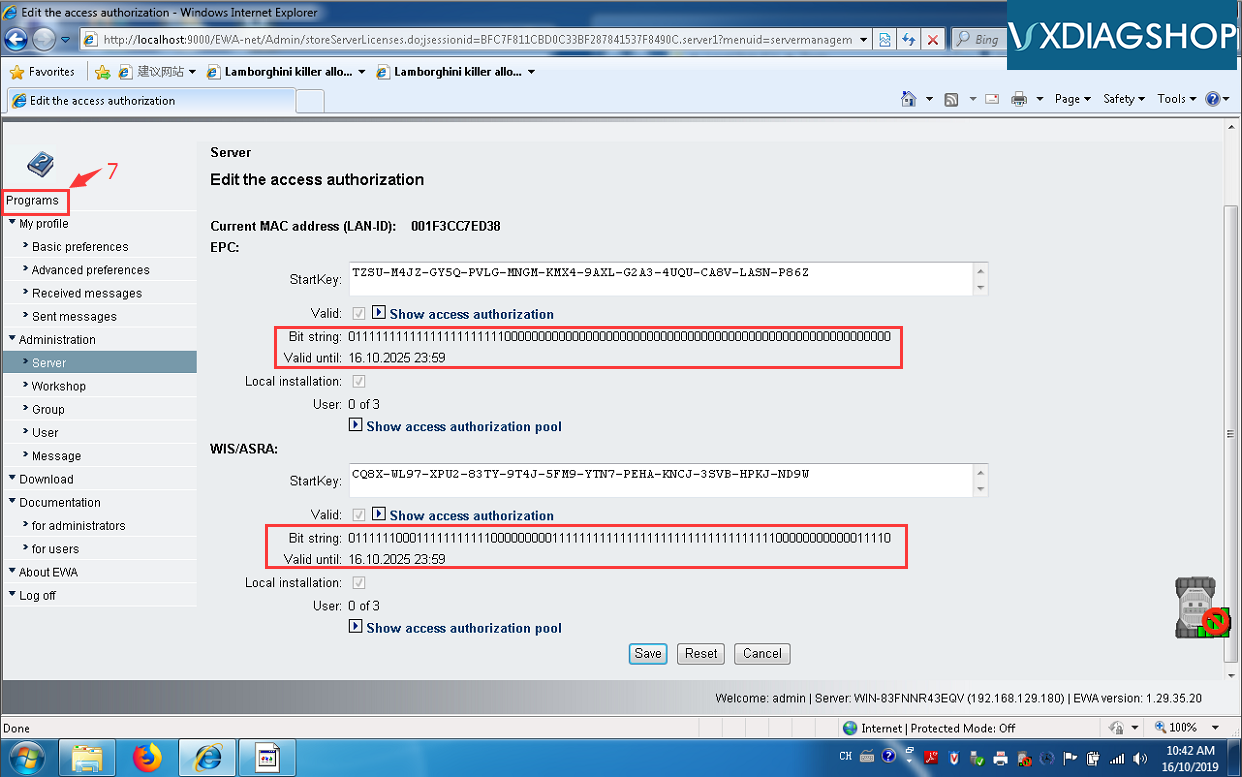
Activate Vxdiag Benz Xentry 5
Go to Programs to check activation status
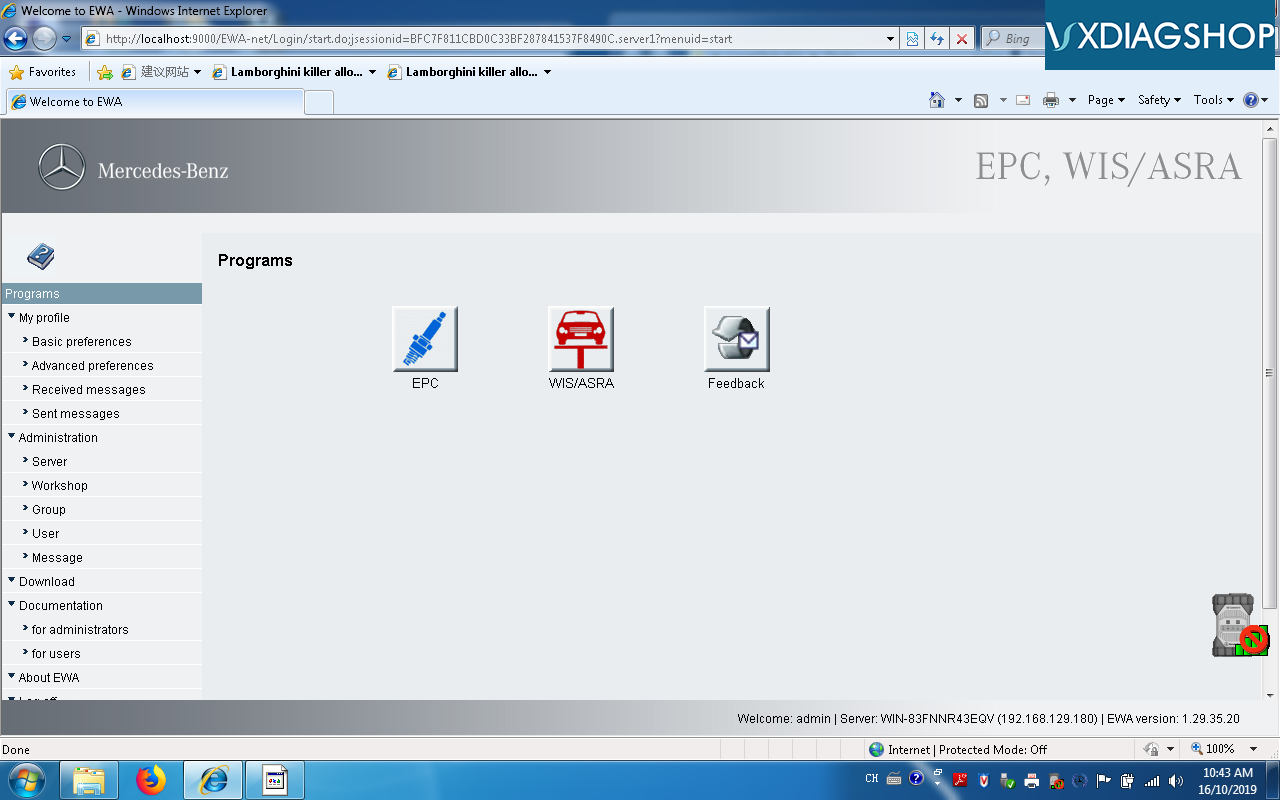
Activate Vxdiag Benz Xentry 6
Activation is done. EPS and WIS successfully registered.

Update Benz C6 VCI Firmware 
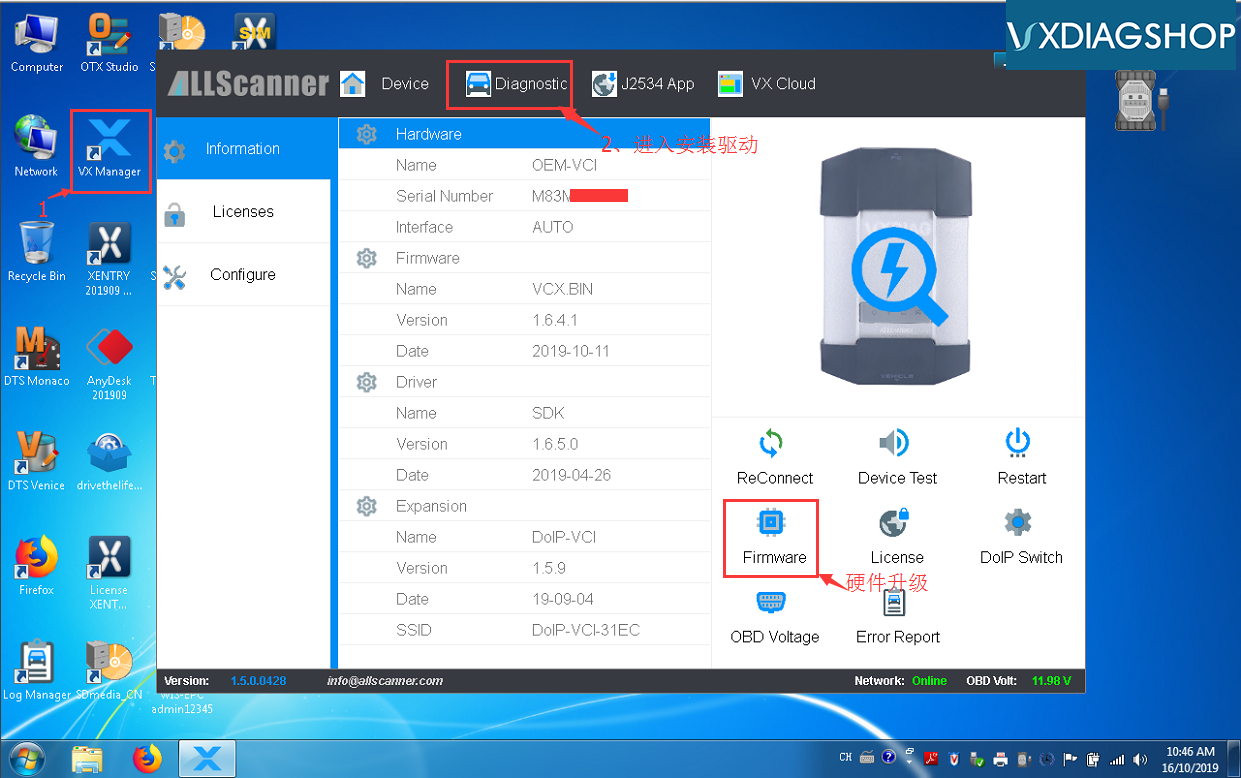
Open VX Manager driver on desktop
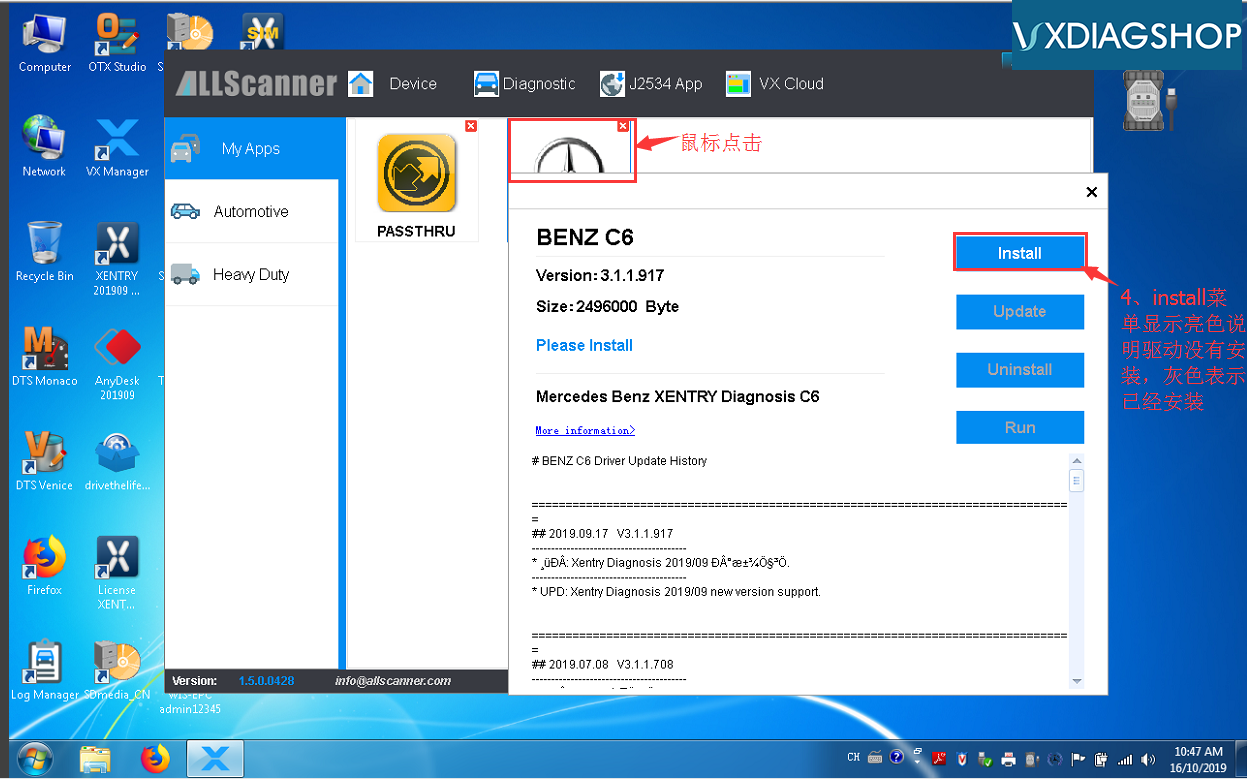
Go to Diagnostic to install Benz driver
Activate Vxdiag Benz Xentry 7
Activate Vxdiag Benz Xentry 8
Choose Benz program and install benz C6 driver
Activate Vxdiag Benz Xentry 9
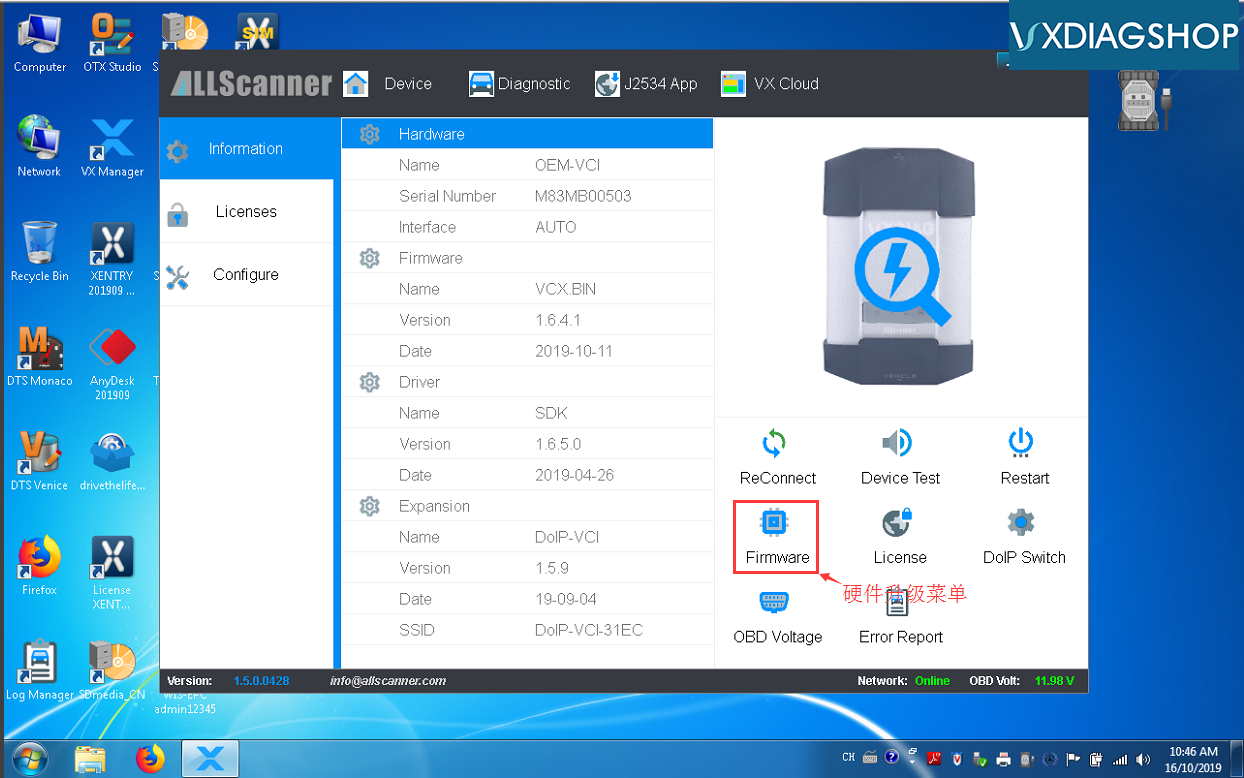
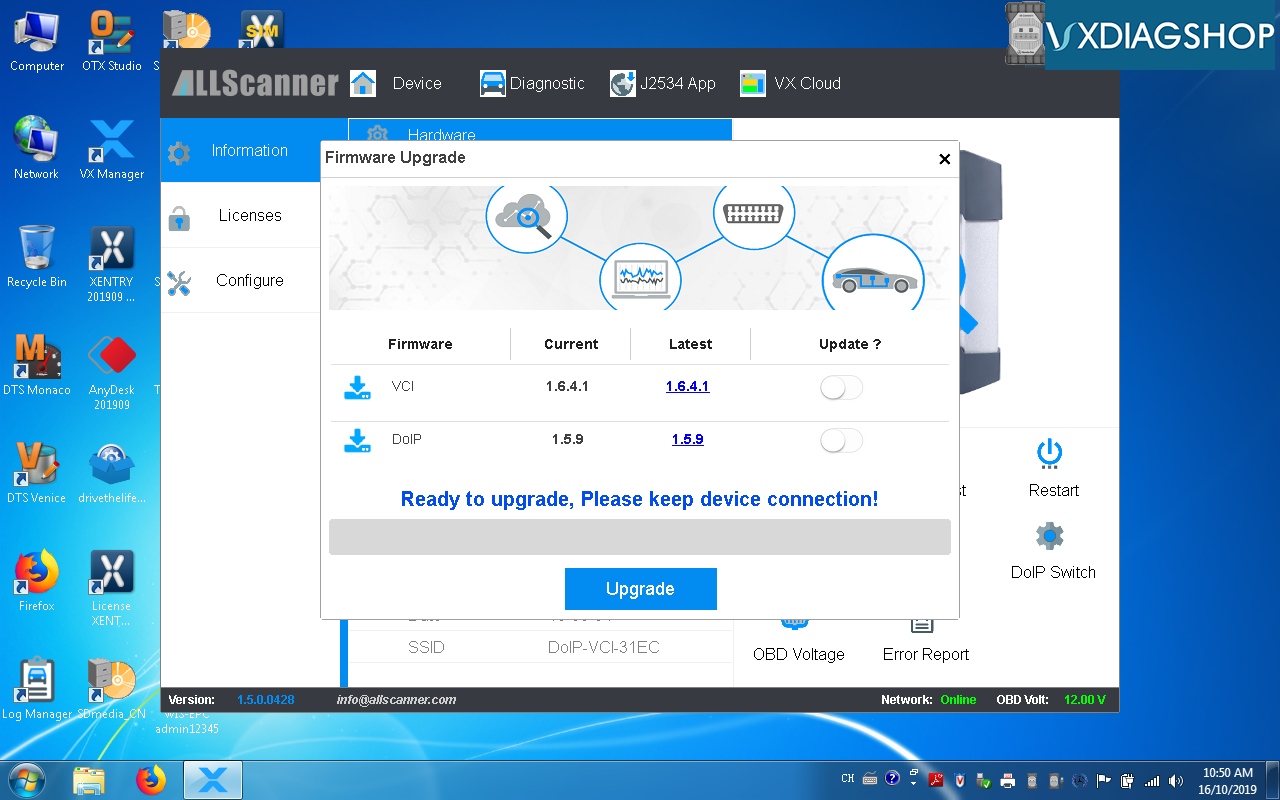
Press Firmware to run VCI update
Activate Vxdiag Benz Xentry 10
Updating vci firmware in progress. Wait until it finished.
VXDIAG C6 Benz multi tool is ready to use.

http://www.vxdiagshop.com/service/activate-2019-12-vxdiag-benz-c6-xentry.html

2019/12/24

How to Install VXDIAG VW ODIS V5.1.6 and PostSetup?

Both VXDIAG VCX NANO VW 5054 and VXDIAG Full VW ODIS software released to latest V5.1.6 with postsetup database.
Odis 516
Software including:
ODIS Service:5.1.6
ODIS VW
ODIS Audi
ODIS Skoda
ODIS Bentley
ODIS Lamborghini
ODIS engineering postsetup
Elsawin 5.3
EKTA 8.0
ODIS 5.1.6 software works for Audi VW Skoda Seat Bentley new car models till 2019

Multi-language: English/Japanese/Portuguese/Romanian/Korean/Dutch/Polish/Turkish/Spanish/ French/Italian/Croatian/Danish/German/Swedish/Finnish/Slovenian/Czech/Russian/Greek/Chinese
Operating system: Windows 7 32bit/64 bit and Windows 10

How to Install VXDIAG ODIS 5.1.6 Software?

1.Install "OffboardDiagSetup-Service_VWMCD_5_1_6-B51_6_0_10.exe" setup. Required upload License to "Launcer+license+plugins 5.1.6" folder
2. Then copy and replace "OffboardDiagLauncher.exe" file and "plugins" folder from "Launcer+license+plugins 5.1.6" root to ODIS root directory
3.Install Thumb Drive to upload database PоstSetup_89.5.30.iso
4. Run ODIS, upload PostSetup files according to the software prompts. The PostSetup installation process takes about 1 to 2 hours.


ODIS 5.1.6 software will be attached here soon.
Here's older version:
ODIS_5.1.5 https://mega.nz/#F!GYhTmQoZ!8W6usmnVxUpm_IJX3hJZYw